



 Shopping Cart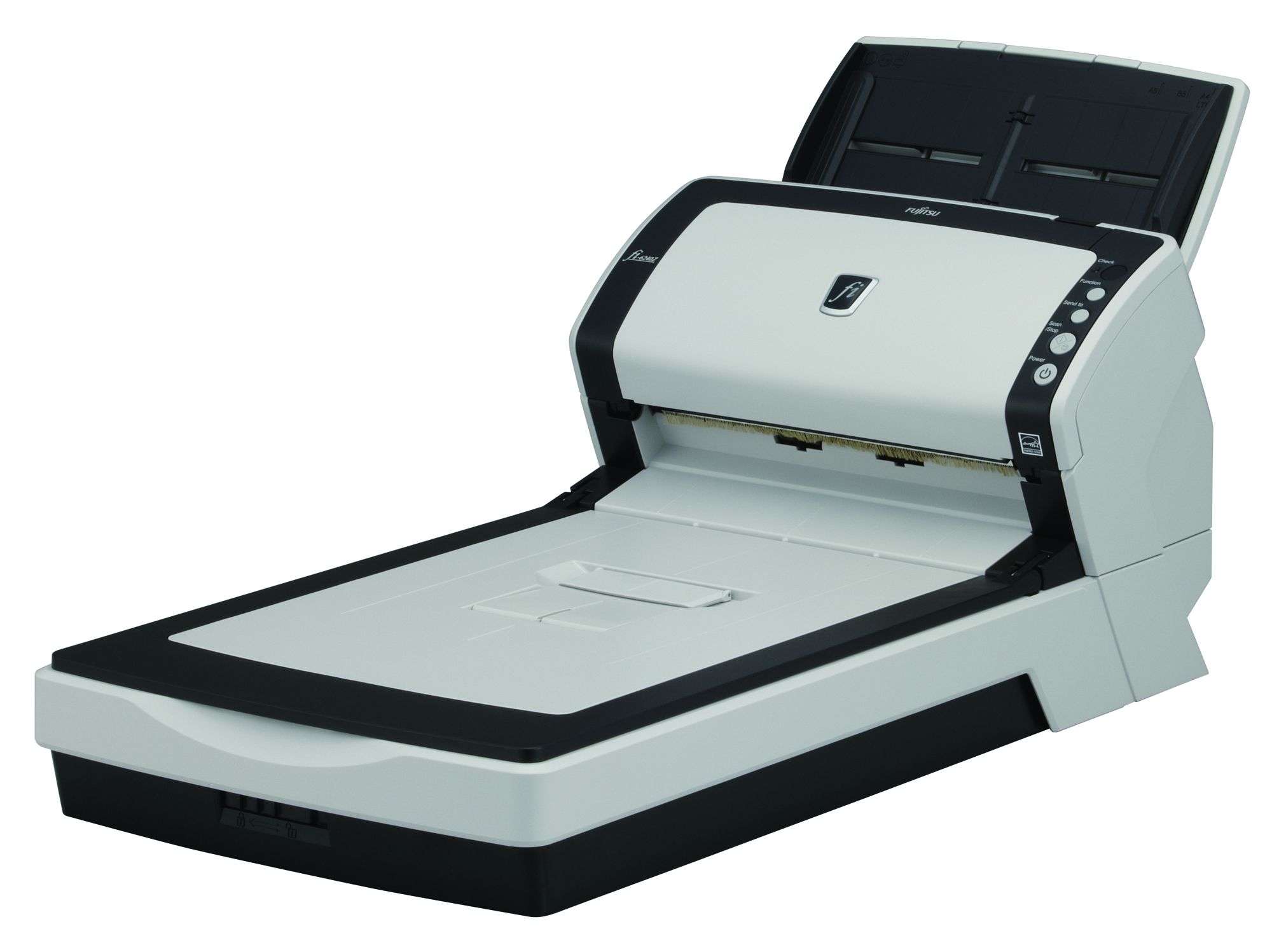



Product Details
Specifications
Accessories
Reviews
Product Details
Product Overview:
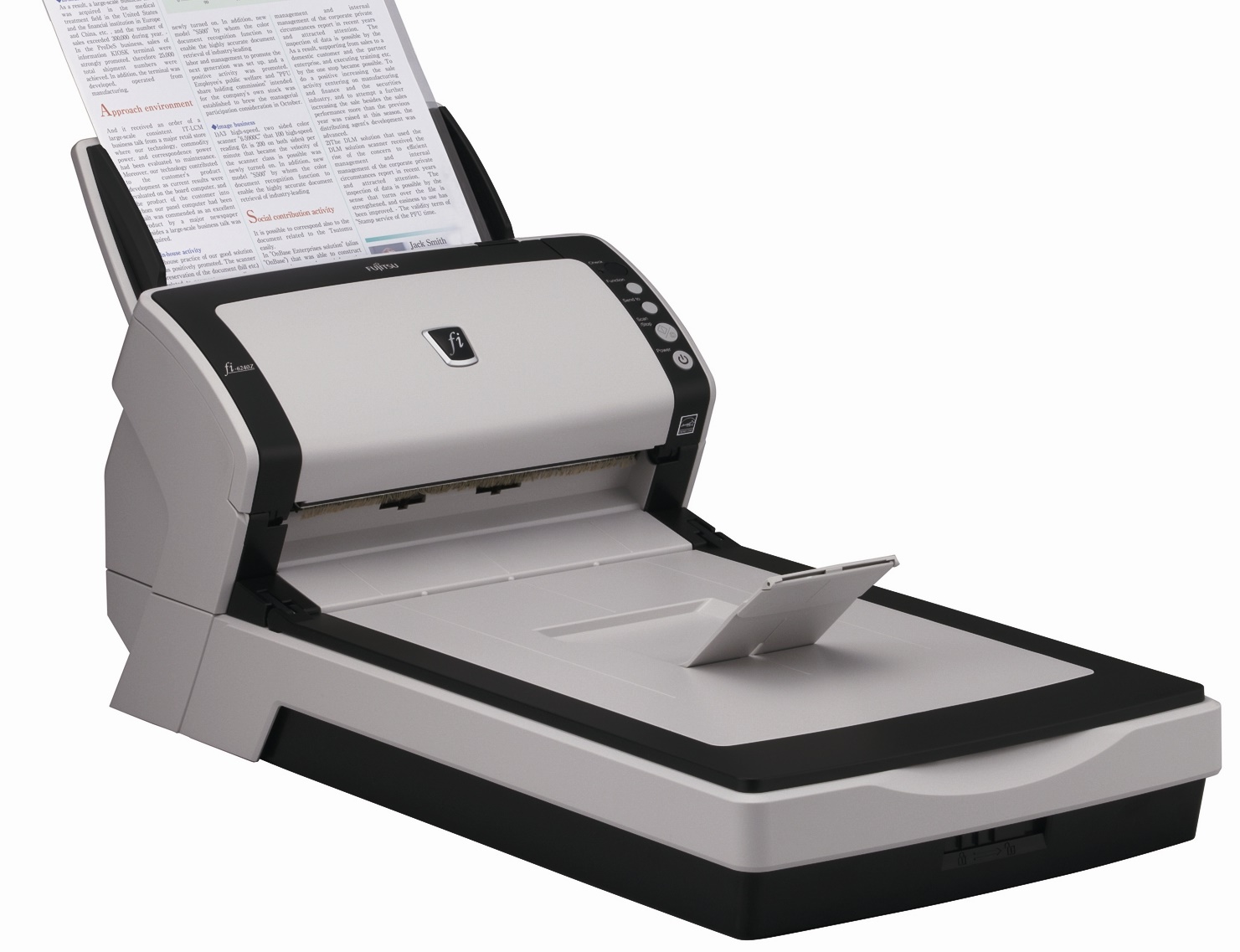
The fi-6240 scanner scans an impressive 60 pages or 120 images per-minute in monochrome or grayscale (Letter @ 200dpi) as well as 40 pages or 80 images per-minute in color (Letter @ 300dpi). Furthermore, the Fujitsu fi6240 model is one of the first scanners in its class to adopt high-end fi series functions, including:
- Paper Protection technology: Protects valuable documents by halting the scanning process when it recognizes that a jam is about to occur.
- Intelligent MultiFeed Function (iMFF): Simplifies pre-scanning preparation and improves efficiency by ignoring documents that trigger false multifeed alerts such as a photo or sticky note.
- Intelligent Capture Correction Function (iCCF): Auto-color recognition, auto-size detection, and auto de-skew correction provides dramatic efficiency by combining fast scanning with simultaneous high speed image processing.
Additionally, the fi 6240 offers ultrasonic double-feed detection and scans long documents of up to 10 feet. It connects easily via dual ultra-SCSI and USB 2.0 interfaces and allows for embossed card scanning.
Main Features:
- Fast, 60 ppm/120 ipm scanning in monochrome and grayscale
- Best in class 300 dpi color scanning at 40 ppm/80 ipm
- First scanner of its kind to offer Intelligent MultiFeed Function (iMFF) as well as advanced Paper Protection technology
- Comes with full versions of Kofax VRS Professional, Adobe Acrobat Standard, and ScandAll Pro imaging software
Specifications
General Specifications
| Functional Specifications | |||
|---|---|---|---|
| Scanning Technology | CCD sensors x 3 | ||
| Scanning Mode | Black and White / Grayscale / Color | ||
| Document Feeding Mode | ADF | Flatbed | |
| Yes | Yes | ||
| ADF Capacity | 50 pages | ||
| Document Size | ADF minimum: | A8 (52 x 74mm) | |
| ADF maximum: | A4 (210 x 297mm)* | ||
| Flatbed: | A8 - A4 | ||
|
Scanning Speeds | |||
| Output | Simplex | Duplex | |
| A4 Portrait | 60ppm @ 200 dpi color 40ppm @ 300dpi color |
120ipm @ 200 dpi color 80ipm @ 300 dpi color |
|
| ADF Background Color | White (default) / Black selectable | ||
| Bundled Software | FJ TWAIN driver, ScandAll PRO V2 Premium, ISIS Driver, QuickScan (demo), Soft IPC (demo), VRS Pro, Scan to Microsoft SharePoint, ABBYY FineReader for ScanSnap, Scanner Central Admin | ||
| Functions | Intelligent multi-feed , paper protection, auto page size and color detection, enhanced card scanning, automatic job separation, Image Emphasis, Simplified DTC, Error Diffusion, Dither, Moire removal, RGB Dropout, Hardware JPEG compression | ||
| Interfaces | SCSI 2.0 and USB 2.0 Half Pitch 50-pin D-socket (Ultra) |
||
|
Physical Specifications | |||
| Dimensions (Height x Width x Depth) | 229mm x 301mm x 567mm | ||
| Weight | 8.8kg | ||
| Humidity (operating) | 20-80% RH (non-condensing) | ||
| Power Consumption | 50W (6.2W in sleep mode) | ||
| Power Requirement | 100-240VAC | ||
| Operating Temperature | 5-35° C | ||
Accessories

Reviews



Because scans have two dimensions - height and width - the resolution of a scanner has two values, pixels per inch vertically and pixels per inch horizontally.
Clean your scanner glass every so often with a glass cleaner.
The optical resolution of your scanner is the most important factor in determining the level of quality your scans will have.
MY ACCOUNT
INFO & POLICIES
SHOP EASY
PAYMENT OPTIONS



