



 Shopping Cart
 HP Fuser Assembly for Color LaserJet CP2025
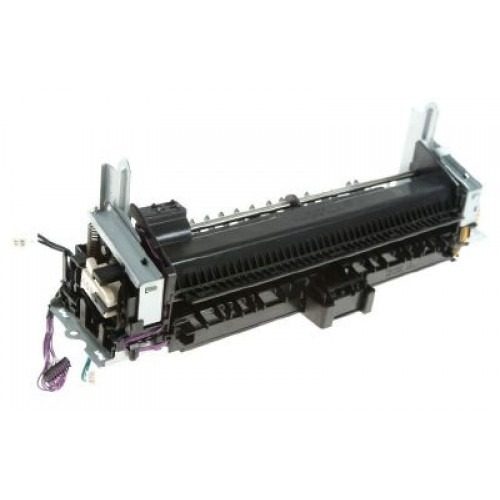

Images are for illustration purposes only and do not necessarily reflect the actual product.
Product Details
Specifications
Accessories
Reviews
Product Details
RM1-6738 - Color LaserJet CP2025 Fusing Assembly
Specifications
Accessories
*** ALL TONERS AND SUPPLIES ARE IN STOCK AT DISCOUNTED PRICING , CALL +18882983095
Reviews


Position your laser printer on a sturdy and level surface, allowing enough space around the printer for air flow.
Printer not working? Check if the heads of the toners are clean or not. They must be cleaned periodically.
Are you getting diminished color and print quality? If all your images start to look a bit purple, blue or orange, one of your ink wells may be running low. Replace the whole printer ink cartridge, unless you can refill the individual ink wells.
MY ACCOUNT
INFO & POLICIES
SHOP EASY
PAYMENT OPTIONS



* Images are for illustration purposes only.