



 Shopping Cart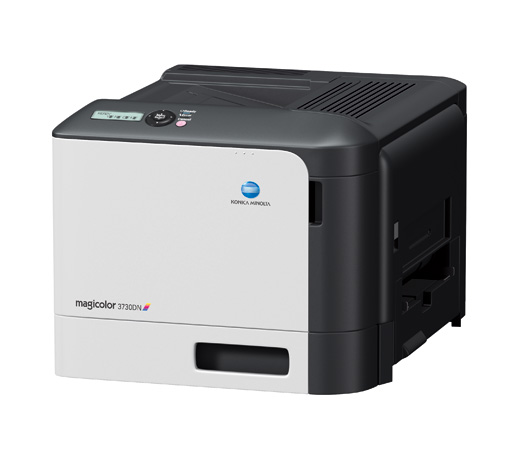

Product Details
Specifications
Accessories
Reviews
Product Details
Product Overview
Compact and cost-efficient, the Konica Minolta magicolor 3730DN business color laser printer boasts brilliant image quality thanks to Simitri HD toner. The economy mode allows users to reduce color costs by effectively reducing the amount of toner to print images while text remains perfectly sharp. It's a space-saving business color laser printer that will change the way you do business.
Main Features
- Faster, more affordable high-quality printing
- Equipped with an internal automatic duplexer
- Intense, high-resolution image quality
- High impact and planet-friendly Simitri HD toner with Biomass for ultimate image quality
- Ultra-compact design fits anywhere in your office
- Ethernet and High-speed USB 2.0 interfaces for instant sharing among users
Specifications
Accessories

Reviews


Most printers will beep once or twice during or after initialization. If it beeps more than that or beeps constantly, it is telling you that something is wrong. Most printers beep when out of paper or out of ink.
Tight on office space? Consider buying a machine with networking capabilities which will allow multiple users to use one printer.
Is your printer smearing immediately after changing a cartridge? Check that the protective tape over the nozzles is completely removed.
MY ACCOUNT
INFO & POLICIES
SHOP EASY
PAYMENT OPTIONS



