



 Shopping Cart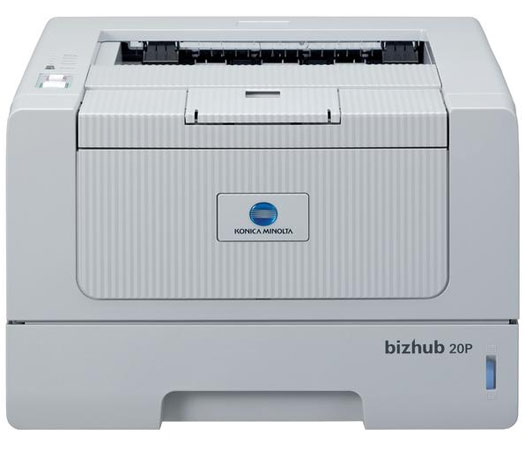

Product Details
Specifications
Accessories
Reviews
Product Details
Product Overview
Who said a black and white laser printer has to be large and expensive to deliver big results? Not Konica Minolta. You can count on the bizhub 20P to keep your business moving at speeds up to 32 ppm. Plus, the 20P black and white laser printer accommodates up to 800 sheets (with options) allowing you to load up to four types of paper to minimize downtime.
Main features
- Print in black and white at true 1200 x 1200 dpi resolution for crisp text and detailed graphics.
- Built-in PCL6 and PostScript 3 emulation for seamless integration into any environment.
- Standard auto-duplexing for 2-sided prints that save paper and money.
- Environmentally friendly design conserves energy and reduces waste.
Specifications
Accessories
*** ALL TONERS AND SUPPLIES ARE IN STOCK AT DISCOUNTED PRICING , CALL +18882983095
Reviews


Your printer is not a dumping ground. Don't pile documents or other things on top of it, as they could cause damage. Your printer could overheat and this could result in malfunctioning and even a reduction in the printer's life.
If you are not getting the results you expect, don't give up on your printer until you manually set the driver for the paper that you are using.
Allow ink to dry completely to avoid smudging. The time will vary based on the ink and paper quality used as well as the temperature and humidity conditions.
MY ACCOUNT
INFO & POLICIES
SHOP EASY
PAYMENT OPTIONS



