



 Shopping Cart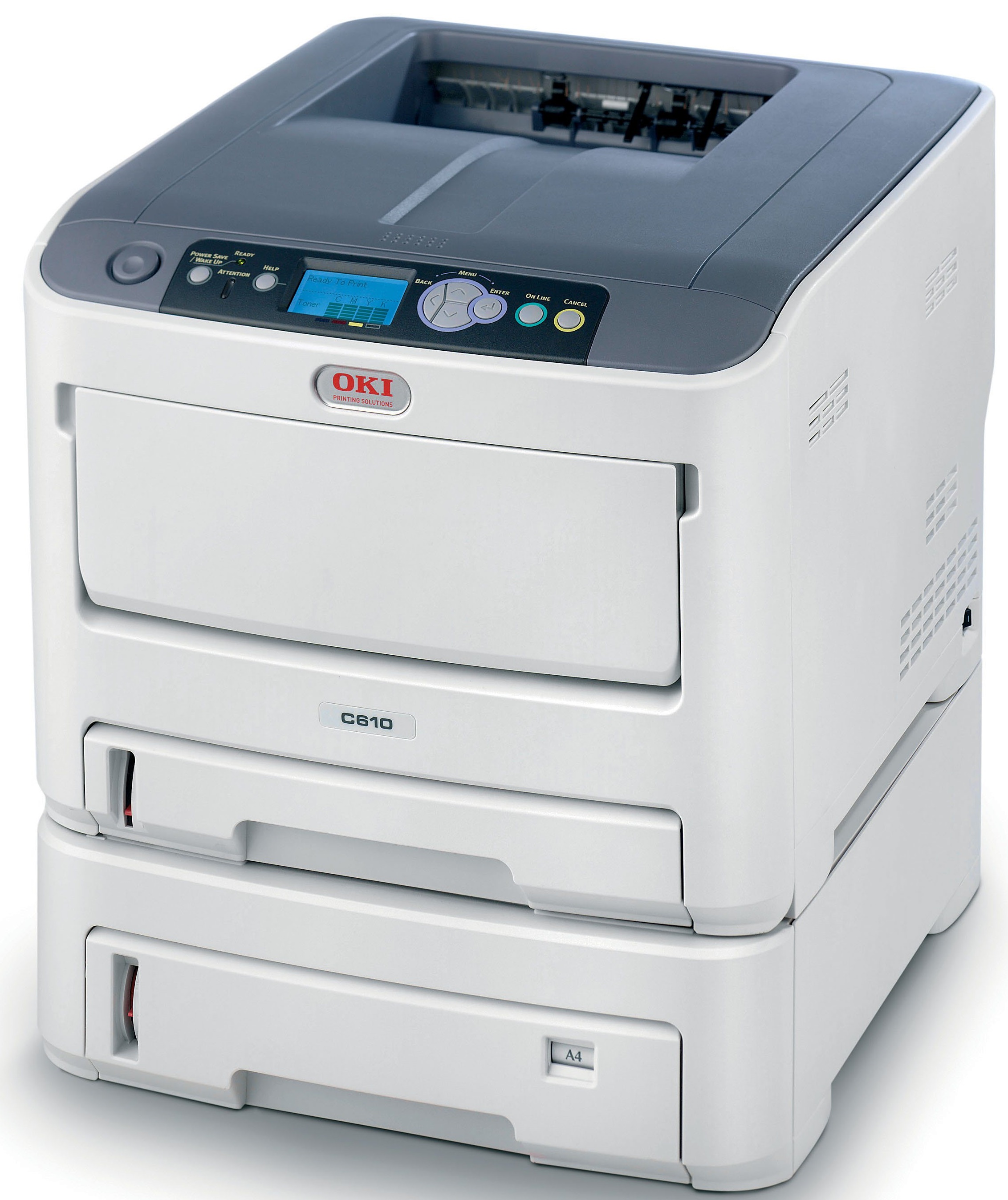



| sku: | 62433405 |
| Print Speed Mono: | 34 |
| Duplex: | Standard |
| Duty Cycle: | 75000 |
| Memory: | 256 |
| Resolution: | 1200 x 600 |
| Interfaces: | USB v2.0; USB Host I/F (for Secure Card Solution)/10/100 Base-T Internal Ethernet Print Server |
| Paper Capacity: | 930 sheets (with 530-sheet 2nd Paper Tray) 1,460 sheets max. |
| Paper Size: | Standard 100-sheet; handles overhead transparencies, envelopes, mailing label stock, and banners/Main Tray 4.1"" x 5.8""/ 8.5"" x 14""; 2nd/3rd Tray 5.8"" x 8.3"/8.5" x 14"; Multi-Purpose Tray 3" x 5"/8.5" x 52" banner |
| Size: | 17.1" x 21.5" x 13.4" |
| Weight: | 57.3 |
| Power: | 120v |
| Print Speed Color: | 32 |
Okidata C610DTN Color Laser Printer
Product Details
Specifications
Accessories
Reviews
Product Details
Main Features
- Time to first page as fast as 9 seconds color,8 seconds black & white
- 1200 x 600 dpi resolution for crisp,clear output
- 400-sheet standard paper capacity, expandableto 1,460 sheets max. with optional 2nd and 3rdpaper trays
- Models available with duplex (2-sided) printing,additional paper capacity, and 16 GB SD memorycard standard
- PCL 6, PCL 5c and PostScript 3 emulations;support for Windows Vista XPS and PDF v1.7
- 10/100 Base-T Network connectivity standard
- Handles media from 3" x 5" cards, 4" x 6" and5" x 7" photo paper, to banner-size sheets
- Single Pass Color Digital technology for printingup to 140 lb. index stock (250 gsm) and bannersheets up to 8.5" x 52"
- Optional security features including dataencryption and password protection
- Convenient operator panel displays toner levels,provides printer/network status, and enablesprinter and network settings changes
- 2-piece consumables for low Total Cost ofOwnership in color and mono
Specifications
Accessories

Reviews


If you are printing on photo paper, make sure you have set the printer to this setting and have not left it on the regular printer setting.
Printing photos? Make sure that they are of print quality - meaning 300dpi. Anything lower than this will appear pixelated and lower than photo quality.
Set your printer for the proper paper type and weight. Fine art papers are heavier than ordinary inkjet or bond papers so set the printer to thicker paper settings.
MY ACCOUNT
INFO & POLICIES
SHOP EASY
PAYMENT OPTIONS



* Images are for illustration purposes only.