



 Shopping Cart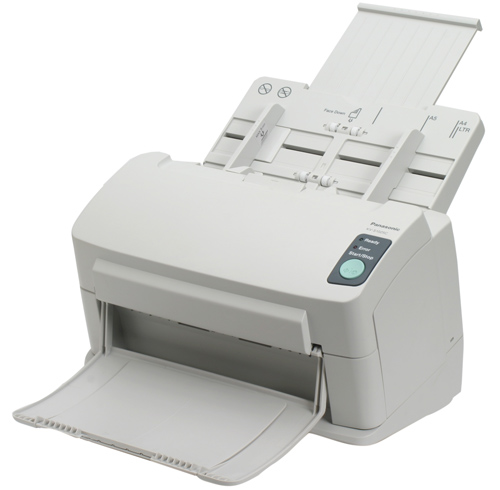



*** ALL TONERS AND SUPPLIES ARE IN STOCK AT DISCOUNTED PRICING , CALL +18882983095..
Printers do not include supplies - toners , drums (Imaging Units) (where applicable) , printer cables , manuals , consumables , trays (where applicable). Power cables are included. Drivers can be downloaded at www.hp.com. Please verify that drivers available are compatible with your software on HP’s site.
Images are for illustration purposes only and do not necessarily reflect the actual product.Product Details
Specifications
Accessories
Reviews
Product Details
Main Features
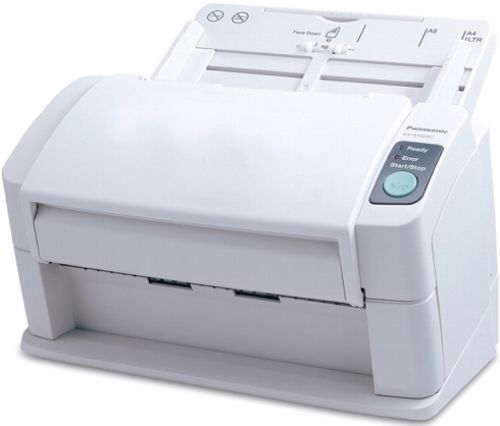
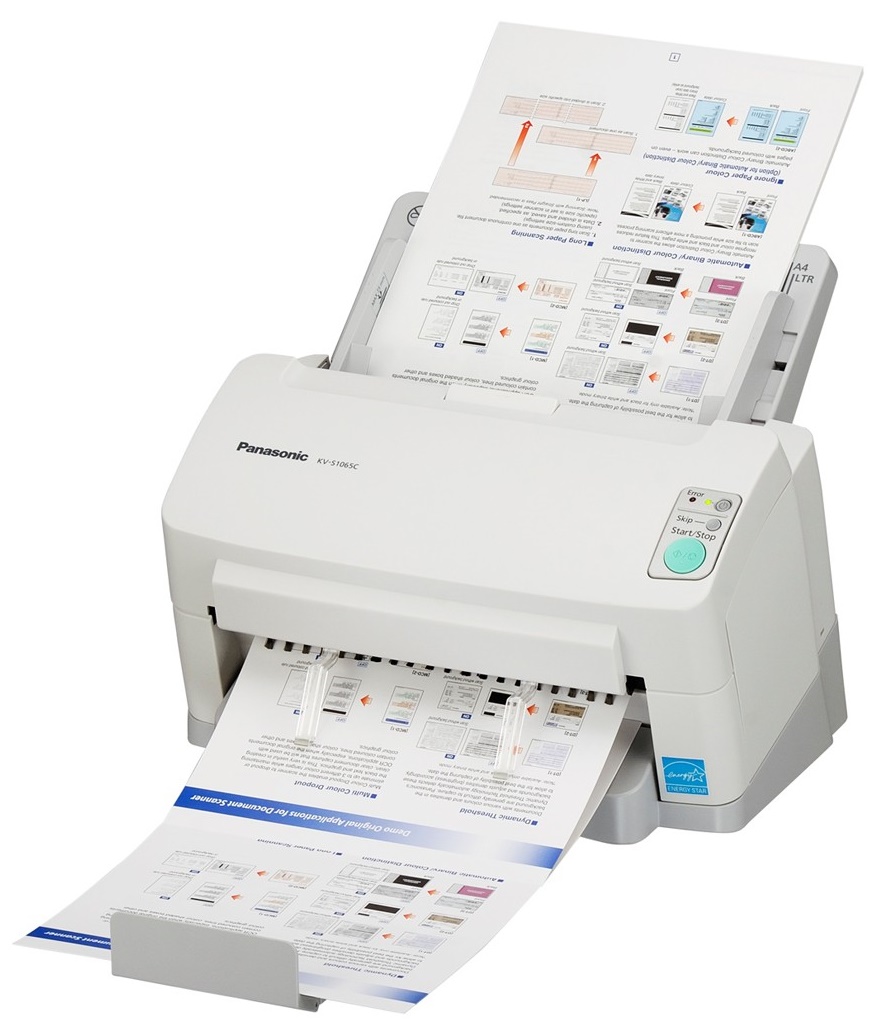
Virtually any type of document, from business card size to legal size, from thin onion-skin paper to thick hard ID cards, single sided or double sided, the KV-S1025C can scan them all in color or black and white. Fast and reliable, this compact but powerful scanner comes with intelligent RTIV image capturing software that maximizes the potential of document scanning with precision reproduction and versatile processing. All of this in a quiet, space saving design that will fit comfortably in the most front-office environments - even tight counter-tops and reception areas. The KV-S1025C from Panasonic - the ideal front-office document filing solution.
Specifications
General Specifications
| Product Name | KV-S1025C-S Hi-Speed 26ppm/52ipm 600dpi 24-Bit Clr ISIS TWAIN Duplex Scanner 1yr |
| Product Type | Sheetfed Scanner |
| Optical Resolution | 600 dpi |
| USB | Yes |
| Large Format | No |
| Green Compliant | Yes |
| Green Compliance Certificate/Authority | ENERGY STAR |
| Scan Color | Color |
| Hardware Resolution | 600 x 600 dpi |
| Maximum Mono Scan Speed (ppm) | 26 |
| Maximum Color Scan Speed (ppm) | 26 |
| Maximum Mono Scan Speed (ipm) | 52 |
| Maximum Color Scan Speed (ipm) | 52 |
| Height | 8.6" |
| Width | 12.5" |
| Depth | 7.2" |
| Media Type | Plain Paper
ID Card Business Card |
| Form Factor | Desktop |
| Product Model | KV-S1025C |
| Image Sensor | CCD |
| Media Size | Legal 8.50
Custom Size 8.60 |
| Platform Supported | PC |
| Operating Power Consumption | 32 W |
| Standby Power Consumption | 22 W |
| Maximum Scan Size | 8.60 |
| Certifications & Standards |
|
| ADF Capacity | 50 Sheets |
| Input Voltage | 110 V AC
220 V AC |
| Power Source | AC Supply |
| Scanning Modes | Duplex |
Accessories

Reviews


A Twain driver will usually give you a lot more control over the scan settings than a WIA driver and better results even with the default settings.
Color depth tells you the number of different colors that the scanner can record.
Drum scanners provide the highest level of image quality.
MY ACCOUNT
INFO & POLICIES
SHOP EASY
PAYMENT OPTIONS



