



 Shopping Cart
 Brother HL-L8360CDW Color Laser Printer
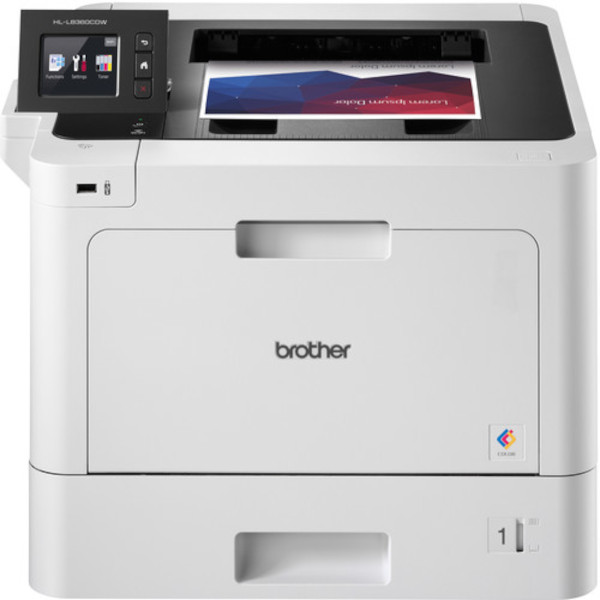


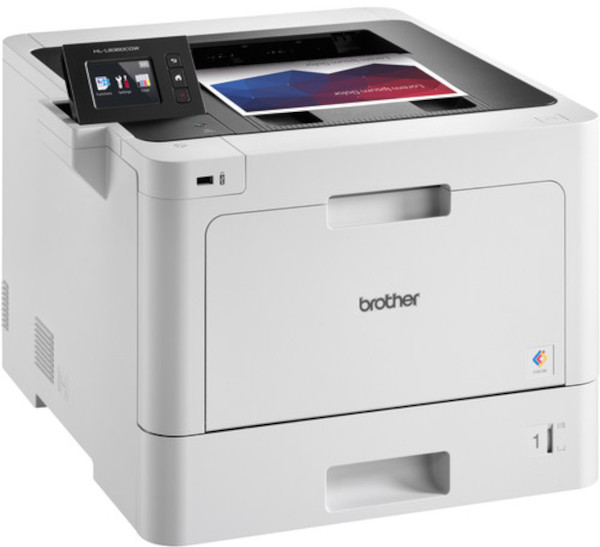
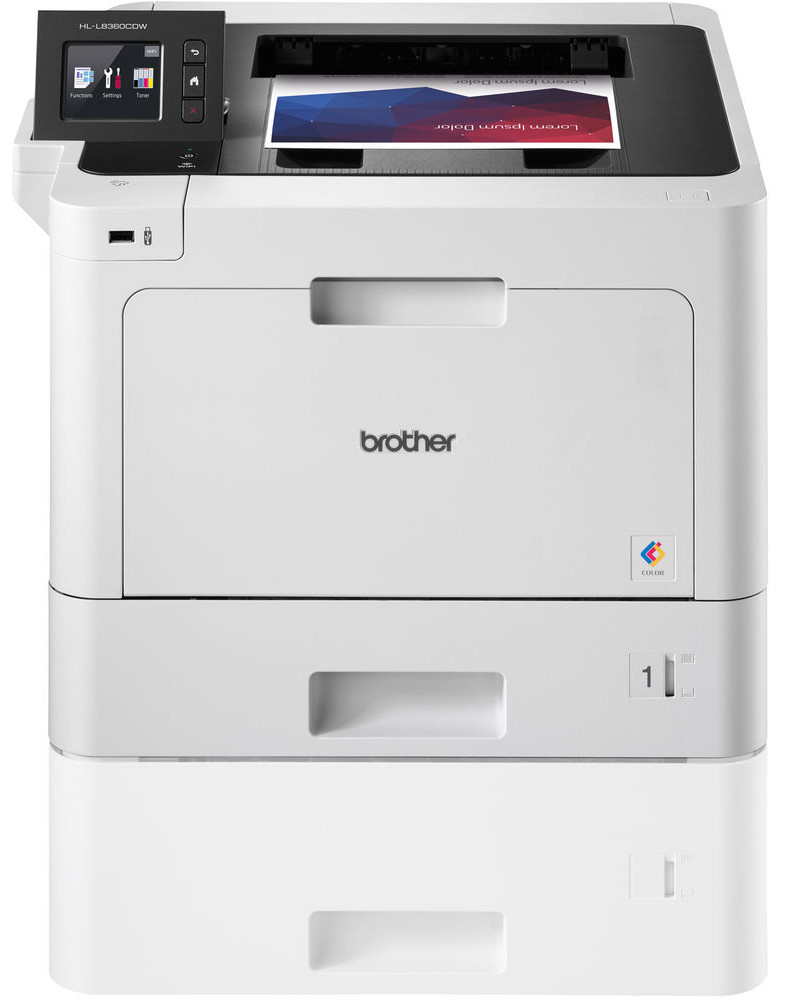

Images are for illustration purposes only and do not necessarily reflect the actual product.
Product Details
Specifications
Accessories
Reviews
Product Details
Main Features
- Print speed: Up to 33 pages per minute
- Advanced security features
- 2.7" Color touchscreen
- Versatile connectivity: Wireless, Ethernet and mobile connectivity
- Automatic two-sided printing
- Print resolution: Up to 2400 x 600 dpi
- First print out time: 15 seconds
- Media types: Plain Paper, Letterhead, Colored Paper, Recycled Paper, Bond, Labels, and Envelopes
- 50 Sheet multi-purpose tray
Specifications
General Specifications
| Functions | |
| Printing Technology | |
| Color Type | |
| Print Resolution | |
| Media Sizes | |
| Wireless | |
| Mobile App Compatible | |
| Power Source |
| Borderless Printing | |
| Duplex Printing | |
| Printer Language | |
| Print Speed (By Time) | |
| First Print Out Time | |
| Monthly Duty Cycle |
Printer Media Handling
| Media Handling | |
| Media Sizes | |
| Media Weight | |
| Paper Capacity | |
| Special Media Support |
Connectivity
| Inputs/Outputs | |
| Wireless | |
| Direct Printing | |
| Mobile App Compatible | |
| OS Compatibility |
Environmental
| Operating Temperature | |
| Operating Humidity |
General
| Display Size | |
| Display Type | |
| Power Source | |
| Battery | |
| Input Power | |
| Power Consumption | |
| Max Acoustic Noise | |
| Dimensions (W x H x D) | |
| Weight |
 Download Manufacturer Specifications
Accessories

Reviews


If you are not getting the results you expect, don't give up on your printer until you manually set the driver for the paper that you are using.
Store your laser printer in a properly ventilated area where temperature and humidity do not change frequently. Avoid areas with heavy dust buildup.
Save memory on your PC by choosing the Custom option when you install your printer, and picking just the software you want to install.
MY ACCOUNT
INFO & POLICIES
SHOP EASY
PAYMENT OPTIONS



* Images are for illustration purposes only.