



 Shopping Cart
 Plustek SmartOffice PS283 Document Scanner
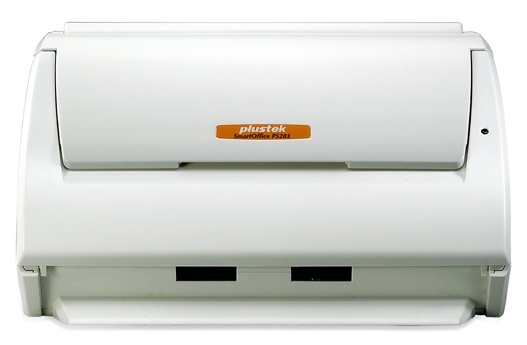


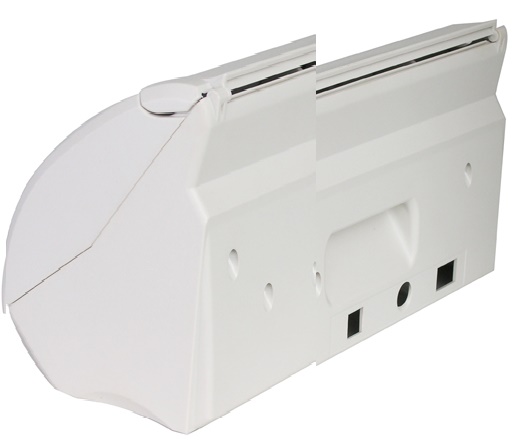
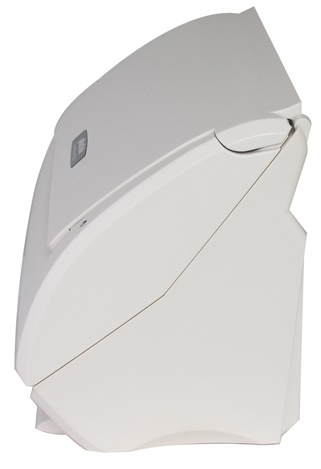
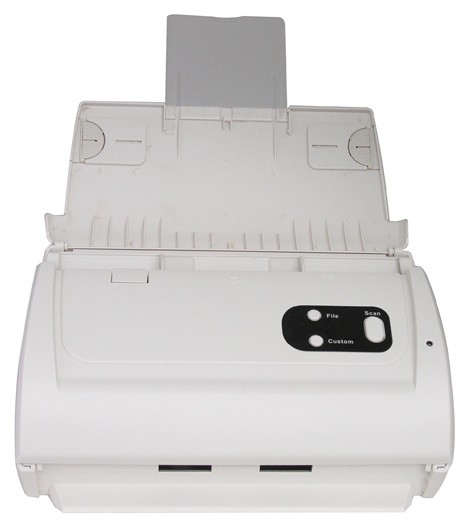
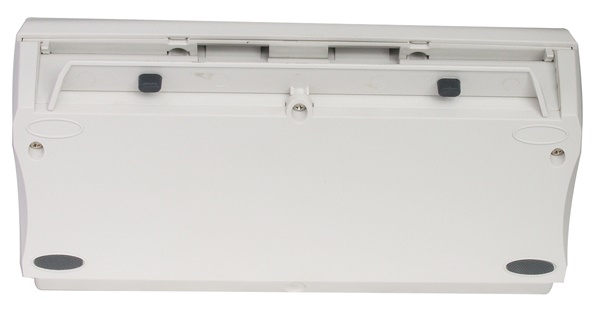
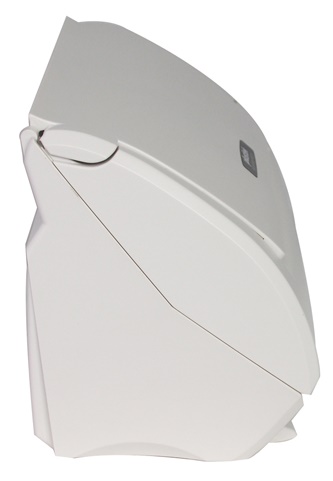
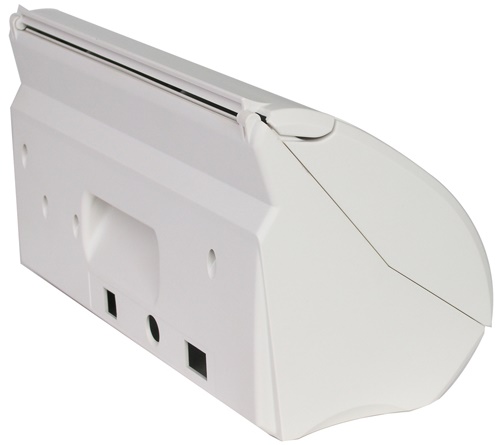
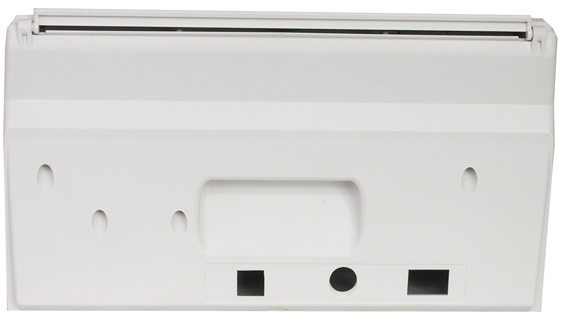
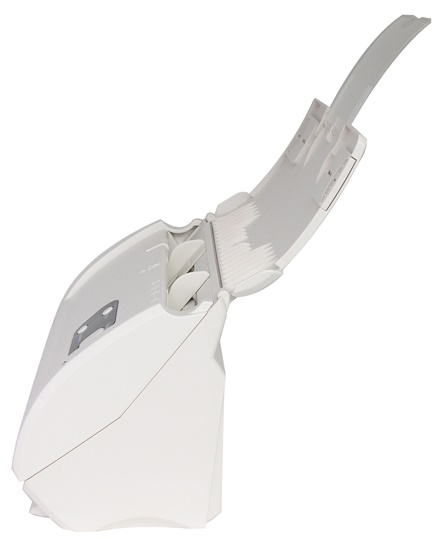
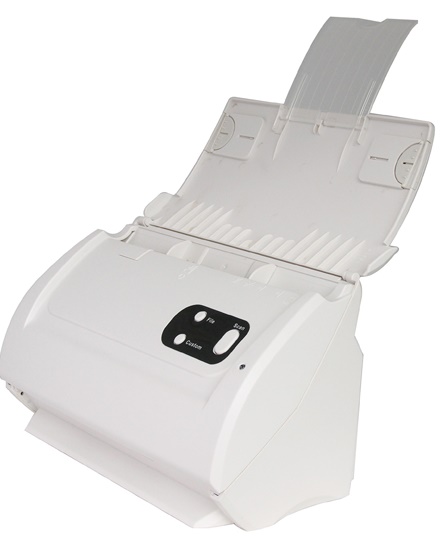


Images are for illustration purposes only and do not necessarily reflect the actual product.
Product Details
Specifications
Accessories
Reviews
Product Details
Main Features
- Speed: 25 ppm
- Resolution: 600 dpi
- 50 sheet automatic document feeder
- Scan to Email/Printer/FTP/Network Folder
- Scan Business Cards
- Scan upto legal sized documents
- Auto-cropping
- Auto-alignment
- Blank page detection
Specifications
General Specifications
| Scan Quality | |
|---|---|
| Scanner Type | CIS |
| Optical Resolution | 600 dpi |
| Hardware Resolution | 600 x 600 dpi |
| Performance | |
|---|---|
| Duty Cycle | 1500 sheets/day |
| Lifetime | Roller: 100,000 scans Pad: 20,000 scans |
| Scan Speed | Grayscale: 25 ppm (200 dpi/letter) Black/White: 25 ppm (200 dpi/letter) Color: 5 ppm (200 dpi/letter) |
| Scan Area | 0.52 x 0.52" to 8.5 x 14.0" (1.32 x 1.32 to 21.59 x 35.56 cm) |
| Media Weight | 14 to 28 lb (50 to 105 g/m2) |
| Media Thickness | Up to 0.2" (5.08 mm) |
| ADF Capacity | Letter/A4: 50 sheets (18 lb/70 g/m2) Business Card: 20 sheets |
| Connectivity | |
|---|---|
| Interface | USB 2.0 |
| OS Compatibility | Windows 7, Vista, XP, 2000 |
| System Requirements | Processor: Pentium IV 2.0 GHz or higher (3.0 GHz recommended) Memory: 1.0 GB RAM or higher recommended Disk Space: 800 MB free HDD space (1 GB or larger recommended Drive: CD-ROM Interface: One available USB Port (USB 2.0 recommended) |
| Scanner Drivers | TWAIN |
| Physical | |
|---|---|
| Front Panel Controls | Scan, File, Custom (PDF) |
| Power Requirements | 24 V DC, 0.75 A |
| Dimensions (WxDxH) | 10.36 x 5.02 x 5.83" (26.3 x 12.75 x 14.8 cm) |
| Weight | 3.66 lb (1.66 kg) |
 Download Manufacturer Specifications
Accessories
*** ALL TONERS AND SUPPLIES ARE IN STOCK AT DISCOUNTED PRICING , CALL +18882983095
Reviews


Bear in mind that in order to get the best quality, you should scan the original negative rather than the printed photo, if it's available.
Use the gray scale or line art option when you scan black and white images.
Scanning at a higher resolution will take longer.
MY ACCOUNT
INFO & POLICIES
SHOP EASY
PAYMENT OPTIONS



* Images are for illustration purposes only.