



 Shopping Cart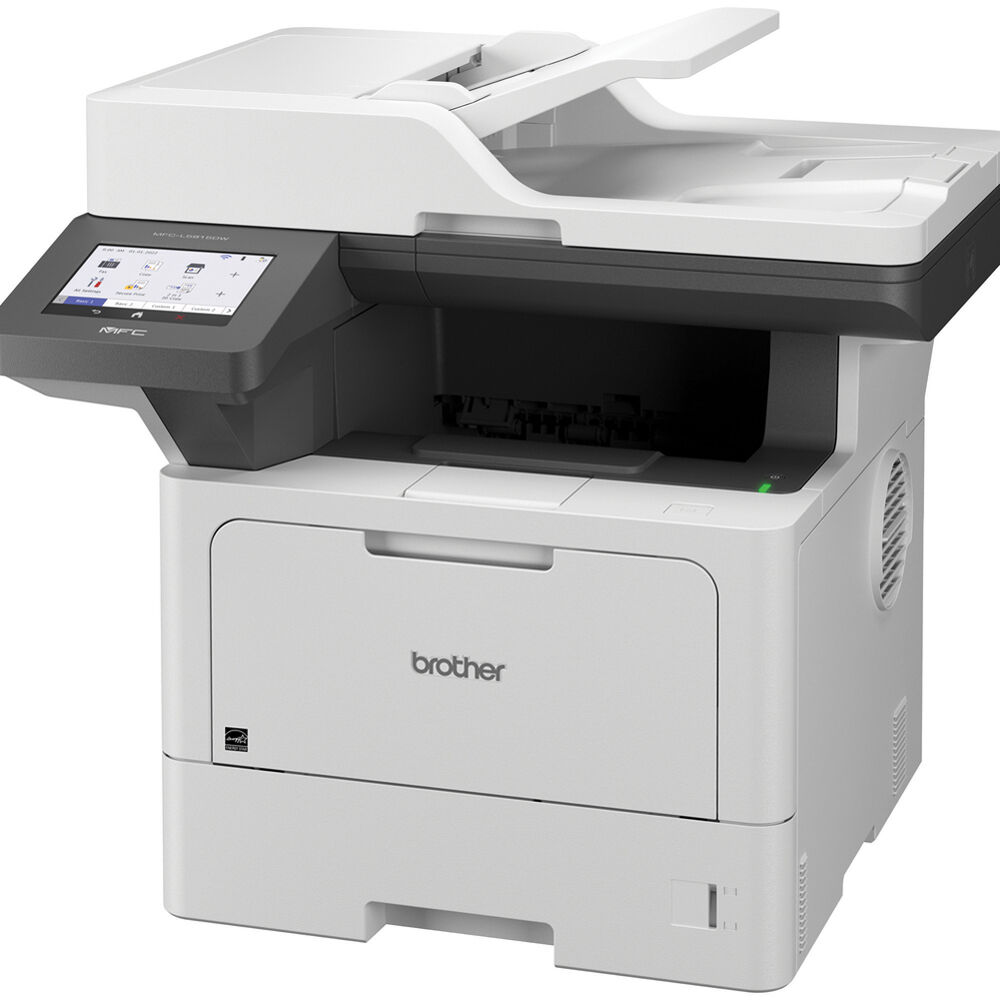



*** ALL TONERS AND SUPPLIES ARE IN STOCK AT DISCOUNTED PRICING , CALL +18882983095.
All reconditioned printers do not include supplies - toners , drums (Imaging Units) (where applicable) , printer cables , manuals , consumables, trays (where applicable). Power cables are included. Drivers can be downloaded from the manufacturers website. Please verify that drivers available are compatible with your software on the manufacturers site.
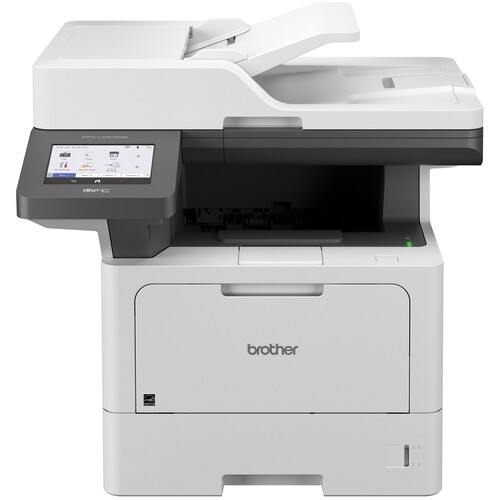
Images are for illustration purposes only and do not necessarily reflect the actual product.Product Details
Specifications
Accessories
Reviews
Product Details
Main Features
- Black and White Prints
- Print, Scan, Copy, Fax
- Print Speed: up to 50 pages per minute
- Maximum Resolution: 1200 x 1200 dpi
- Automatic Two-sided Printing
- Standard Paper Capacity: 250-sheet main tray + 100-sheet multipurpose tray
- Expandable Capacity: Up to 1,390 sheets with optional trays
- 5 Inch Color Touchscreen
- Enhanced Security Features
- USB 2.0, Ethernet & Wi-Fi Connectivity
Specifications
General Specifications
| Functions | Print, Scan, Copy, Fax |
| Print Technology | Monochrome Laser |
| Max Print Speed | Up to 50 ppm |
| Max Print Resolution | 1200 × 1200 dpi |
| Duplex Printing | Yes (automatic) |
| Scanner | Flatbed + 70-sheet Auto Document Feeder |
| Max Scan Optical Resolution | 1200 × 1200 dpi |
| ADF Duplex Scanning | Yes |
| Max Copy Speed | Up to 50 cpm |
| Copy Resolution | Up to 1200 × 600 dpi |
| Paper Handling | 250-sheet tray + 100-sheet multipurpose |
| Optional Paper Capacity | Up to ~1,390 sheets |
| Max Paper Size | Letter / Legal (8.5" × 14") |
| Display | 5″ Color Touchscreen |
| Connectivity | Gigabit Ethernet, Wi-Fi (2.4/5 GHz), USB, Wi-Fi Direct |
| Mobile Print Support | AirPrint, Mopria, Brother Mobile Connect |
| Memory | 512 MB |
| Processor | 1.2 GHz |
| Monthly Duty Cycle | Up to 125,000 pages |
| Recommended Monthly Print Volume | Up to ~8,000 pages |
| Dimensions (W×D×H) | 19.5" × 18.6" × 19.1" |
| Weight | 38.3 lb (17.4 kg) |
Accessories
*** ALL TONERS AND SUPPLIES ARE IN STOCK AT DISCOUNTED PRICING , CALL +18882983095
Reviews


Handle inkjet papers like photographic papers - hold them by the edges to avoid oil deposits and fingerprints.
If debris is the primary cause of failures, toner is the primary cause of debris. All toner cartridges release a small amount of toner powder into the machine. This is why it's important to clean the machine when you change the cartridge.
After installing a printer, go to the Windows dialog box and check the settings, so you won't be surprised by what happens the first time you print.
MY ACCOUNT
INFO & POLICIES
SHOP EASY
PAYMENT OPTIONS



