



 Shopping Cart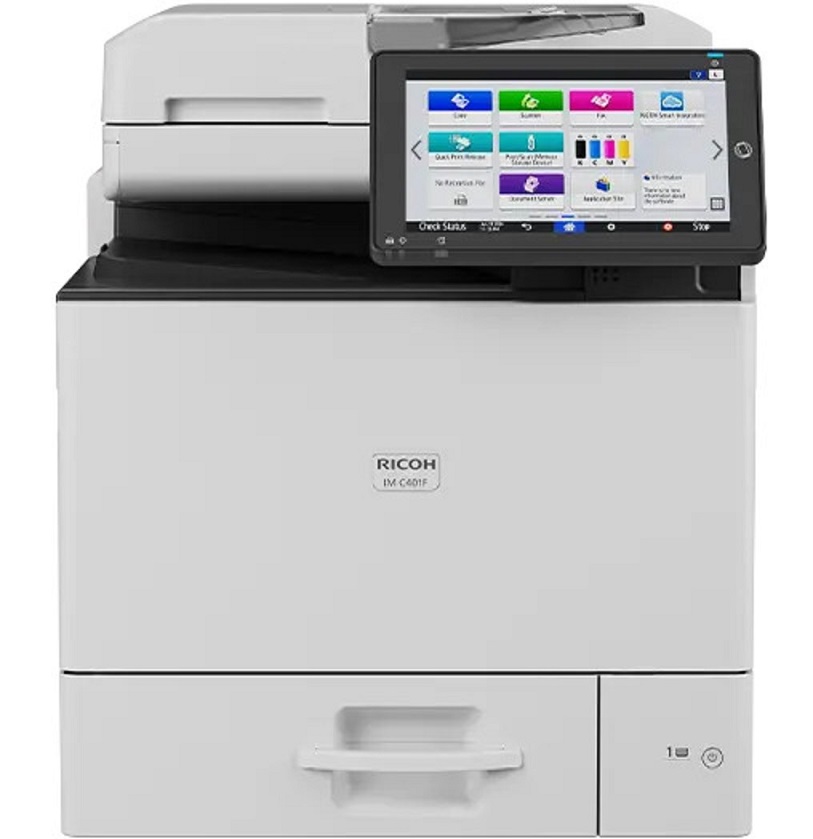



*** ALL TONERS AND SUPPLIES ARE IN STOCK AT DISCOUNTED PRICING , CALL +18882983095.
Printers do not include supplies - toners , drums (Imaging Units) (where applicable) , printer cables , manuals , consumables , trays (where applicable). Power cables are included. Drivers can be downloaded from the manufacturers website. Please verify that drivers available are compatible with your software on the manufacturers site.
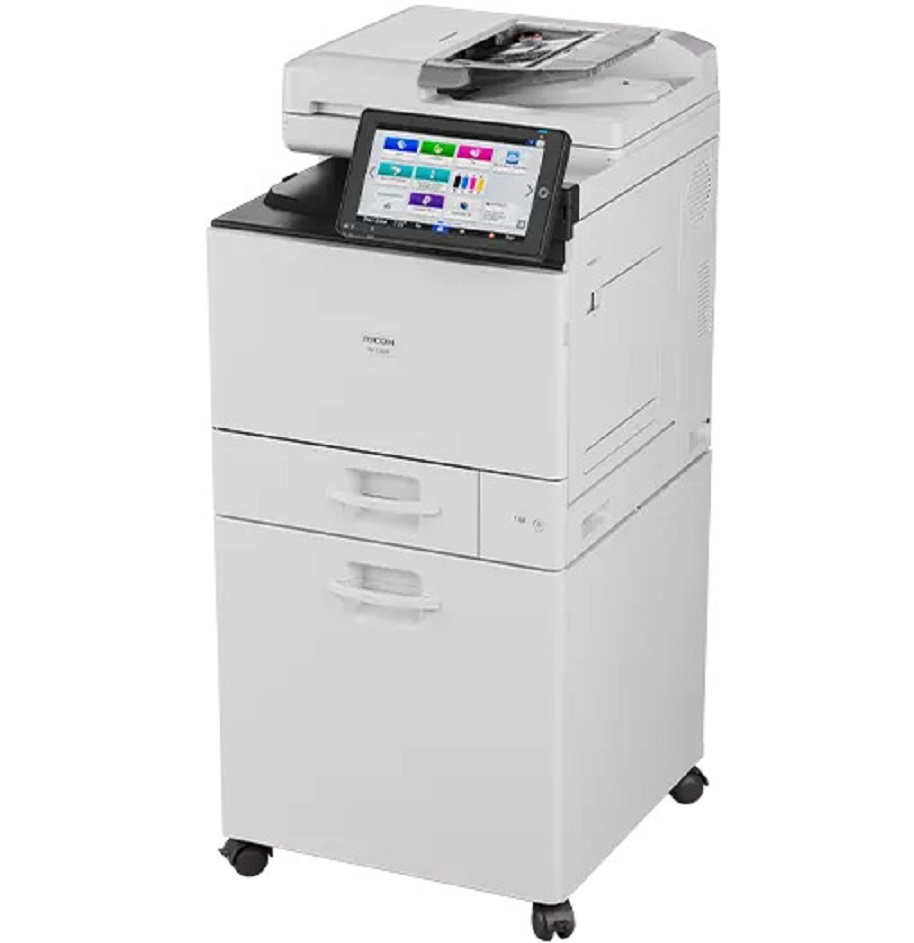
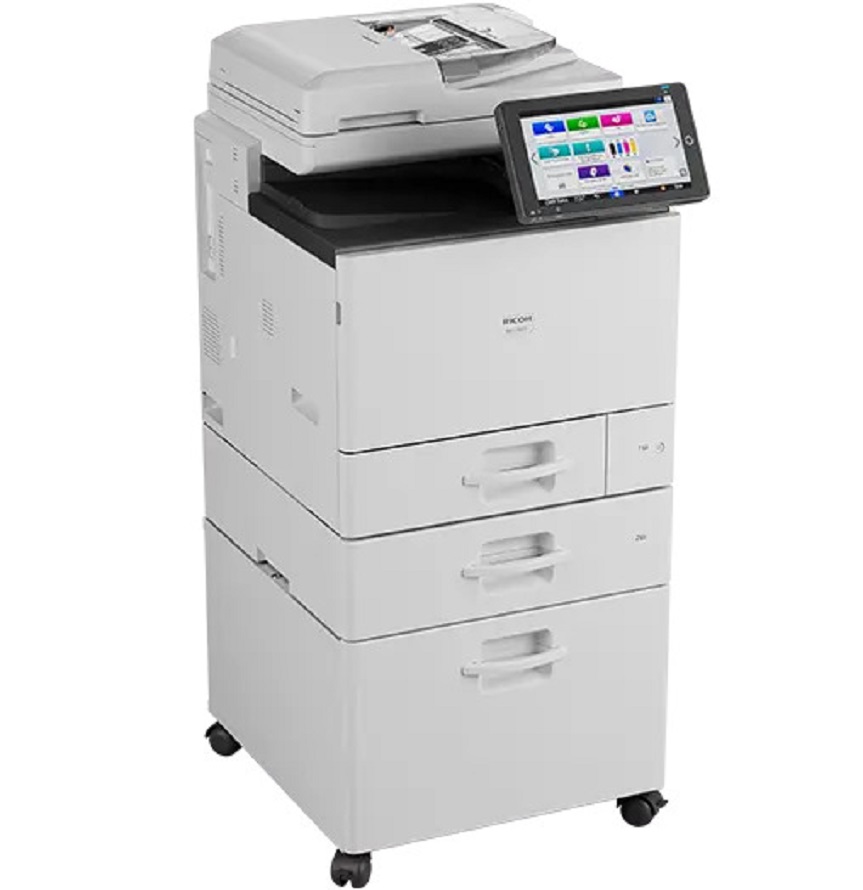
Images are for illustration purposes only and do not necessarily reflect the actual product.Product Details
Specifications
Accessories
Reviews
Product Details
Main Features
- Print, Copy, Scan, Fax
- Print Speed: 45 ppm (b/w), 42 ppm (color)
- Print Resolution: 1200 x 1200 dpi
- Maximum Paper Capacity: 2300 Pages
- Memory: 6GB
- Automatic Duplexing
- 50-Sheet Single-Pass Document Feeder
- Advanced Security Features
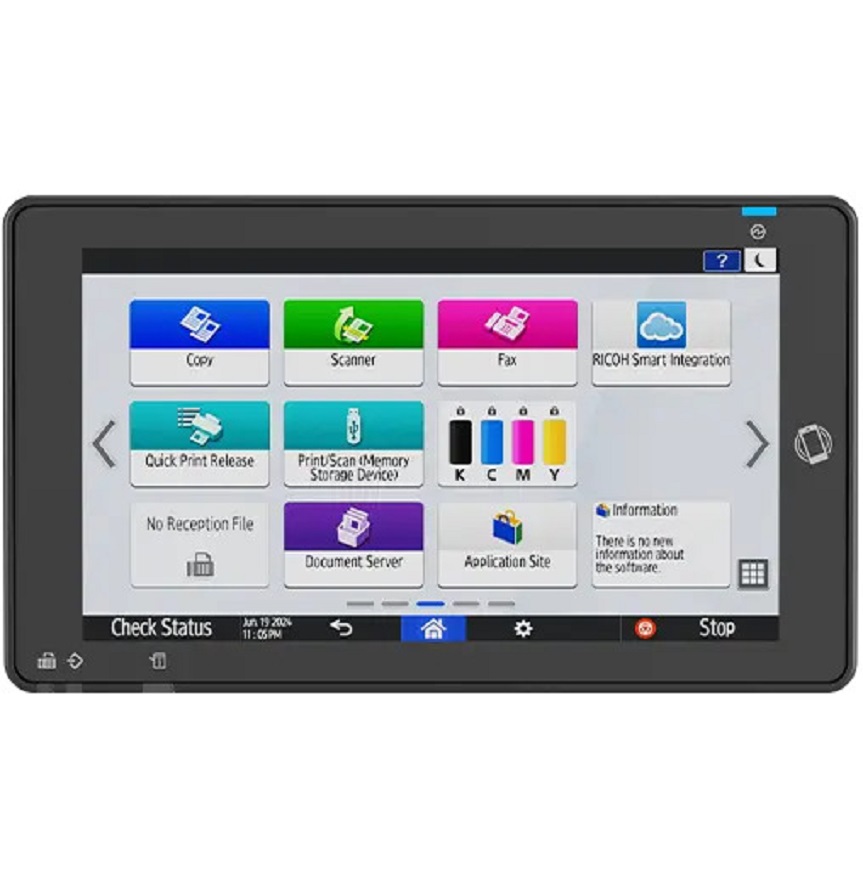
- 10.1" Smart Operation Panel
Specifications
General Specifications
| Configuration | Desktop |
|---|---|
| Control Panel | 10.1" Smart Operation Panel |
| Color/Black & White | Color |
| Output Speed Copy/Print | B/W: 45 ppm / 45 ppm (simplex/duplex) Full Color: 42 ppm / 38 ppm (simplex/duplex) |
| First Page Out Time | 4.2 seconds / 5.4 seconds (B/W / Full Color) |
| Warm-Up Time | Less than 24 seconds |
| Recovery Time From Sleep Mode | 10 seconds |
| Resolution | 1200 x 1200 dpi |
| System Memory | 6GB (2GB mainframe and 4GB SOP) |
| Maximum Copy Quantity | Up to 999 copies |
| Duplexing | Automatic (Standard) |
| Document Feeder Type | Single Pass Document Feeder (SPDF) |
| Single Pass Document Feeder (SPDF) | 50 sheets |
| Zoom Range | 25% to 400% in 1% increments |
| Supported Paper Sizes | Standard Paper Tray: Up to 8.5” x 11” / A4, Optional Paper Tray: Up to 8.5” x 14”, Envelopes Bypass: Up to 8.5” x 14”, Postcard, Envelopes |
| Supported Paper Weights | Standard Trays: 16 - 43 lb. Bond /90 lb. Index (60 - 163 g/m2) Bypass Tray: 16 - 58 lb. Bond /120 lb. Index (60 - 220 g/m2) Duplex Unit: 16 - 43 lb. Bond /90 lb. Index (60 - 163 g/m2) |
| Supported Paper Types | Plain Paper, Recycled Paper, Color Paper, Letterhead, Preprinted Paper, Bond Paper, Cardstock, Label Paper, Waterproof Paper, Envelope, Coated Paper, Thick Paper 1–3 |
| Standard Paper Capacity | 550-Sheet Tray, plus 100-Sheet Bypass |
| Maximum Paper Capacity | 2,300 sheets |
| Standard Output Capacity | 100 sheets |
| Power Source | 120V-127V, 60Hz |
| Typical Electricity Consumption (TEC) | 0.5 kWh |
| Power Consumption | Less than 1,400 W; Sleep Mode: 0.50W |
| ENERGY STAR® | Certified |
| EPEAT Status | Gold |
| Dimensions W x D x H | 19.6” x 22.2” x 23.2” |
| Weight | 50 kg / 110.2 lbs |
 Download Manufacturer Specifications
Accessories

Reviews


If debris is the primary cause of failures, toner is the primary cause of debris. All toner cartridges release a small amount of toner powder into the machine. This is why it's important to clean the machine when you change the cartridge.
Most printers have a built-in diagnostics program which can be very useful for troubleshooting problems and test-printing without a computer. They are usually initiated by pressing a button or two while turning on the printer.
Printer not working? Check if the heads of the toners are clean or not. They must be cleaned periodically.
MY ACCOUNT
INFO & POLICIES
SHOP EASY
PAYMENT OPTIONS



