



 Shopping Cart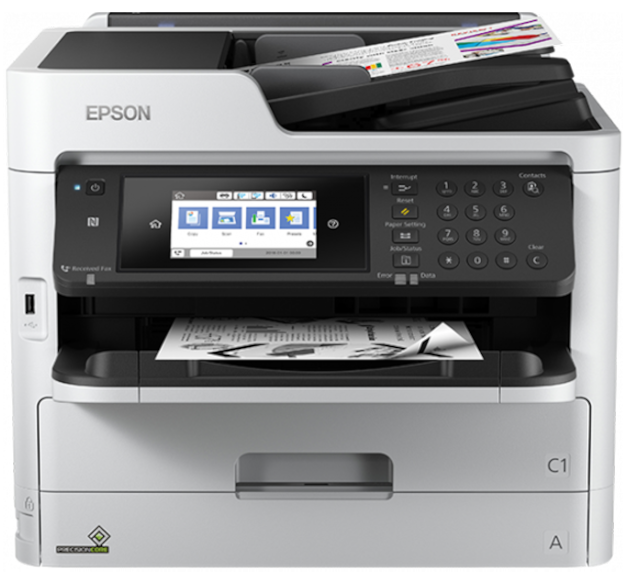




*** ALL TONERS AND SUPPLIES ARE IN STOCK AT DISCOUNTED PRICING , CALL +18882983095.
Printers do not include supplies - toners , drums (Imaging Units) (where applicable) , printer cables , manuals , consumables , trays (where applicable). Power cables are included. Drivers can be downloaded from the manufacturers website. Please verify that drivers available are compatible with your software on the manufacturers site.
Product Details
Specifications
Accessories
Reviews
Product Details
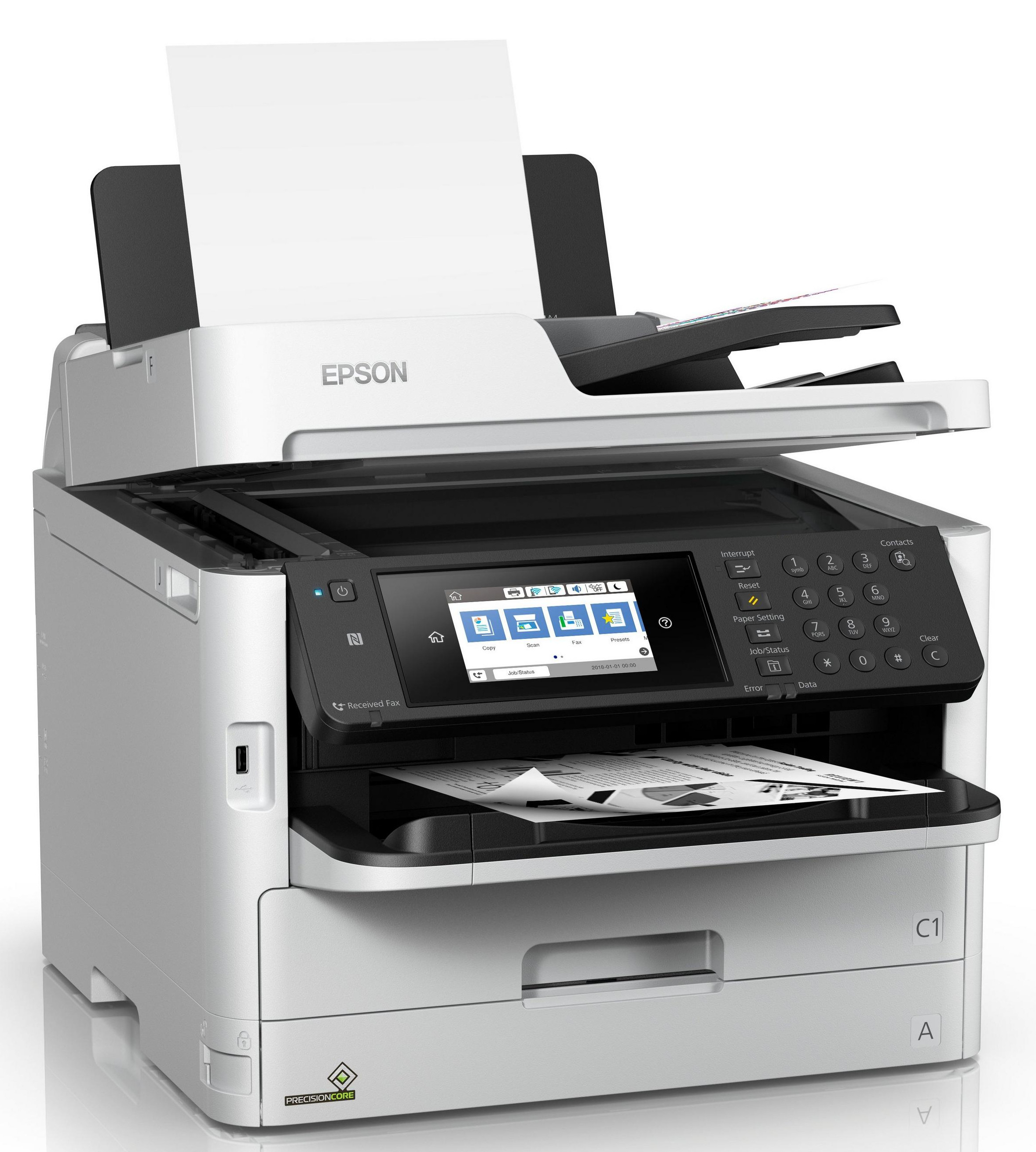
Main Features
- Functions: Print, scan, copy, and fax
- Print Resolution: 4800 x 1200
- Prints up to 24 pages per minute
- Connectivity: USB, Ethernet, and Wi-Fi
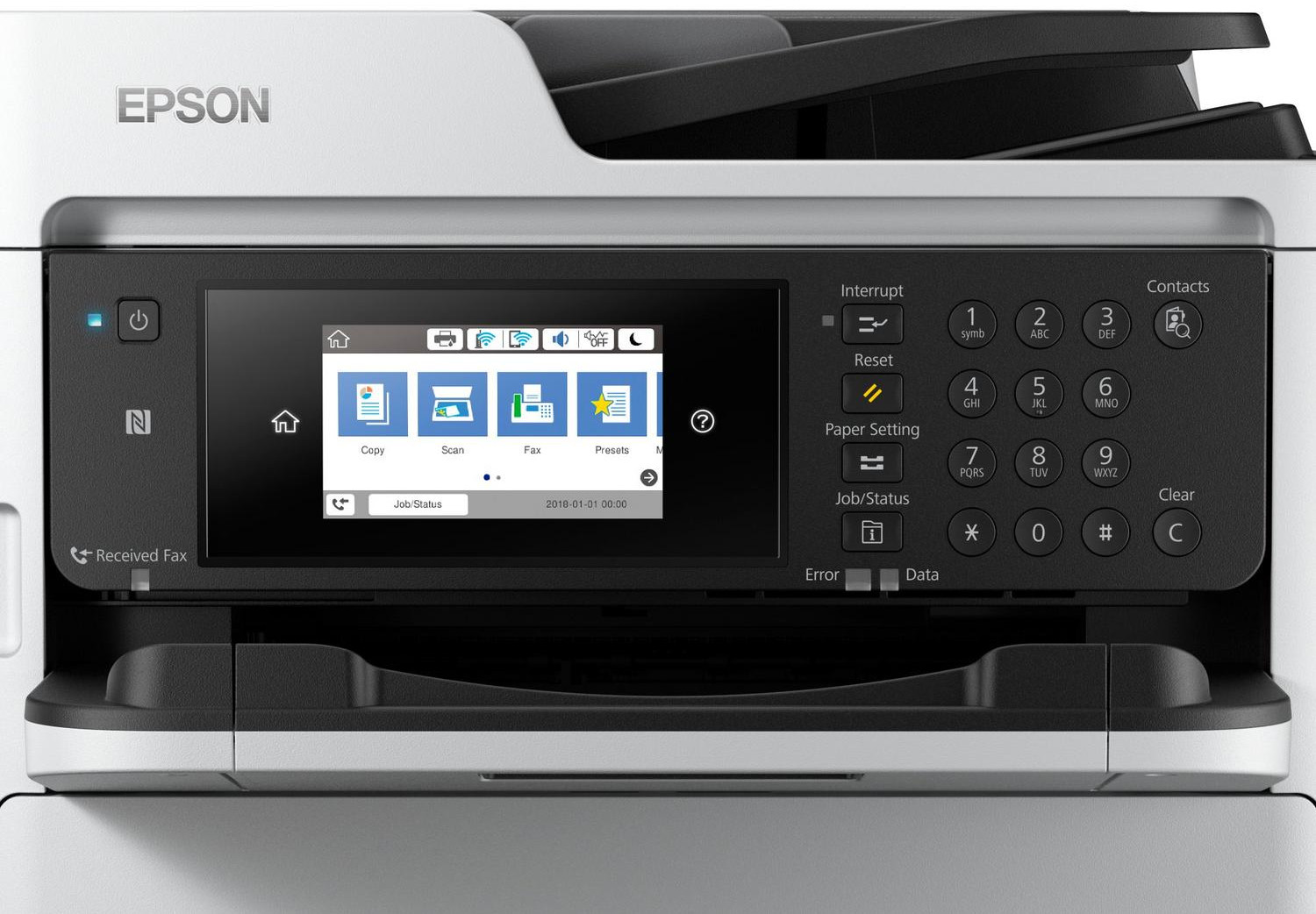
- User-friendly 4.3" touchscreen
- Mobile printing
- Maximum paper capacity: 830 sheets
- 50-page duplex Automatic Document Feeder
- Duplex print, scan, copy, and fax
- Maximum Paper Size: 8.5" x 47.2"
Specifications
General Specifications
| Functions | |
| Printing Technology | |
| Color Type | |
| Print Resolution | |
| Media Sizes | |
| Scanner Type | |
| Scanner Maximum Resolution | |
| Scanner Color Depth | |
| Wireless |
| Printing Technology | |
| Color Type | |
| Print Resolution | |
| Duplex Printing | |
| Printer Language | |
| Print Speed (By Time) | |
| Monthly Duty Cycle |
| Media Handling | |
| Media Sizes | |
| Paper Capacity | |
| Special Media Support |
| Scanner Type | |
| Scanner Maximum Resolution | |
| Scan Modes | |
| Scanner Color Depth | |
| Image Sensor | |
| Duplex Scanning | |
| File Formats |
| Paper Capacity |
| Number of Copies | |
| Copy Speed | |
| Duplex Copying |
| Modem Transmission Speed | |
| Fax Memory | |
| Speed Dial Capacity |
| Inputs/Outputs | |
| Wireless | |
| Direct Printing | |
| OS Compatibility |
| Operating Temperature | |
| Operating Humidity | |
| Storage Temperature | |
| Storage Humidity |
| Display Size | |
| Display Type | |
| Input Power | |
| Power Consumption | |
| Max Acoustic Noise | |
| Dimensions (W x H x D) | |
| Weight |
Accessories

Reviews


Fed up of re-sorting your printouts? For those inkjets that don't have a reverse print feature in the driver, some programs offer printing in reverse order.
What is RAM? RAM or Buffer Memory holds the graphic information on the printer while the file is on its way to be printed. The larger the RAM, the faster the printer can print complex graphics.
Printer not working? The printer memory could be full and not getting prints or the prints may be stuck in the print queue. Turn-off the printer, wait a few seconds and turn it back on.
MY ACCOUNT
INFO & POLICIES
SHOP EASY
PAYMENT OPTIONS



