



 Shopping Cart
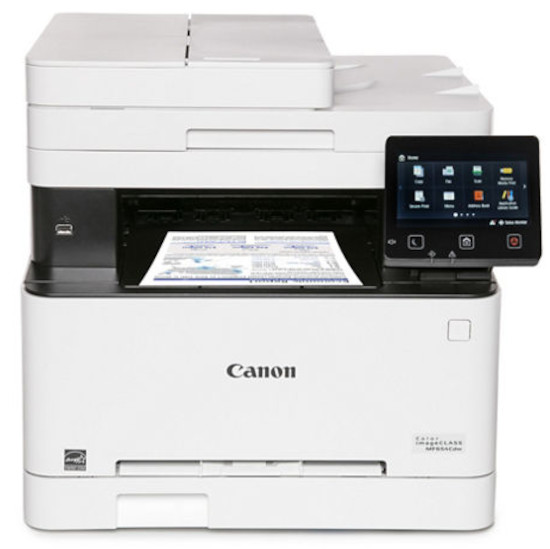
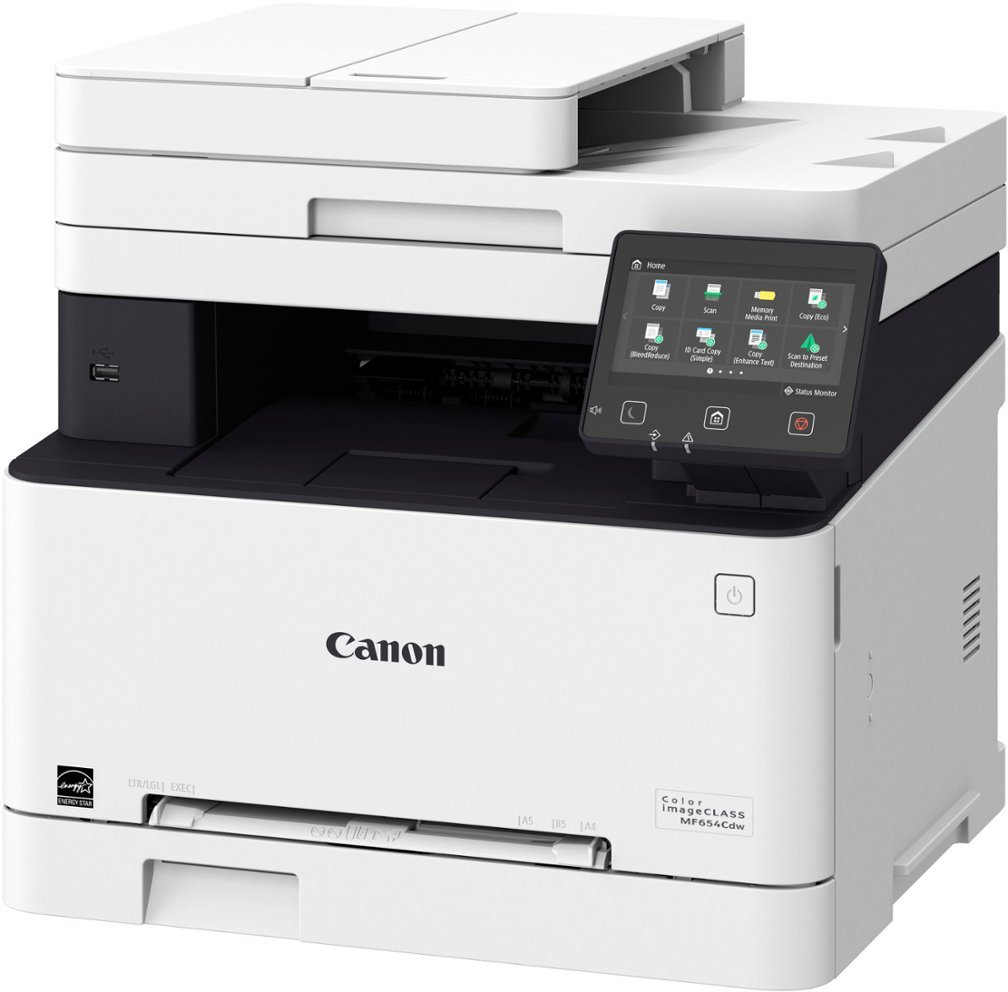
 Canon ImageClass MF654Cdw Multifunction Color Printer RECONDITIONED




Product Details
Specifications
Accessories
Reviews
Product Details
Main Features
- Color prints
- Print, scan, and copy functions
- Print speed: 22 pages per minute
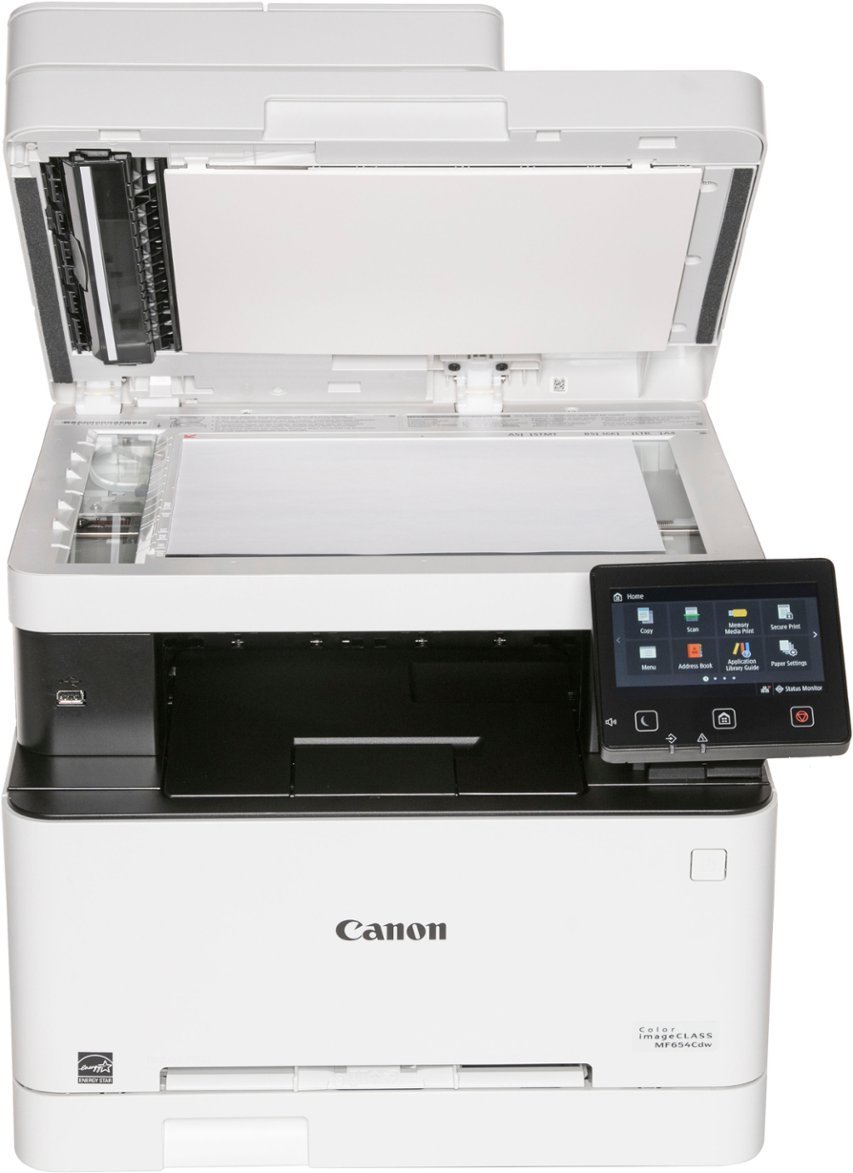
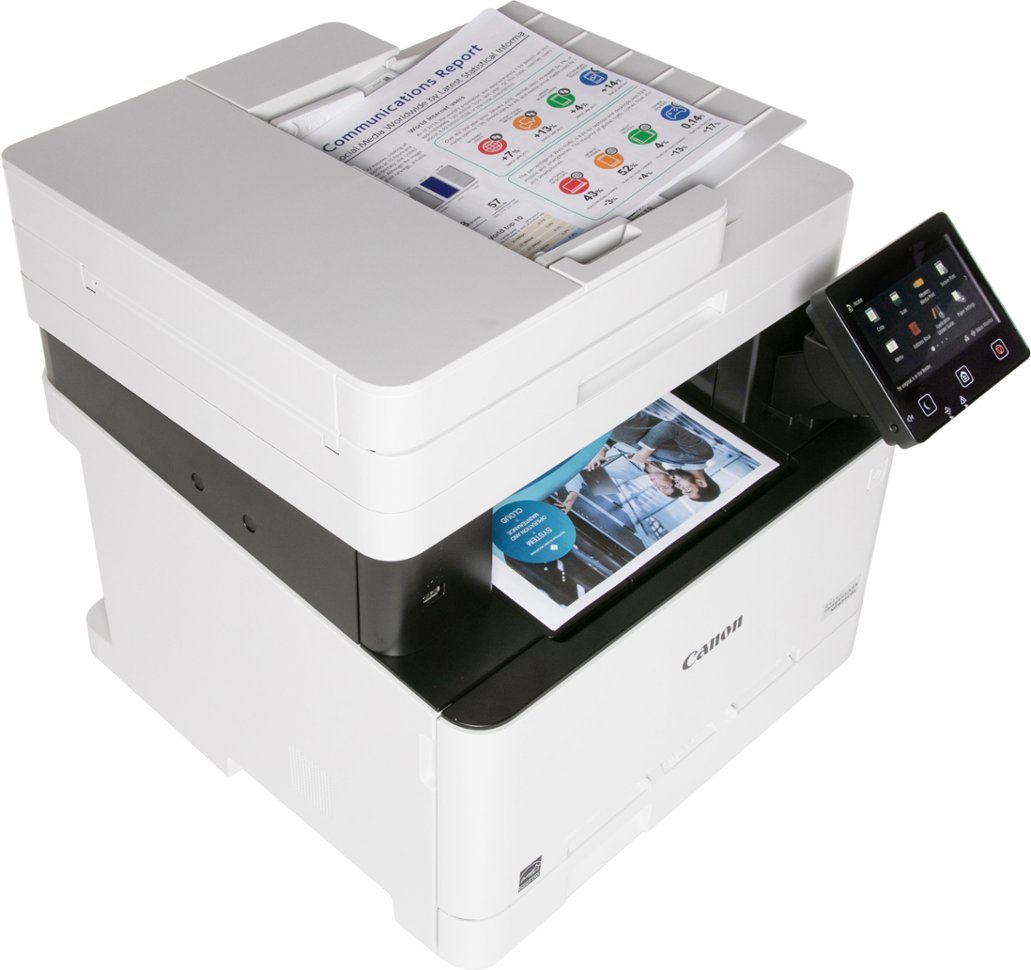
- 50 Sheet simplex document feeder
- Intuitive, customizable, 5" color touchscreen
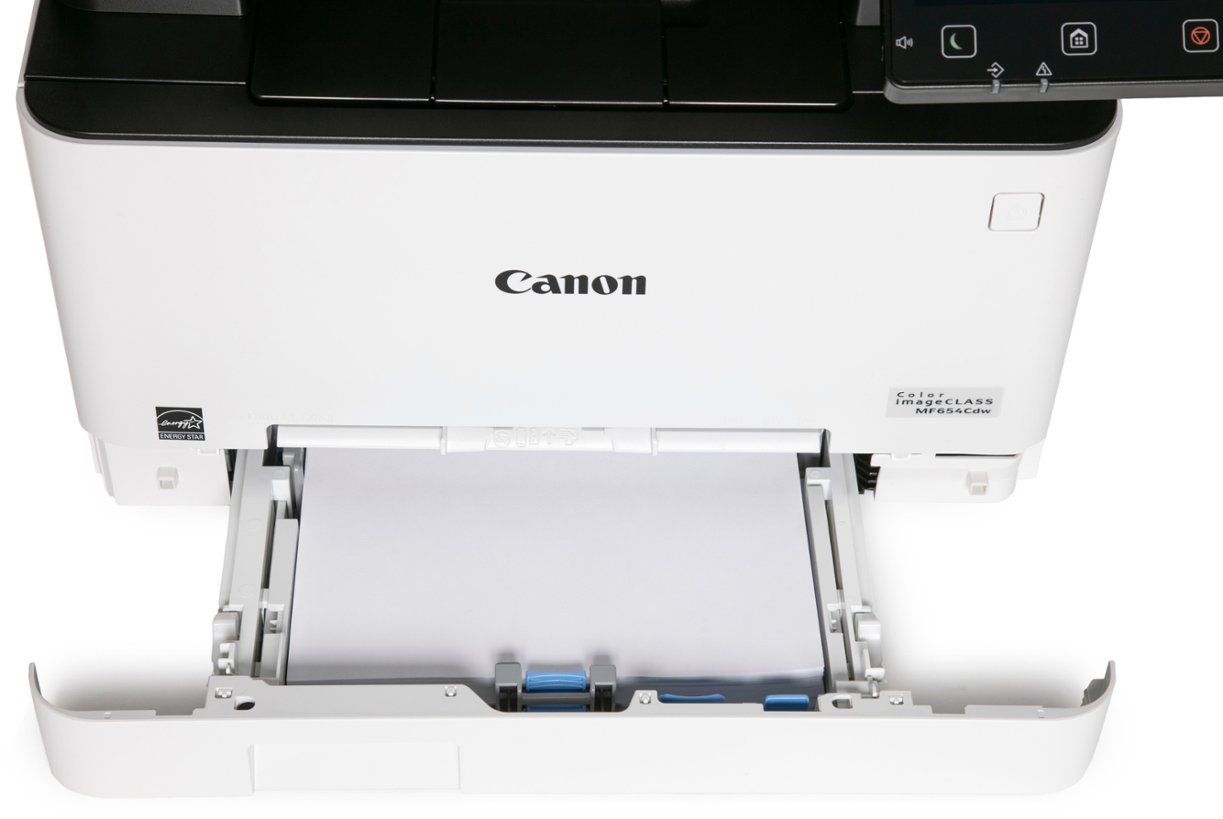
- 250 sheet paper tray
- Mobile printing
- Recommended Monthly Page Volume: 150 to 2,500 Pages
- Print Resolution: Up to 1200 x 1200 dpi
- Scan speed: up to 28 images per minute
- Wi-Fi, USB, and Ethernet Connectivity
Specifications
General Specifications
| Model Name | Color imageCLASS MF654Cdw |
| Model Description | Multifunction, Wireless, Color Laser Printer |
| Functions | Print, Scan, Copy |
| Print Speed | Up to 22 ppm (Letter) |
| Document Feeder | 50 Sheet |
| First Print Out Time | Approx. 10.3 Seconds (Black / Color, Letter) |
| Print/Copy Resolution | Up to 1200 x 1200 dpi |
| Scan Resolution | Up to 600 x 600 dpi |
| Print Memory | 1 GB (Shared) |
| Printer Language | UFR II |
| Network Security | IP/MAC Address Filtering, IPSEC, TLS 1.3, SNMP V3.0, IEEE 802.1X, IPv4/IPv6, SMTP Authentication, POP3 |
| Connectivity | USB 2.0 HighSpeed, 10/100/1000BaseT/TX Ethernet (Network), WiFi 802.11b/g/n, WiFi® Direct Connection |
| Operating Systems | Windows® 11 / 10 / 8.1 / Windows®Server2012 / 2012 R2 / 2016 / 2019 / 2022, Mac OS X (10.11 or later) |
| Paper Capacity | 250Sheet Standard Cassette, 1Sheet Manual Feed Slot |
| Min / Max Paper Size | Standard Cassette / 1sheet Manual Feed Slot: 3" x 5" to 8.5" x 14" |
| USB Direct Print | JPG, TIFF, PDF |
| Display Panel | 5 inch, Color Touch LCD |
| Print Volumes | 150 2,500 Pages |
| Energy Consumption | Approx: 900 W (Max.), 10.5 W (Standby), .8 W (Sleep Mode) |
| ENERGY STAR | Yes |
| EPEAT | Silver |
| Unit Dimensions | 17.8" (W) x 18.2" (D) x 16.3" (H) |
| Unit Weight | 48.5 lbs. |
 Download Manufacturer Specifications
Accessories

Reviews


If debris is the primary cause of failures, toner is the primary cause of debris. All toner cartridges release a small amount of toner powder into the machine. This is why it's important to clean the machine when you change the cartridge.
Most printers have a paper-out detector. On most dot matrix printers it is a photo diode. If form-fed paper is not aligned correctly (usually on the left side) the diode won't see it.
Most printers have a built-in diagnostics program which can be very useful for troubleshooting problems and test-printing without a computer. They are usually initiated by pressing a button or two while turning on the printer.
MY ACCOUNT
INFO & POLICIES
SHOP EASY
PAYMENT OPTIONS



* Images are for illustration purposes only.