



 Shopping Cart
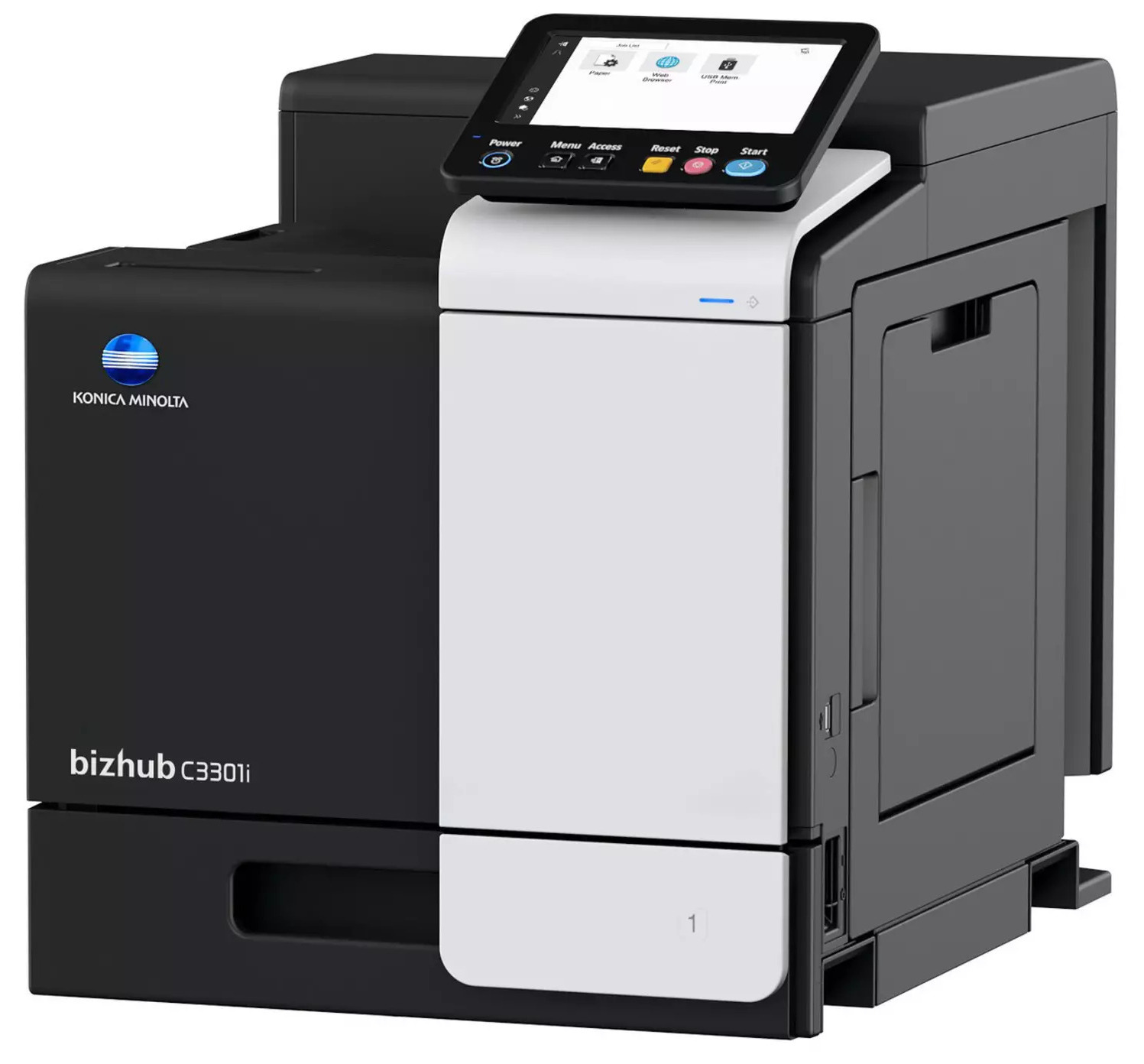
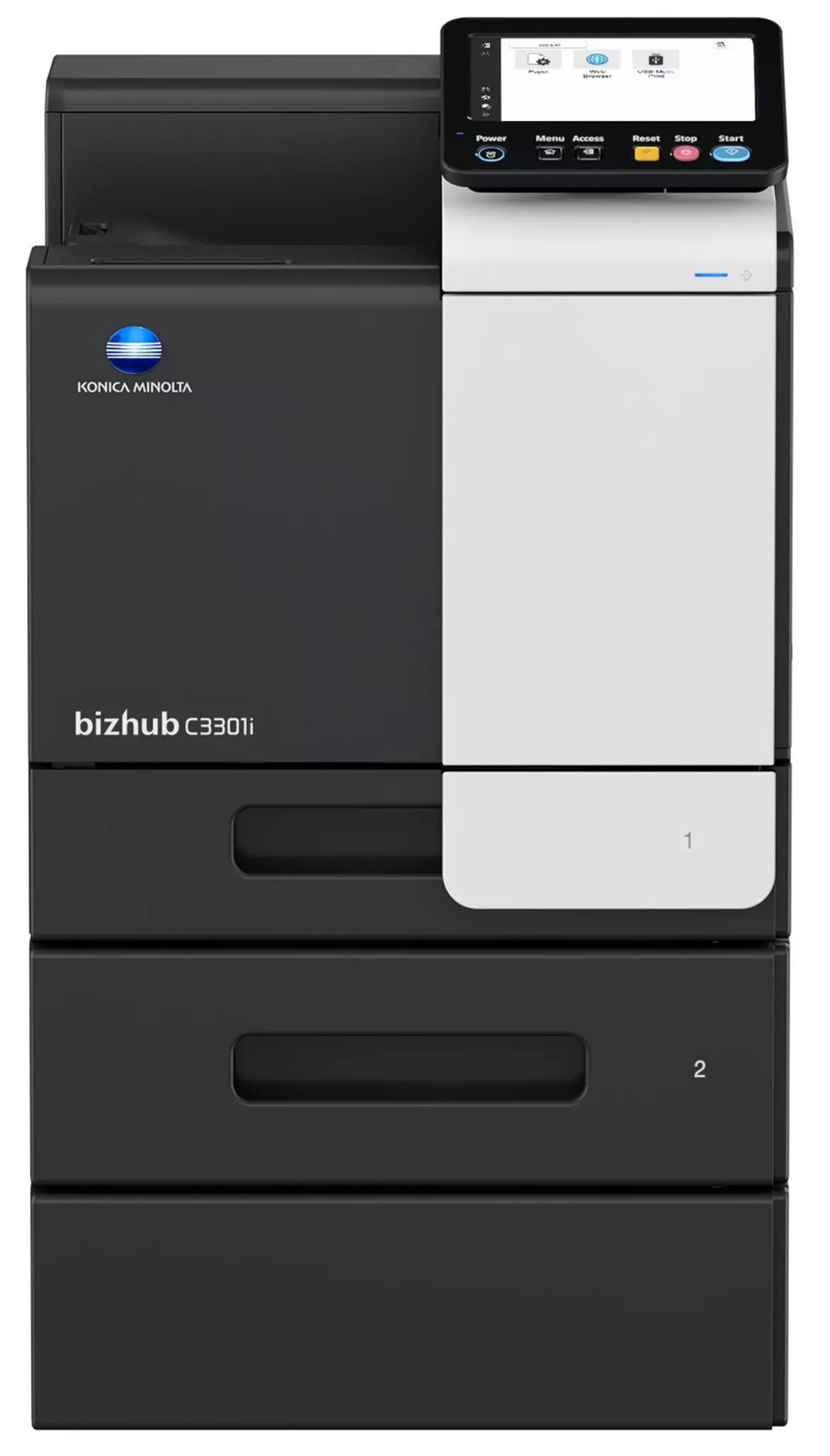
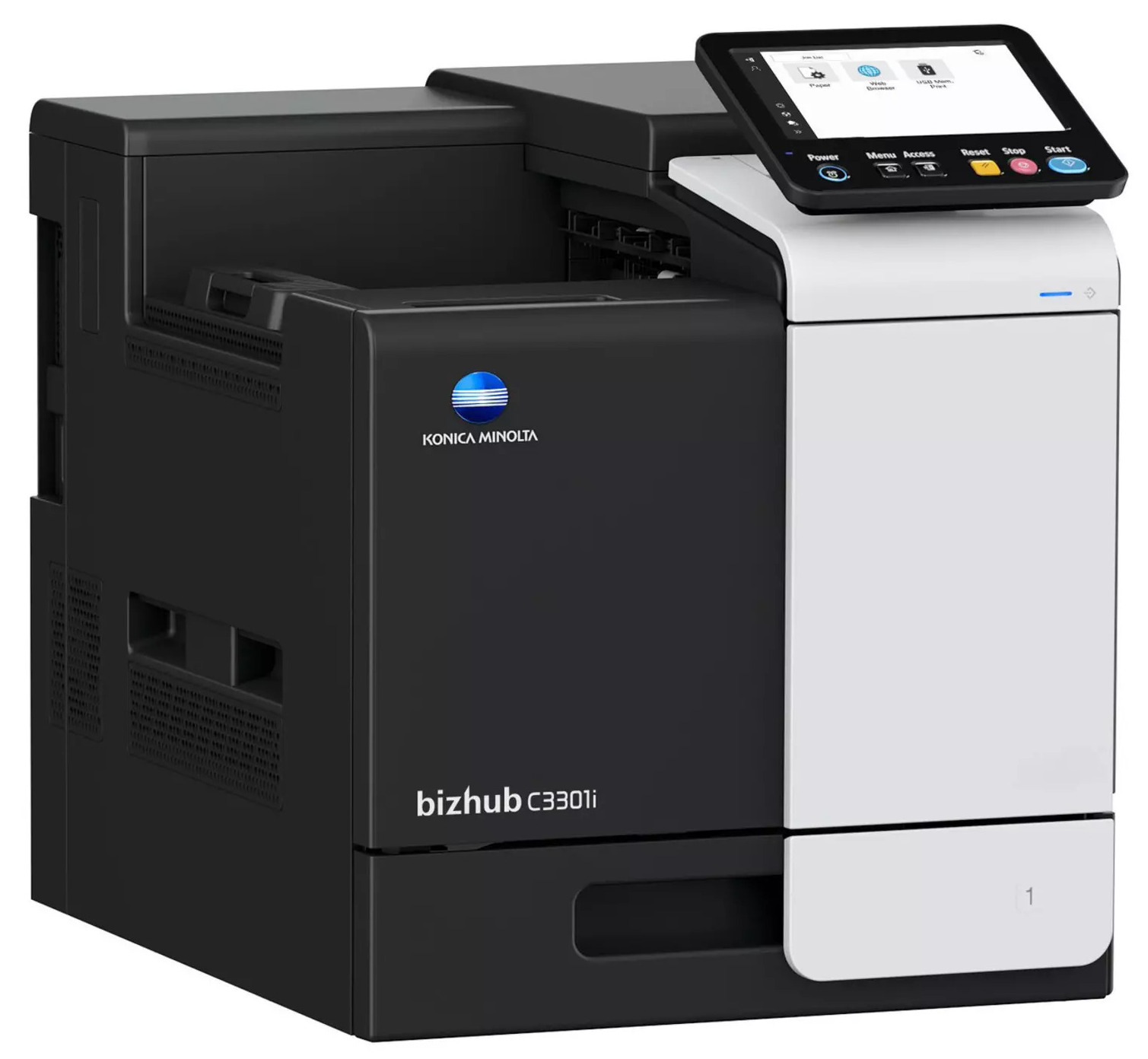
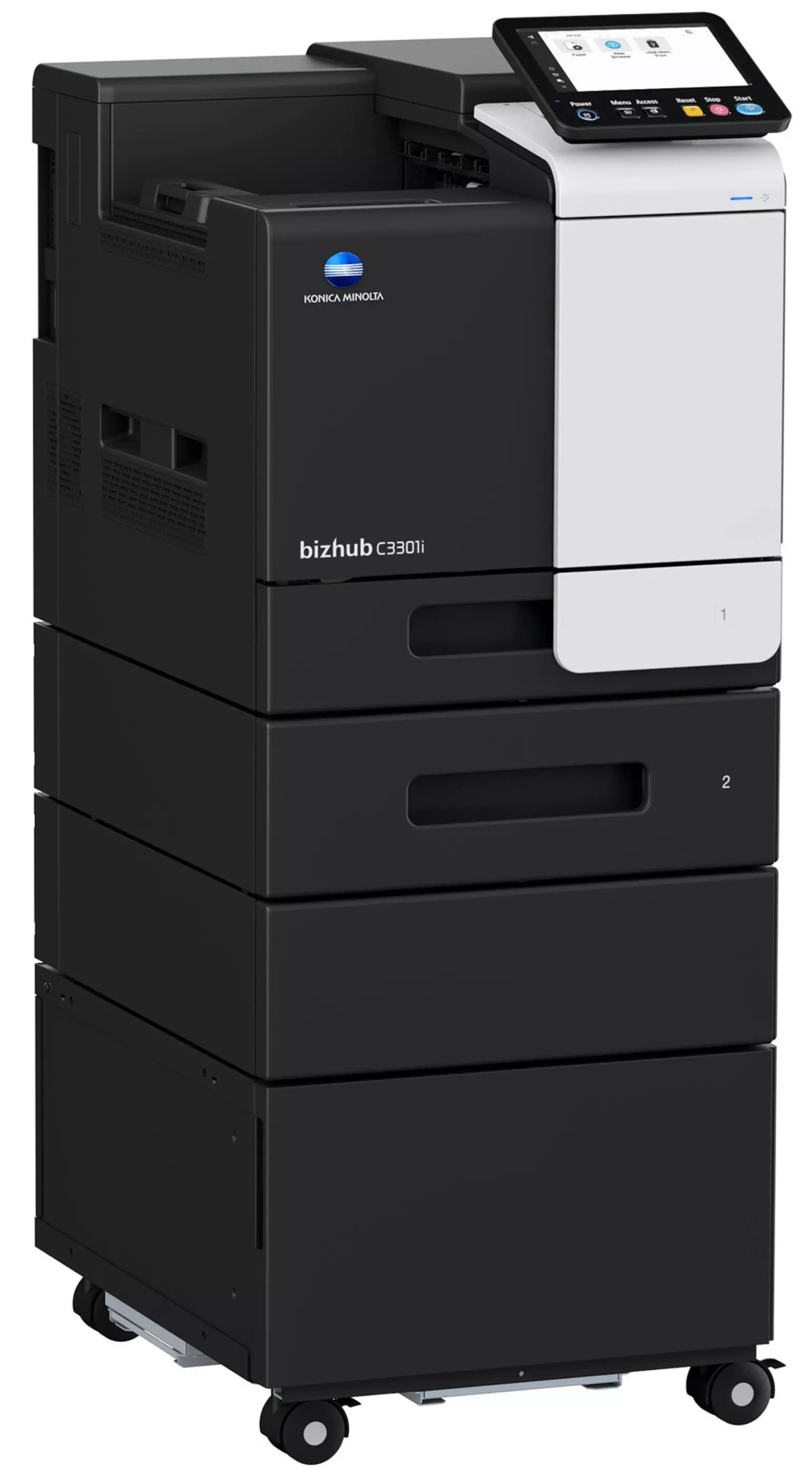
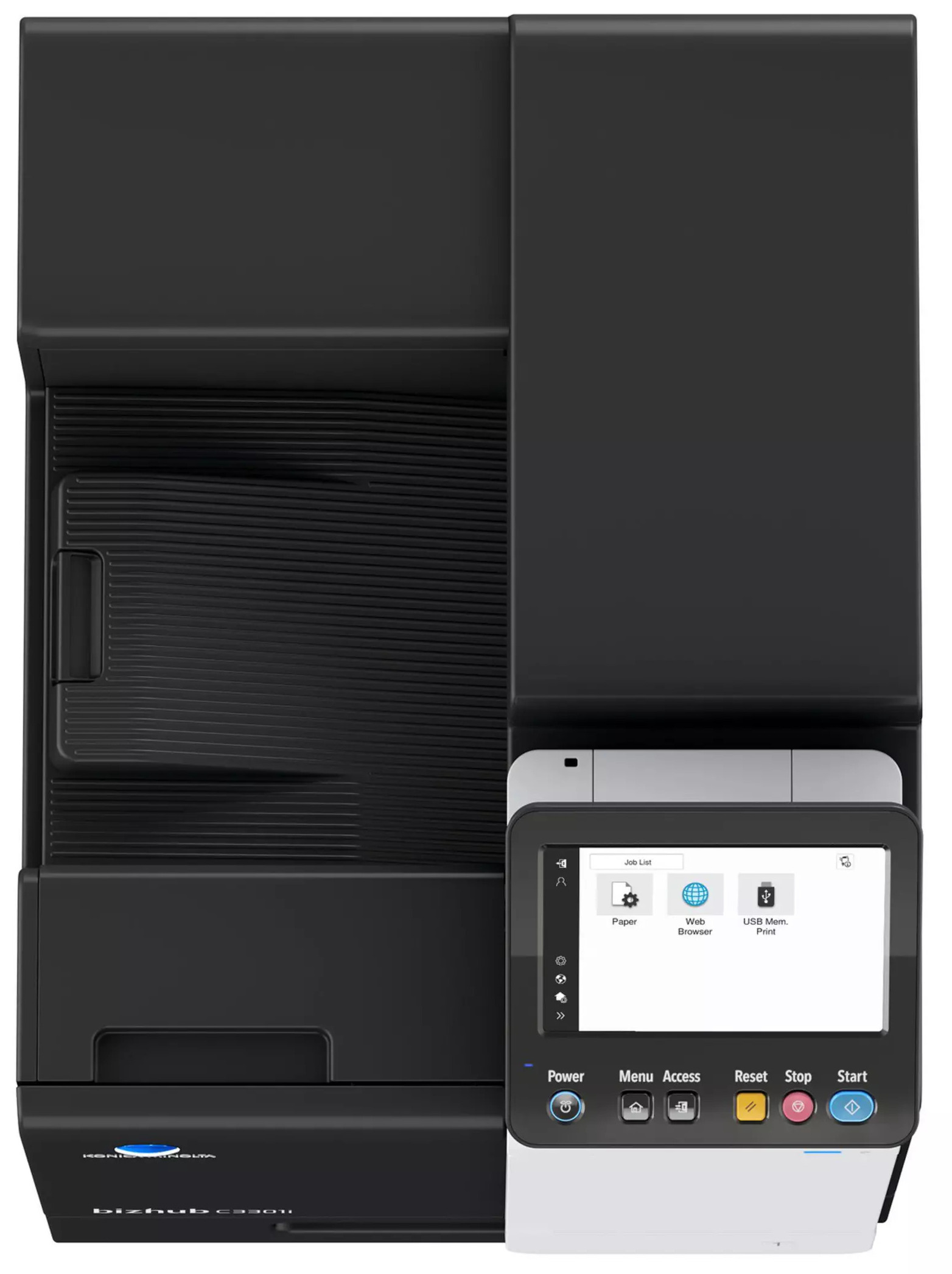
 Konica Minolta Bizhub C3301i Color Printer




Product Details
Specifications
Accessories
Reviews
Product Details
Main Features
- Print Speed: Up to 33 pages per minute in color and black and white
- Monthly duty cycle: Up to 96,000 pages
- Smartphone-like 7 inch touchscreen
- Security features
- Finishing options: Group, sort by and stapling
- Supported paper size: A6-A4 and customized paper sizes
- Warm-up time: Approximately 13-15 seconds
- Maximum Input capacity: 2,100 sheets
- USB, Wi-Fi, and Ethernet connectivity
- Print Resolution: 1200 x 1200 dpi
- Reduced energy consumption and costs
Specifications
General Specifications
| Auto Duplex Speed A4 | Up to 33/33 pages/min. (Black/Color) |
| Output of the 1st Page A4 | 8.7/9.6 sec (Black/Color) |
| Warm-up Time | Approx. 13/15 sec. (Black/Colour)¹ |
| Imaging Technology | Laser |
| Display Resolution | 7” / 800 x 480 |
| System Memory | 3,072 MB (Standard/max.) |
| Hard Disk | 8 GB (Standard) |
| Interfaces | 10/100/1.000-Base-T Ethernet; USB 2.0; Wi-Fi 802.11 b/g/n/ac (optional) |
| Network Protocols | TCP/IP (IPv4/IPv6); SMB; LPD; IPP; SNMP; HTTP(S); Bonjour |
| Paper Sizes | A6-A4; custom paper sizes |
| Paper Weight | 60-210 g/m² |
| Paper Capacity | 600 sheets / 2,100 sheets (standard/max.) |
| Staple Sheet Feeder | 100 sheets; A6-A4; custom formats; 60-210gsm |
| Finishing (optional) | Group; Sort by; Stapling (offline) |
| Automatic Duplex Printing | A4; 60-210 g/m² |
| Output Capacity | Up to 250 sheets |
| Volume (Monthly) | Recommended: 6,500 pages; Max.² 96,000 pages |
| Power Consumption | 220-240V / 50/60Hz; less than 1.45 kW |
| Dimensions (W x D x H) | 420 x 528 x 473 mm (without options) |
| Weight | Approx. 33.2 kg (without options) |
 Download Manufacturer Specifications
Accessories

Reviews


When power is applied, you should hear the print mechanism initialize and most printers have at least one light which will be illuminated when it is on.
Save memory on your PC by choosing the Custom option when you install your printer, and picking just the software you want to install.
Using heavy or stiff paper? Feed the paper one sheet at a time or try placing a sheet of plain copier or bond paper behind a heavy sheet.
MY ACCOUNT
INFO & POLICIES
SHOP EASY
PAYMENT OPTIONS



* Images are for illustration purposes only.