



 Shopping Cart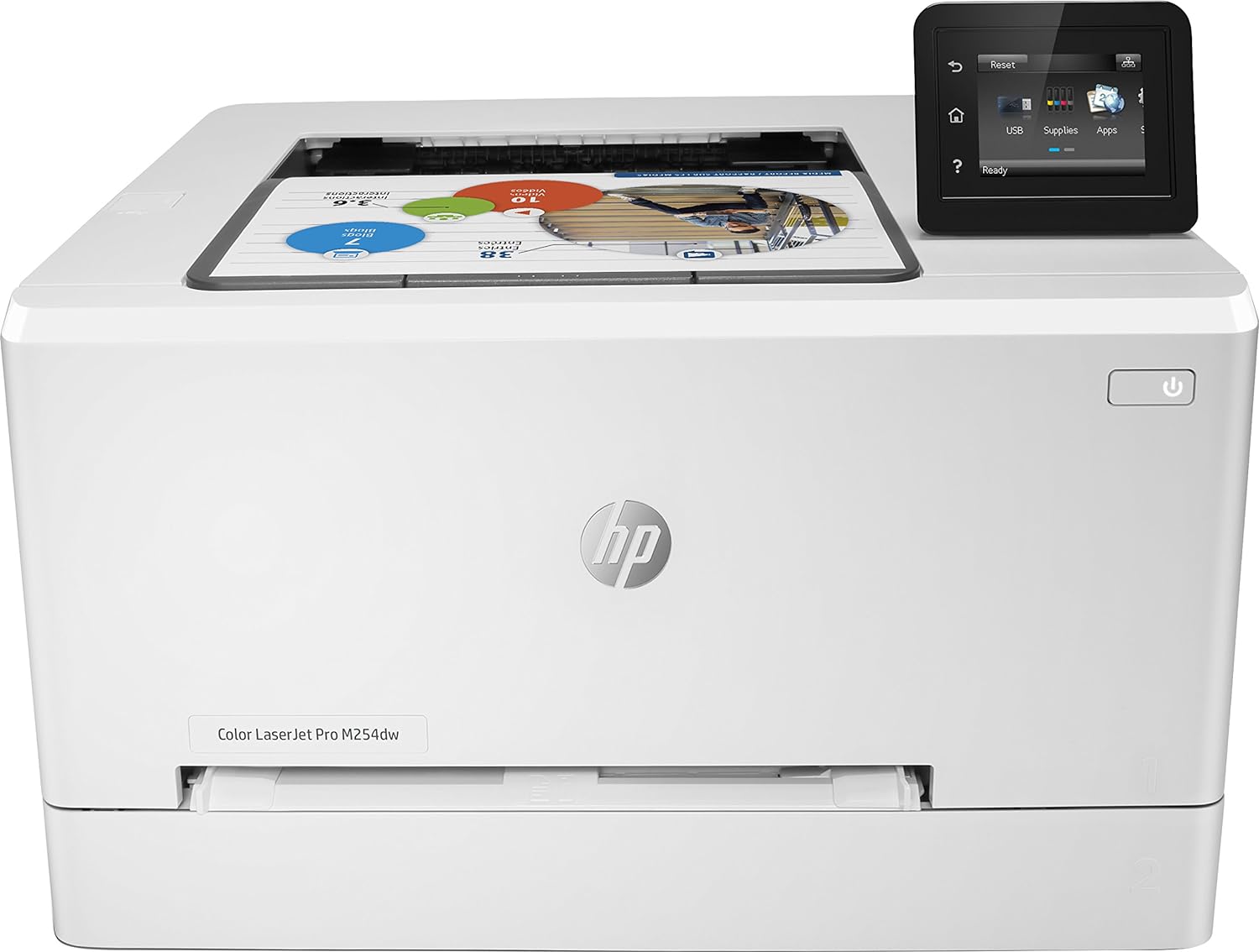





*** ALL TONERS AND SUPPLIES ARE IN STOCK AT DISCOUNTED PRICING , CALL +18882983095.
All reconditioned printers do not include supplies - toners , drums (Imaging Units) (where applicable) , printer cables , manuals , consumables, trays (where applicable). Power cables are included. Drivers can be downloaded from the manufacturers website. Please verify that drivers available are compatible with your software on the manufacturers site.
Product Details
Specifications
Accessories
Reviews
Product Details
Main Features
- Color and black and white printing
- Prints up to 21 pages per minute
- USB, Network and Wireless connectivity
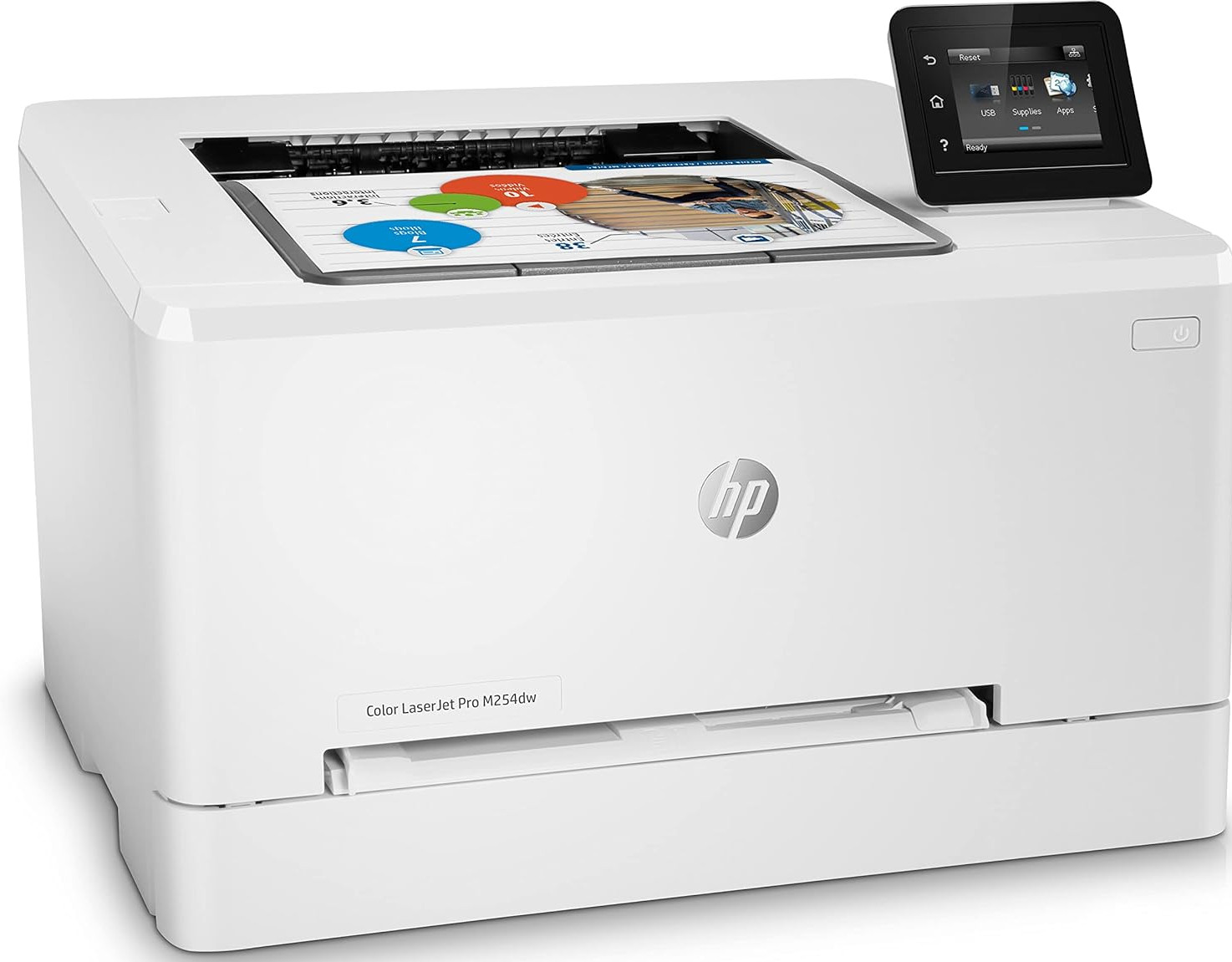
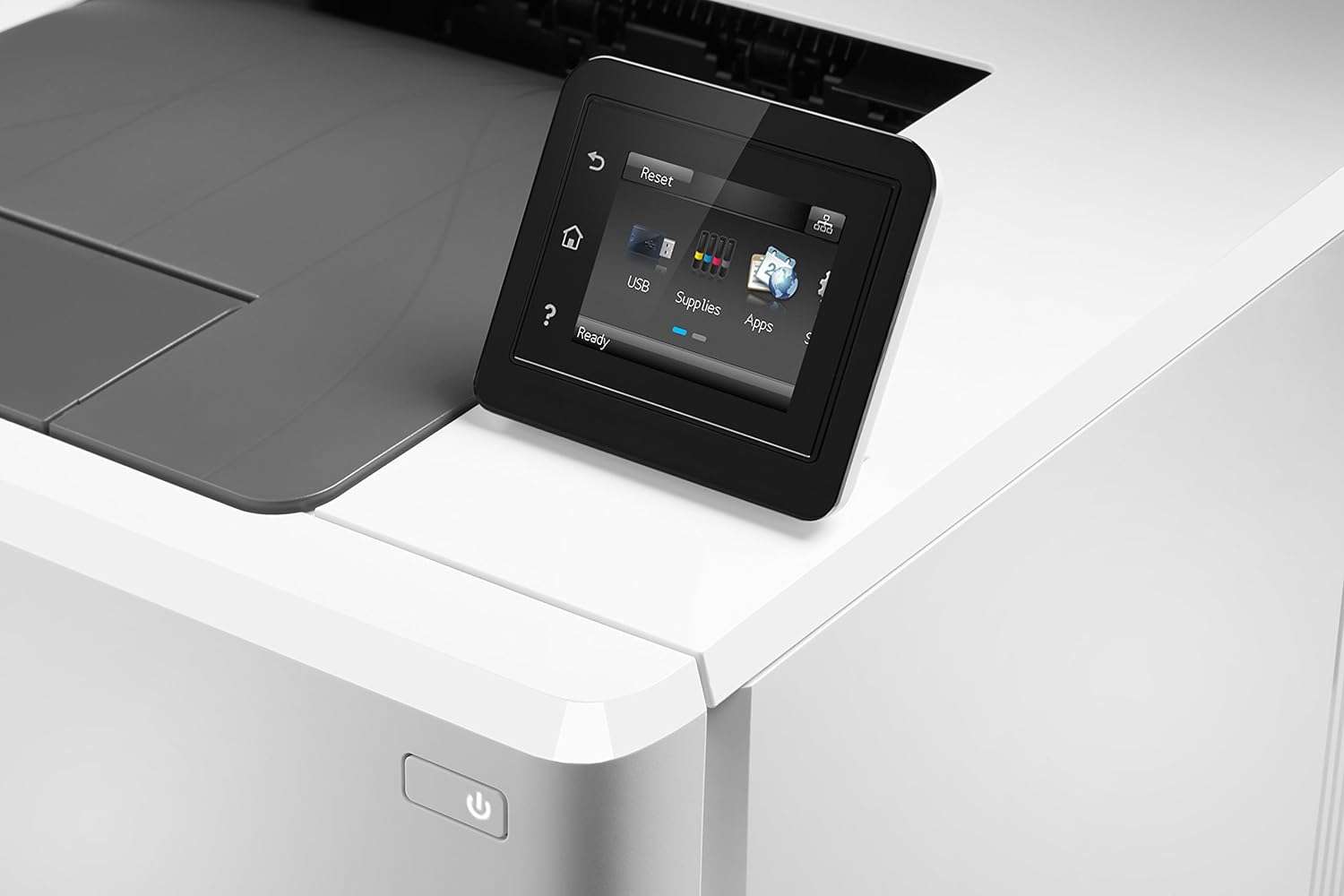
- 2.7 inch Touchscreen
- Automatic two-sided printing
- First page out: As fast as 10.3 seconds
- Monthly duty cycle: Up to 40,000 pages
- Mobile printing with HP ePrint, Apple AirPrint, Mopria, Wireless Direct Printing, and Mobile Apps
- Media Types: Paper, transparencies, labels, envelopes, and cardstock
- Maximum Input Capacity: 250 Sheets
Specifications
General Specifications
| Speed Monochrome | Up to 21 pages per minute |
| Printer Resolution | Up to 600 x 600 dpi Print |
| Speed color | Up to 21 pages per minute |
| Double Sided Printing | Automatic Double Sided Printing |
| First Page | As Fast as 10.3 Seconds First page |
| Product Group Output | A4 |
| Print Margins | Top: 5 mm, Bottom: 5 mm, Left: 5 mm, Right: 5 mm |
| Interface Type(s) | USB, Network & Wireless |
| Airprint Compatible | Yes |
| Control Panel | 2.7 in color graphic touchscreen with 3 buttons at left side (Home, Help, Back) |
| Monthly Duty Cycle | 40,000 Pages/Month |
| Recommended Max Print Volume | 2,500 Pages/Month |
| Mono or color Printer | color |
| Technology | Laser Printer |
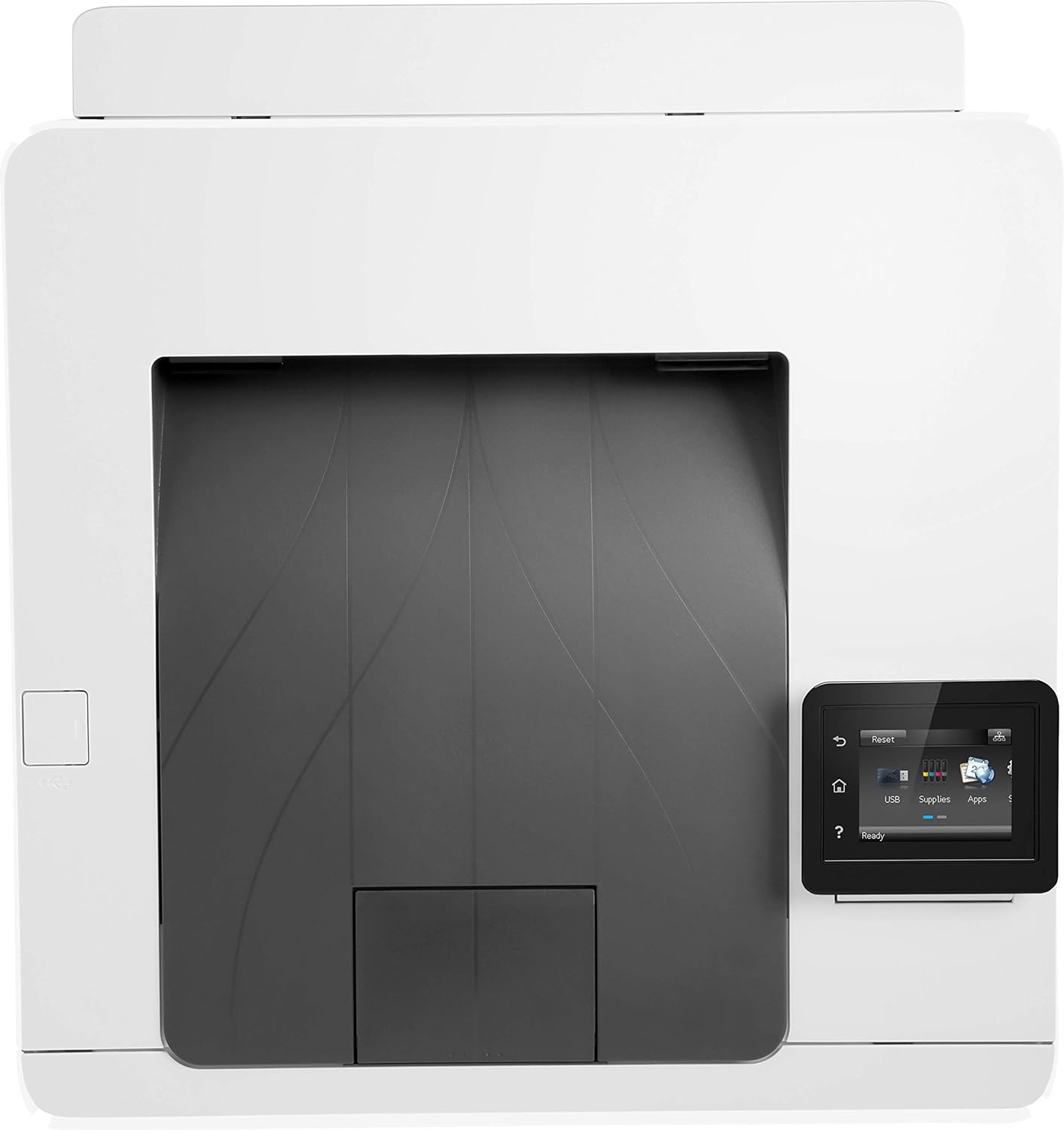
| Dimensions | 392mm (w) x 297mm (h) x 475mm (d) - 14.8kg |
| Printer Languages | HP PCL 6, HP PCL 5c, HP postscript level 3 emulation, PCLm, PDF, URF |
| Smart Software Features | HP Auto-On/Auto-Off technology, HP Smart App, HP JetAdvantage Secure Print |
 Download Manufacturer Specifications
Accessories

Reviews


After installing a printer, go to the Windows dialog box and check the settings, so you won't be surprised by what happens the first time you print.
Looking to save paper and ink? Make sure to only print the pages you need of your document.
Paper jam? The best way to remove jammed paper is to gently pull the paper in the direction of the paper path - with power off, of course. Do not pull the paper backwards - you could damage your printer forever by doing so.
MY ACCOUNT
INFO & POLICIES
SHOP EASY
PAYMENT OPTIONS



