



 Shopping Cart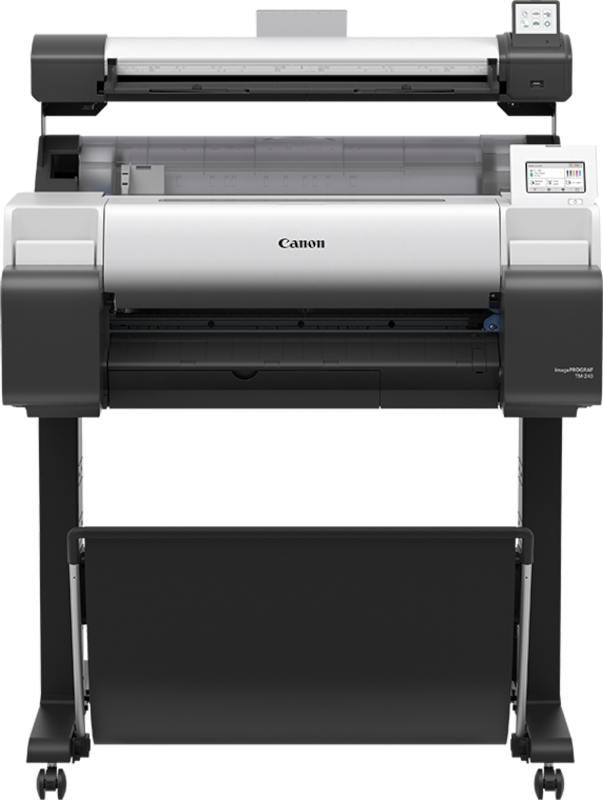



*** ALL TONERS AND SUPPLIES ARE IN STOCK AT DISCOUNTED PRICING , CALL +18882983095.
Printers do not include supplies - toners , drums (Imaging Units) (where applicable) , printer cables , manuals , consumables , trays (where applicable). Power cables are included. Drivers can be downloaded from the manufacturers website. Please verify that drivers available are compatible with your software on the manufacturers site.
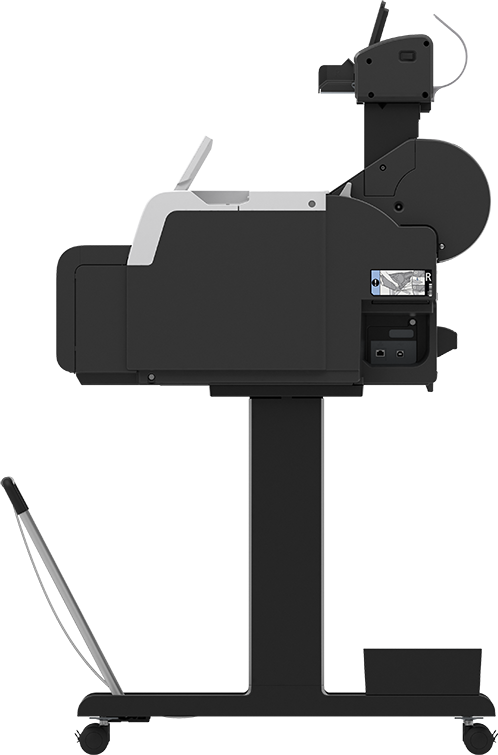
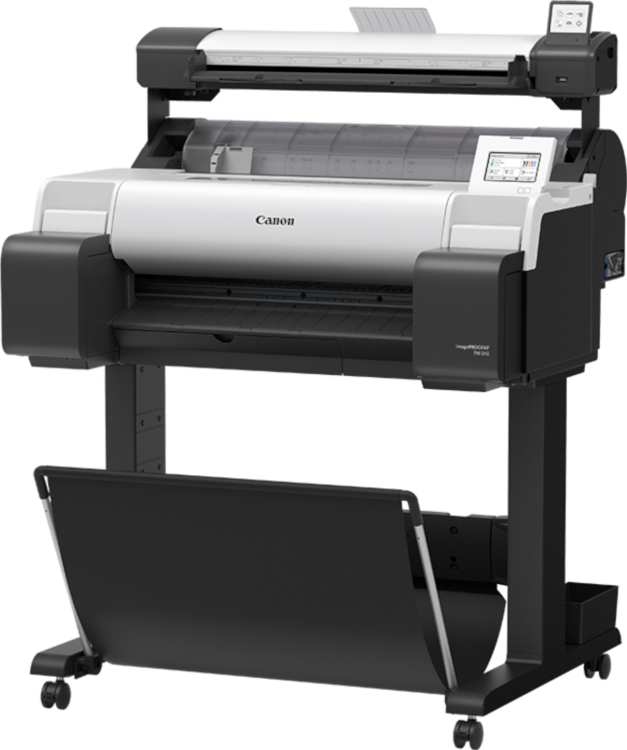
Images are for illustration purposes only and do not necessarily reflect the actual product.Product Details
Specifications
Accessories
Reviews
Product Details
Main Features
- Print and scan simultaneously
- Save time trimming margins with free borderless printing
- Scan documents up to 0.8 mm thick
- Handles media up to 24 inches wide
- Intuitive 4.3 inch touchscreen
- Tiltable 3 inch color touchscreen on the scanner
- Straight paper path
- Automatic detection of media type and size
- Save scanned data directly to USB, with TIFF, PDF and JPEG file formats
- Ethernet, Wi-Fi and USB connectivity
Specifications
General Specifications
| Printing Technology | |
| Color Type | |
| Compatible Cartridges | |
| Number of Nozzles | |
| Print Resolution | |
| Printer Language |
| Media Handling | |
| Media Sizes | |
| Media Thickness | |
| Media Roll Diameter |
| Scanner Type | |
| Scanner Maximum Resolution | |
| Scan Modes | |
| Scanner Color Depth | |
| Grayscale Depth | |
| Image Sensor | |
| Duplex Scanning | |
| Single Pass Duplex | |
| Scan Speed |
| Scan Sizes | |
| Media Thickness |
| Inputs/Outputs | |
| Wireless | |
| Internal Memory | |
| Mobile App Compatible | |
| OS Compatibility |
| Operating Temperature | |
| Operating Humidity |
| Power Source | |
| Battery | |
| AC Input Power | |
| Power Consumption | |
| Dimensions (W x H x D) | |
| Weight |
 Download Manufacturer Specifications
Accessories

Reviews


Are your printer nozzles getting clogged? Try adding a humidifier to the room where you keep your printer.
What is dpi? Dpi is used to describe the resolution number of dots per inch in a digital print. The higher the numbers, the more detailed the print image is.
Save memory on your PC by choosing the Custom option when you install your printer, and picking just the software you want to install.
MY ACCOUNT
INFO & POLICIES
SHOP EASY
PAYMENT OPTIONS



