



 Shopping Cart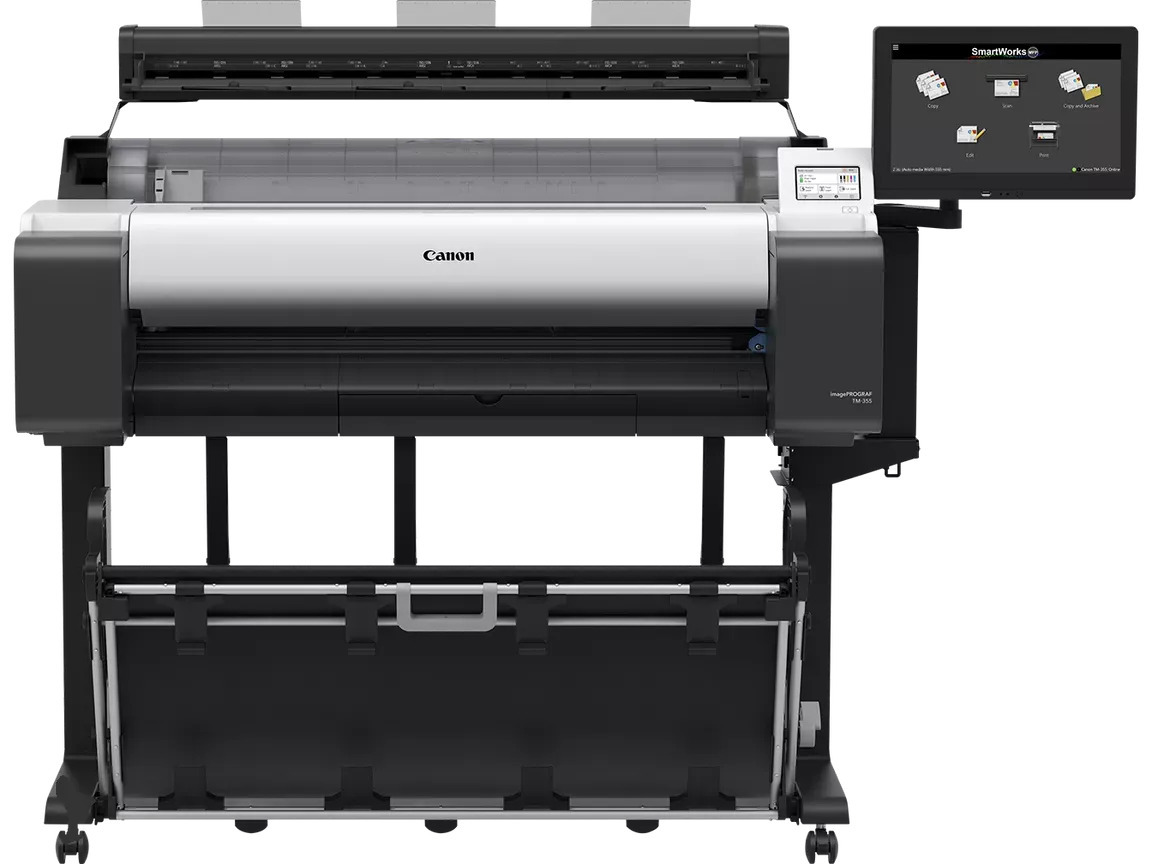



*** ALL TONERS AND SUPPLIES ARE IN STOCK AT DISCOUNTED PRICING , CALL +18882983095.
Printers do not include supplies - toners , drums (Imaging Units) (where applicable) , printer cables , manuals , consumables , trays (where applicable). Power cables are included. Drivers can be downloaded from the manufacturers website. Please verify that drivers available are compatible with your software on the manufacturers site.
Product Details
Specifications
Accessories
Reviews
Product Details
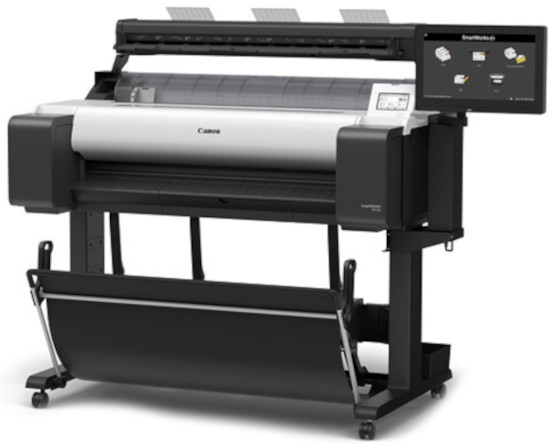
Main Features
- Print and scan documents up to 36 inches wide
- Print and scan simultaneously
- Advanced workflow capabilities to scan, edit, save, share, and print scanned data
- Scanner supports TIFF, PDF and JPEG file formats
- Large ink tanks for high volume printing
- Scanning speed of up to 13” per second in monochrome and up to 6” per second in color
- 15.6” Touchscreen Controller for large preview and editing of scans
- SingleSensor technology (up to 1,200 dpi)
- Scan a document up to 1.0 mm thick
- Print A1 CAD prints in 17 seconds and A1 posters in 22 seconds
- Maximum resolution: 1200 dpi
Specifications
General Specifications
| Printer RAM |
Standard – 2GB,128GB (Physcial memory 2GB) |
|---|---|
| Media Feed |
Roll Paper : One Roll, Upper-loading, Front Output |
| Media Width |
Roll paper: 203.2 – 917mm |
| Print Head |
PF-06 |
| Print Language |
HP-GL/2, HP RTL, JPEG (Ver. JFIF 1.02), CALS G4 (submission via FTP only) |
| Options |
2"/3" Roll Holder: RH2-35 |
| Scan Speed |
Scan Speed 8-bit Grayscale & Mono@200dpi- 13ips |
| Maximum Resolution (Scanner) |
1200dpi |
| Maximum Scan Width |
36” |
| Maximum Media Width |
38” |
| Dimensions (H x W x D) and Weight |
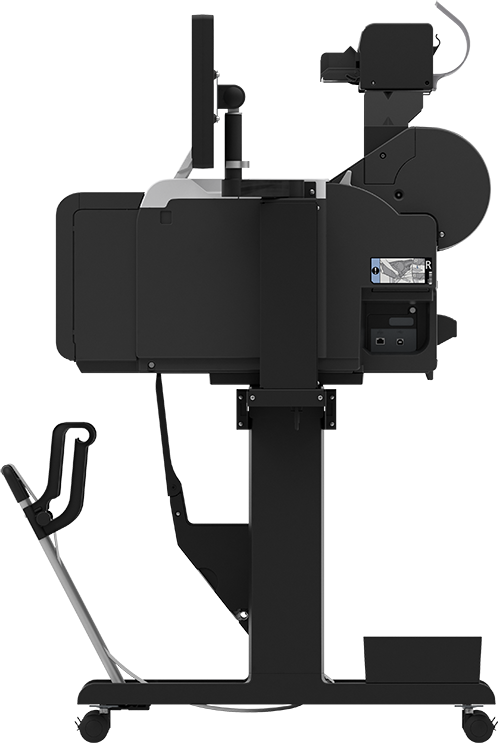
1285 x 885 x 1060 mm (Operation panel is not tilted up/Basket Opened) |
 Download Manufacturer Specifications
Accessories

Reviews


Is your printer feeding in the whole paper stack rather than just one piece at a time? Fan the paper before putting it in the tray to help separate the sheets. Also, store your paper in a cool, dry place as humidity can contribute to this problem.
Printer not working? The printer memory could be full and not getting prints or the prints may be stuck in the print queue. Turn-off the printer, wait a few seconds and turn it back on.
What is dpi? Dpi is used to describe the resolution number of dots per inch in a digital print. The higher the numbers, the more detailed the print image is.
MY ACCOUNT
INFO & POLICIES
SHOP EASY
PAYMENT OPTIONS



