



 Shopping Cart
 Lexmark MX622ADHE Multifunction Printer
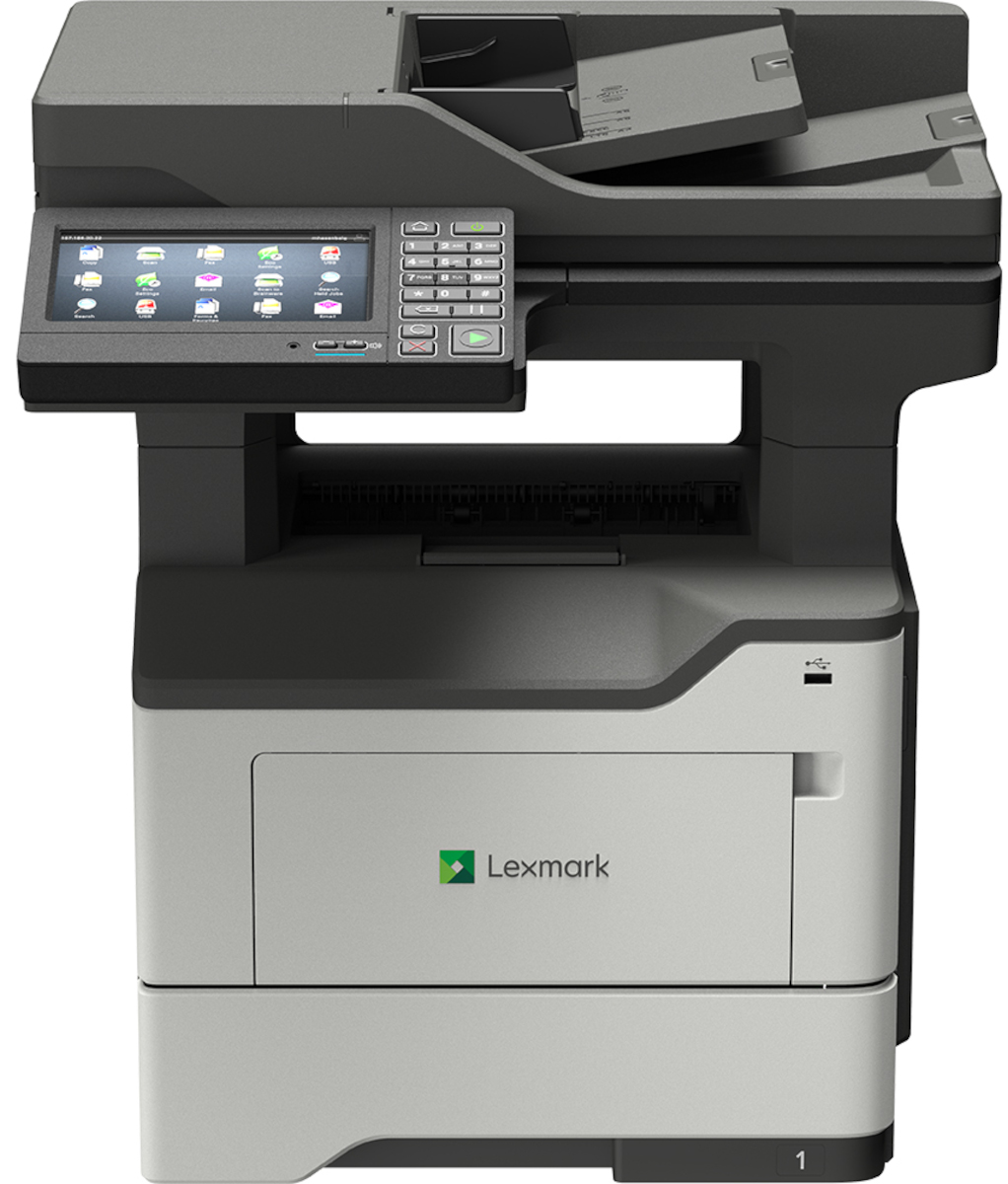


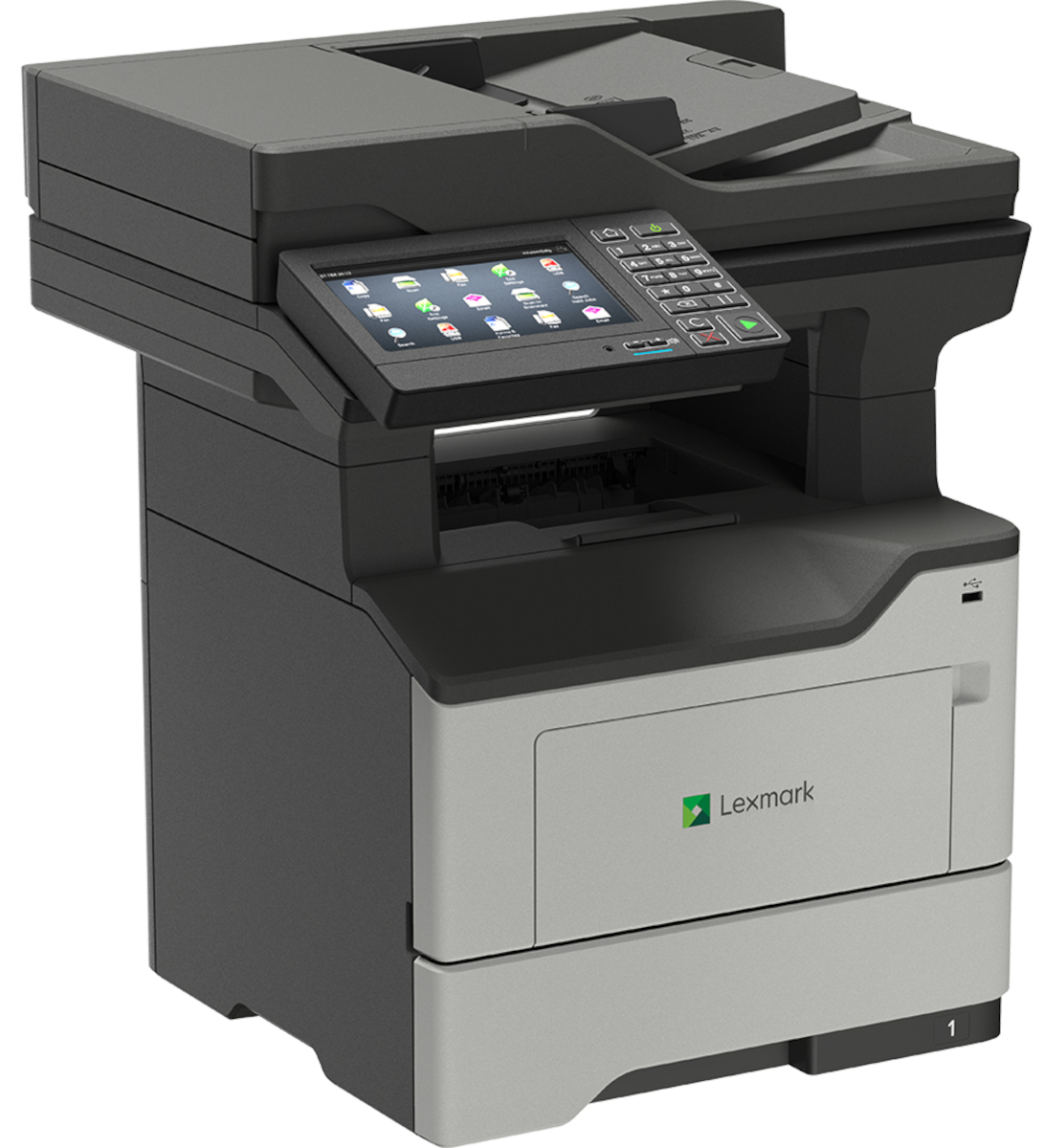
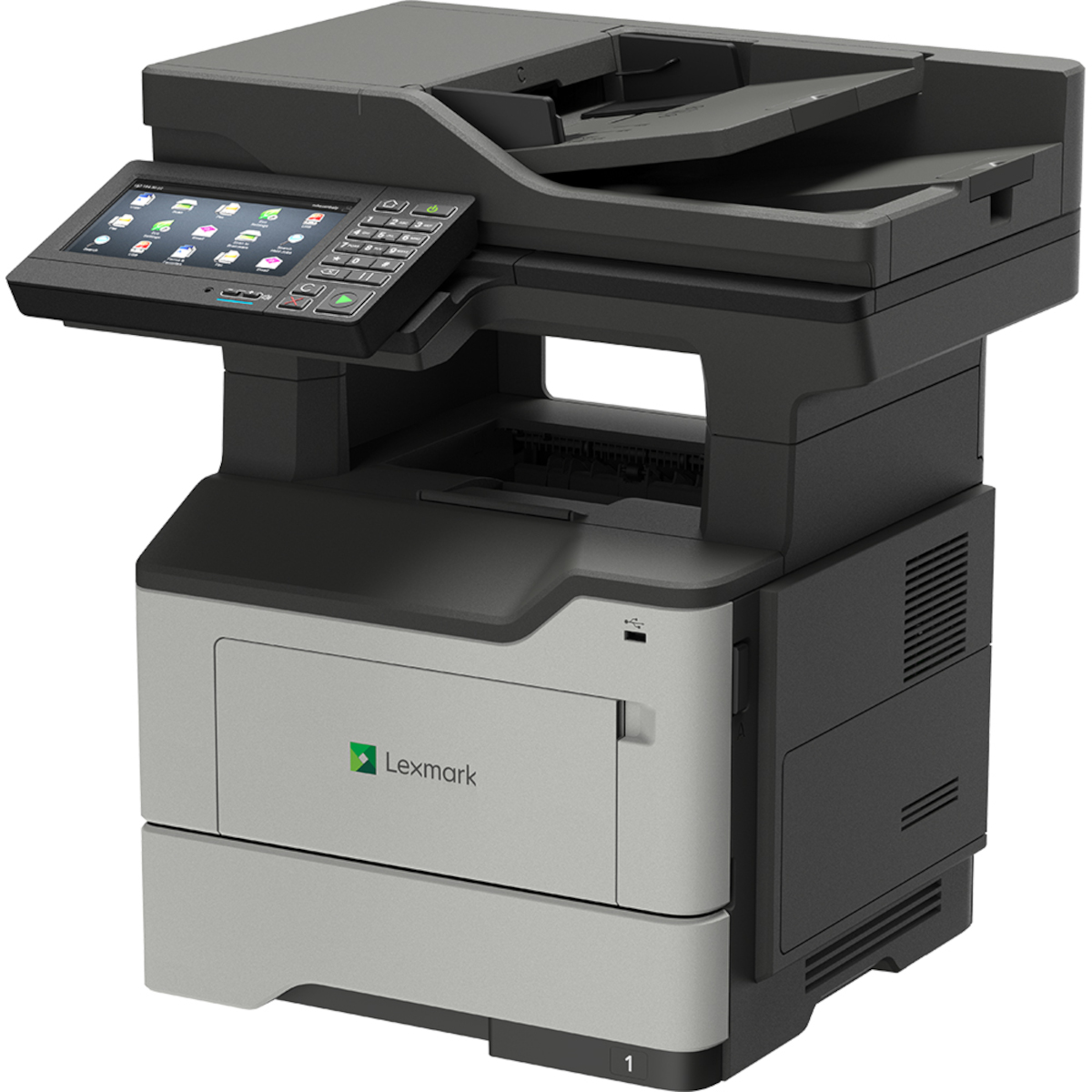

Product Details
Specifications
Accessories
Reviews
Product Details
Main Features
- Functions: Print, scan, copy and fax
- Black and white desktop laser printer
- Enhanced security features
- Speedy prints of up to 50 pages per minute
- Hard drive available
- 1.2 GHz Quad-core processor
- 2 GB of standard memory
- 7 inch touchscreeen offers tablet-like interaction
- Optional staple finisher
Specifications
General Specifications
| Manufacturer | Lexmark International, Inc |
| Manufacturer Part Number | 36S0920 |
| Brand Name | Lexmark |
| Product Name | MX622adhe Multifunction Mono Laser |
TECHNICAL INFORMATION |
|
| Multifunction Devices | Copier/Fax/Printer/Scanner |
| Recommended Use | Plain Paper Print |
| Print Color Capability | Monochrome |
| Maximum Mono Print Speed (ppm) | 50 |
| Maximum Print Resolution (dpi) | 1200 x 1200 |
| Duplex Printing | Automatic |
INTERFACES/PORTS |
|
| USB | Yes |
NETWORK & COMMUNICATION |
|
| Ethernet Technology | Gigabit Ethernet |
DISPLAY & GRAPHICS |
|
| Screen Size | 7.01" |
| Touchscreen | Yes |
SCANNER |
|
| Scanner Type | Flatbed |
| Scan Color | Color |
| Optical Resolution (dpi) | 1200 |
COPIER |
|
| Copier Type | Flatbed |
| Copy Color | Monochrome |
FAX |
|
| Fax Color | Monochrome |
MEDIA TYPES & HANDLING |
|
| Media Type |
|
| Media Size | |
| Media Size |
|
| Media Handling |
|
| Standard Input Media Capacity | 650 sheets |
SOFTWARE |
|
| Operating System Supported |
Windows:
Apple:
Linux:
Novell:
UNIX:
|
RELIABILITY |
|
| Duty Cycle | 175000 |
| Recommended Monthly Print Volume | 2000 to 20000 |
POWER DESCRIPTION |
|
| Power Source | AC Supply |
PHYSICAL CHARACTERISTICS |
|
| Form Factor | Desktop |
| Height | 21.5" |
| Width | 19.3" |
| Depth | 18.8" |
| Weight (Approximate) | 49.2 lb |
| Certifications & Standards |
|
| Energy Star | Yes |
| Green Compliant | Yes |
| Green Compliance Certificate/Authority |
|
 Download Manufacturer Specifications
Accessories

Reviews


Is your printer feeding in the whole paper stack rather than just one piece at a time? Fan the paper before putting it in the tray to help separate the sheets. Also, store your paper in a cool, dry place as humidity can contribute to this problem.
Using heavy or stiff paper? Feed the paper one sheet at a time or try placing a sheet of plain copier or bond paper behind a heavy sheet.
It is always better to use original branded ink cartridges to reduce chances of clogging, leaking and bleeding.
MY ACCOUNT
INFO & POLICIES
SHOP EASY
PAYMENT OPTIONS



* Images are for illustration purposes only.