



 Shopping Cart
 Canon ImageClass LBP633CDW Color Laser Printer
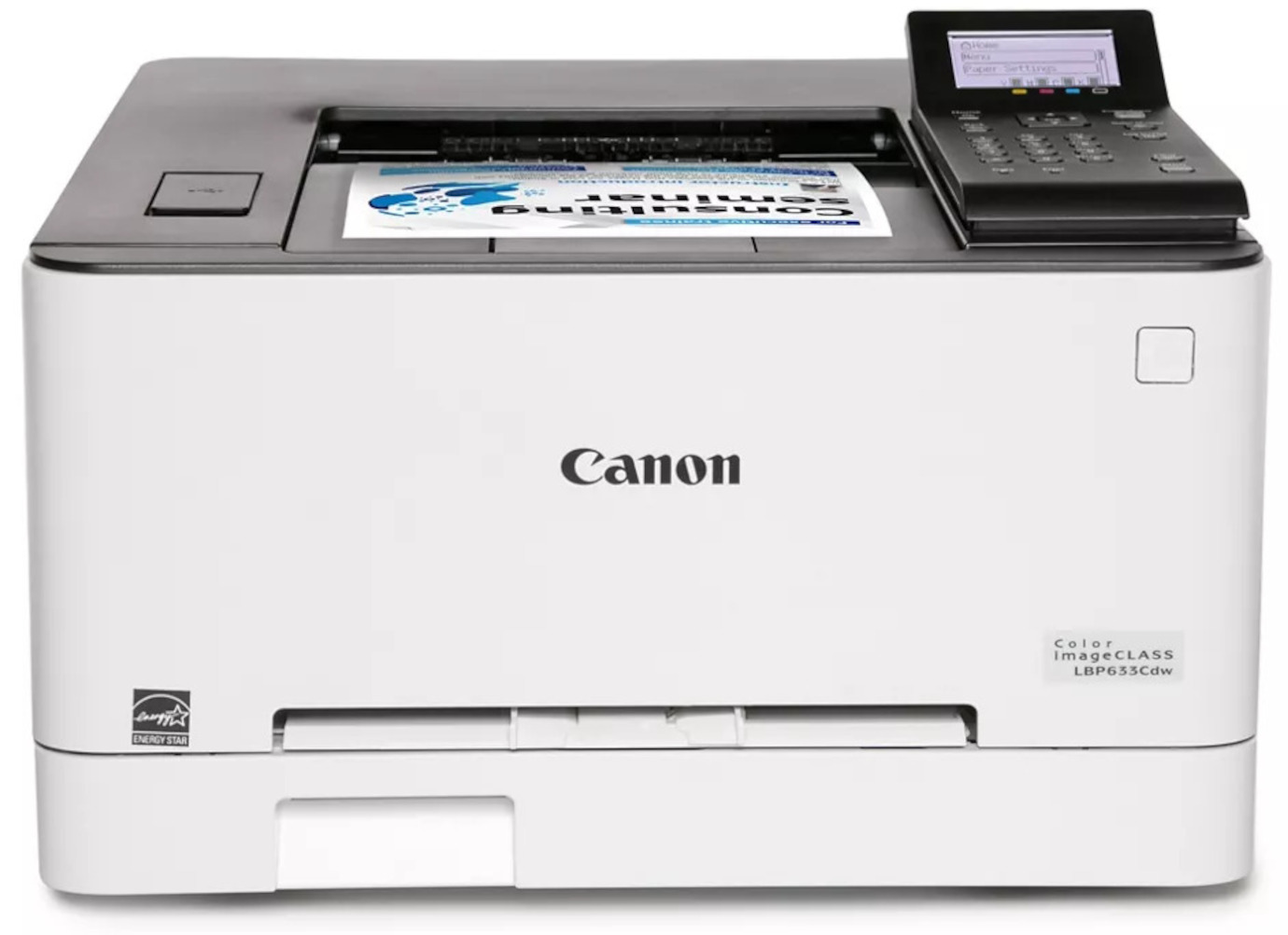


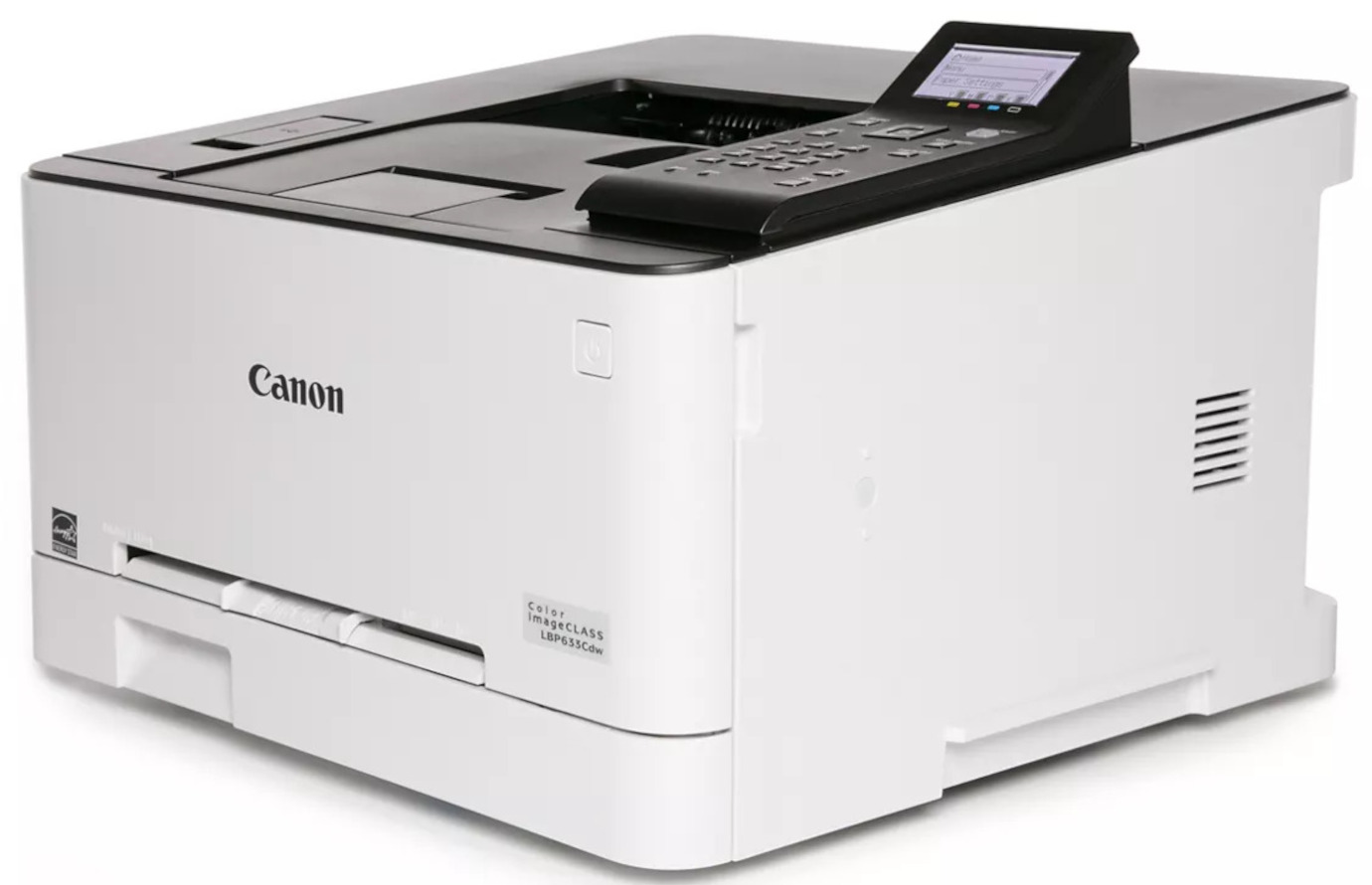
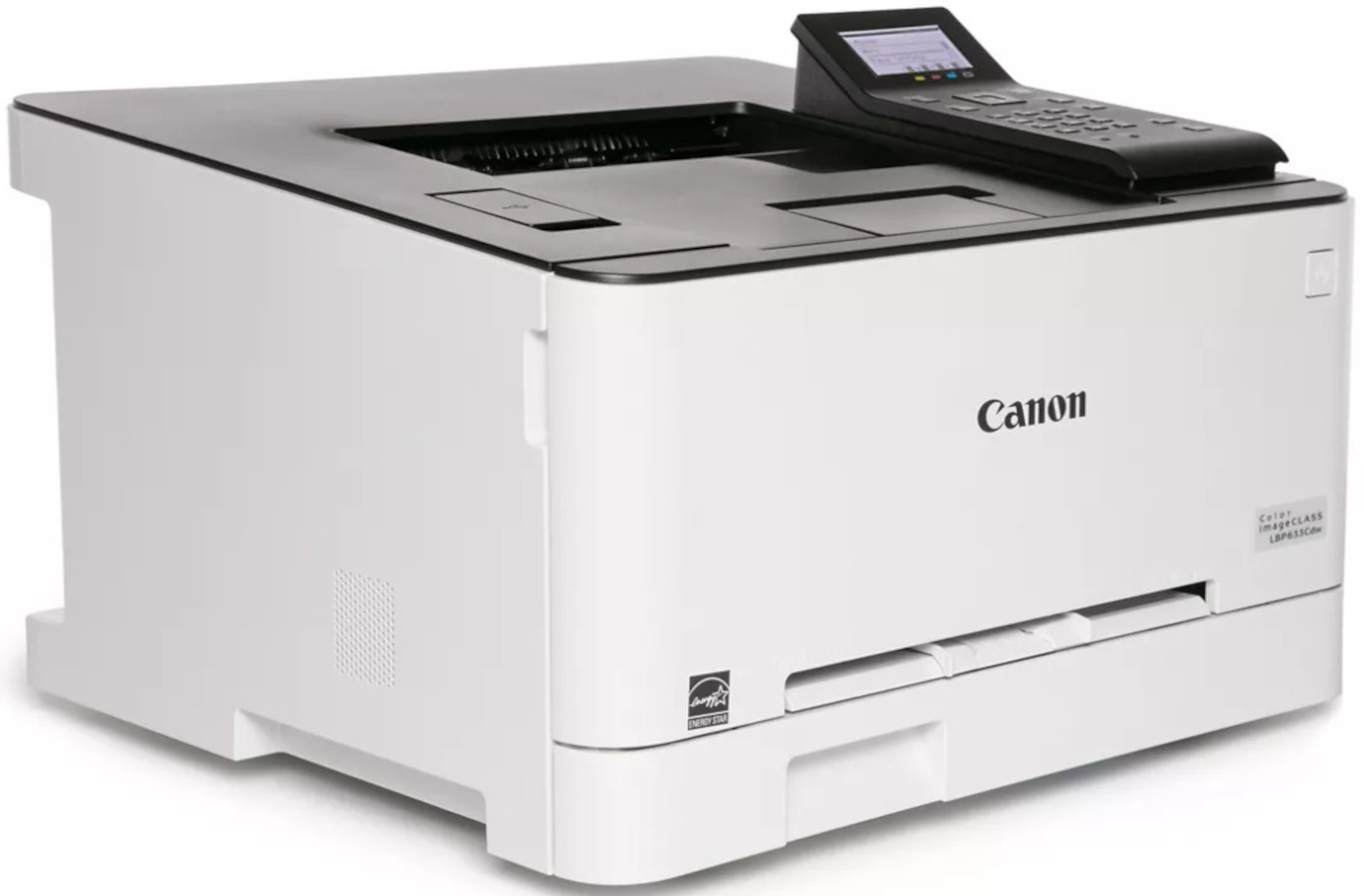
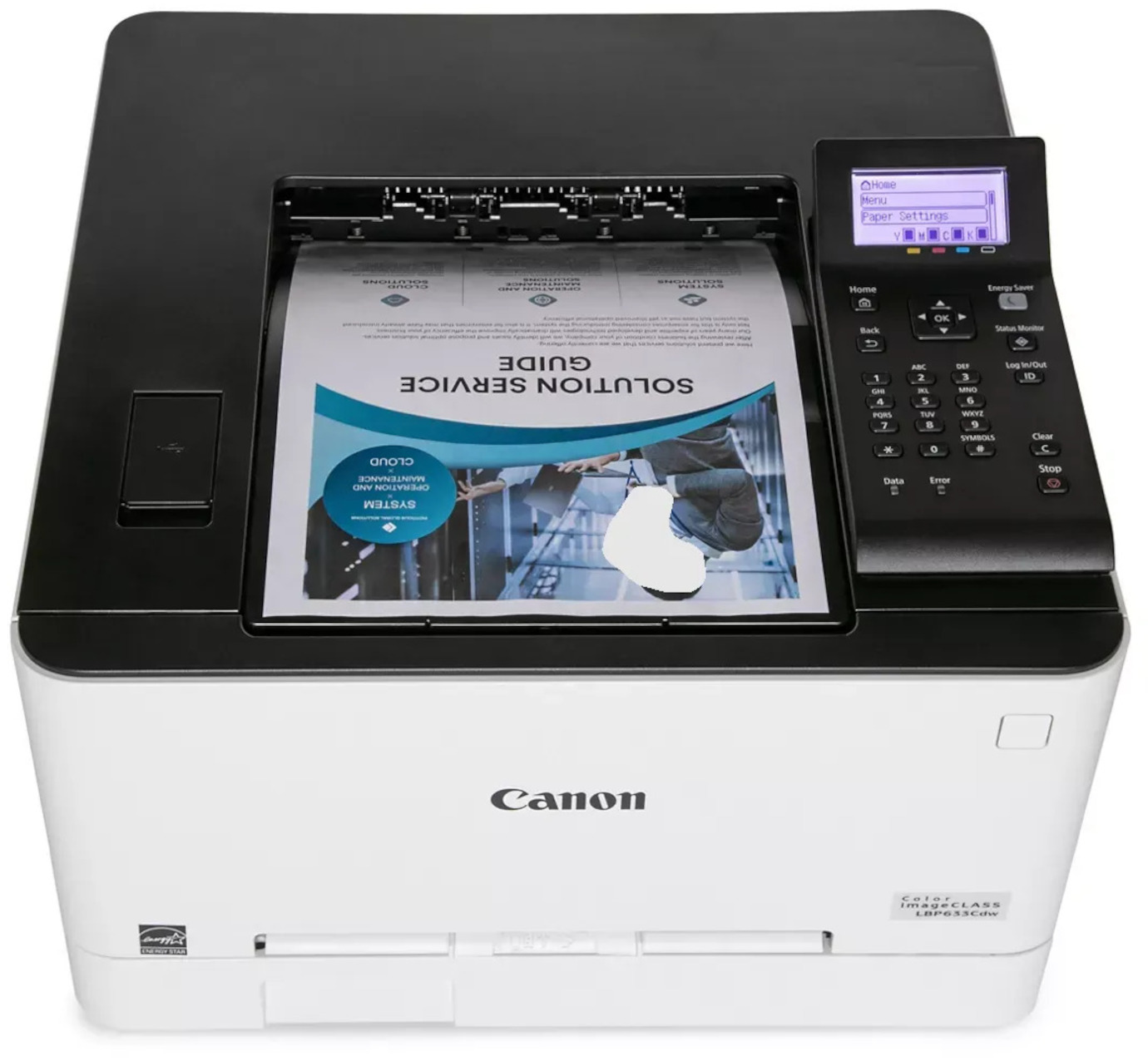
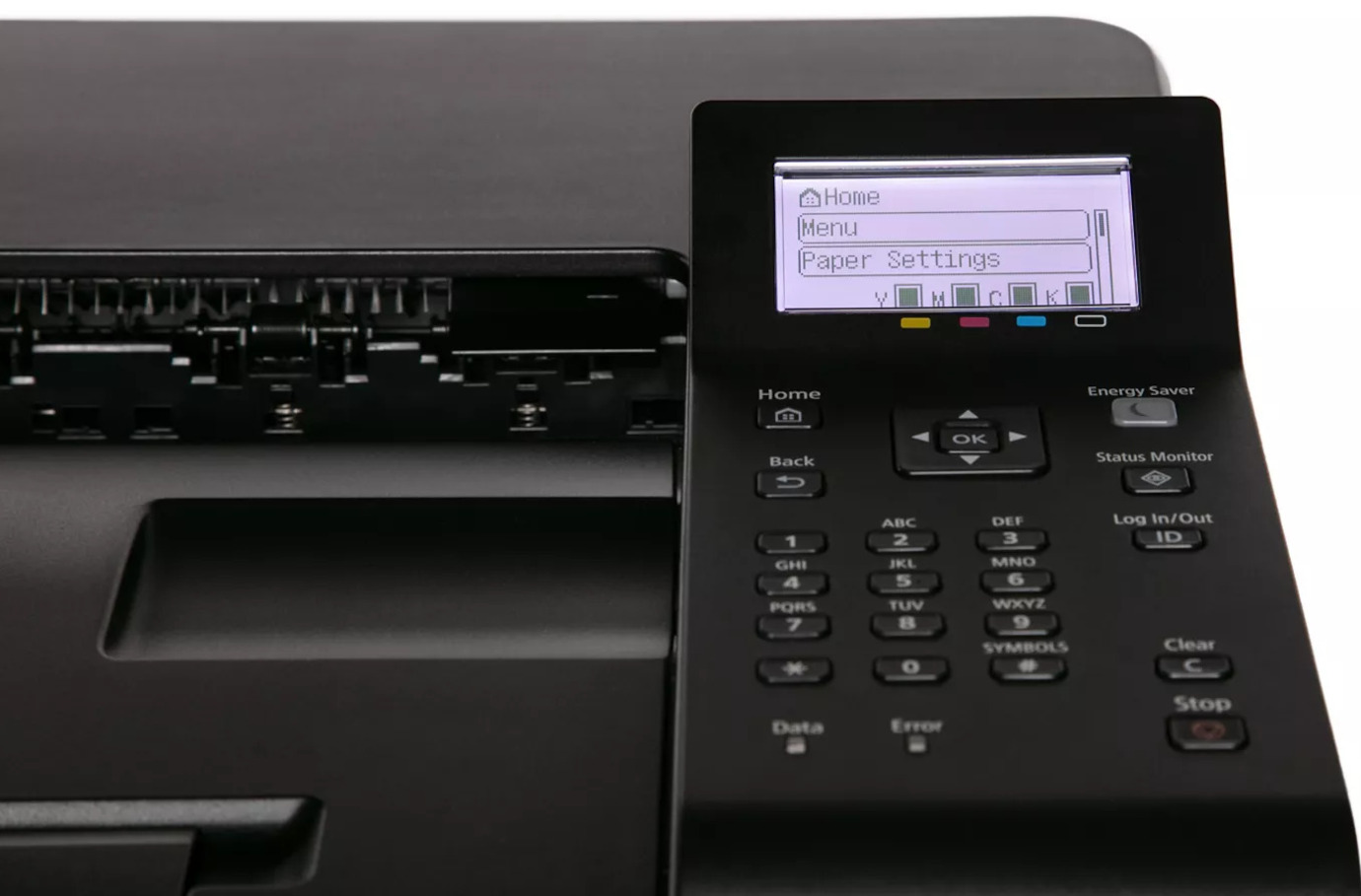


Images are for illustration purposes only and do not necessarily reflect the actual product.
Product Details
Specifications
Accessories
Reviews
Product Details
Main Features
- Color prints
- Print speed: 22 pages per minute
- First print out in 10.3 seconds or less
- Maximum paper capacity of up to 250 pages
- USB, Ethernet or wireless connectivity
- Mobile printing options including the Canon PRINT Business app
- 5 Line LCD control panel
- Maximum paper size: 8.5 x 14 inches
- energy star certified
Specifications
General Specifications
| Functions |
Printer
| Printing Technology | Laser |
| Color Type | Color |
| Print Resolution | 1200 x 1200 dpi |
| Borderless Printing | No |
| Duplex Printing | No |
| Printer Language | Adobe PostScript 3, HP PCL 6, UFR II |
| Print Speed (By Time) | Letter: 22 ppm (Color) |
| First Print Out Time | 10.3 Seconds (Color) |
| Monthly Duty Cycle | 2500 Pages (Recommended) |
Printer Media Handling
| Media Handling | 1 x Input Tray, Manual Feed |
| Media Sizes | Input Tray 1 / Manual Feed Slot Minimum: 3 x 5" / 7.6 x 12.7 cm Maximum: 8.5 x 14" / 21.6 x 35.6 cm |
| Paper Capacity | Input Tray 1: 250 x Sheet Manual Feed Slot: 1 x Sheet |
Connectivity
| Inputs/Outputs | RJ45, USB-B 2.0, USB-A |
| Wireless | 802.11b/g Wi-Fi |
| Direct Printing | Apple AirPrint, Canon PRINT Business, Mopria, Wi-Fi Direct |
| Internal Memory | 1 GB |
| Mobile App Compatible | Yes *As of February, 2023: Check with manufacturer for the most up-to-date compatibility |
| OS Compatibility | Windows 8.1 or Later macOS 10.11 or Later Windows Server 2012 *As of February, 2023: Check with manufacturer for the most up-to-date compatibility |
General
| Display Type | Grayscale LCD |
| Power Source | AC Adapter (Included) |
| Battery | None |
| Power Consumption | 900 W (Maximum) 7.9 W (Standby) 0.7 W (Sleep) |
| Certifications | ENERGY STAR, EPEAT Silver *as per Manufacturer |
| Dimensions (W x H x D) | 17 x 16.5 x 11.3" / 43.2 x 41.9 x 28.7 cm |
| Weight | 35.3 lb / 16 kg |
 Download Manufacturer Specifications
Accessories

Reviews


Your ink is not going onto the paper properly or you notice uneven coverage? Try aligning the print heads before you bring out the big guns.
If debris is the primary cause of failures, toner is the primary cause of debris. All toner cartridges release a small amount of toner powder into the machine. This is why it's important to clean the machine when you change the cartridge.
Pages per minute (ppm) is the average print speed for black and white pages only. Actual speed may be different based on the amount of graphics on each page.
MY ACCOUNT
INFO & POLICIES
SHOP EASY
PAYMENT OPTIONS



* Images are for illustration purposes only.