



 Shopping Cart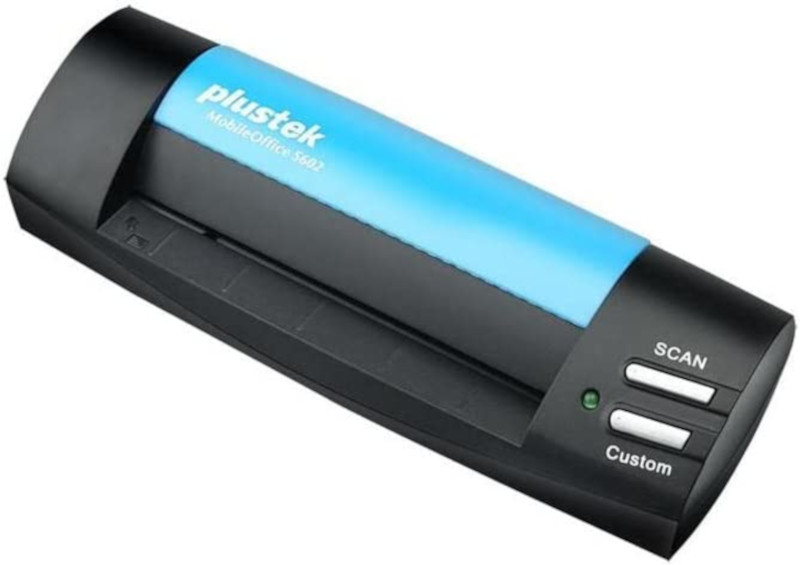


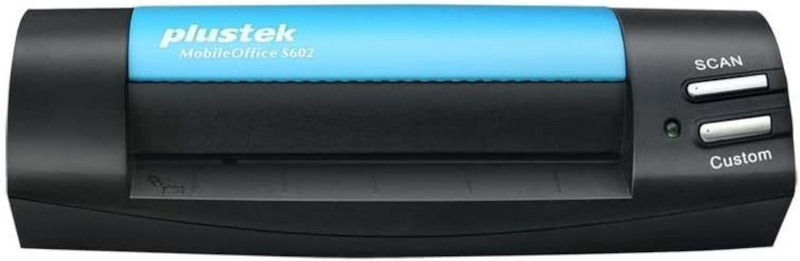
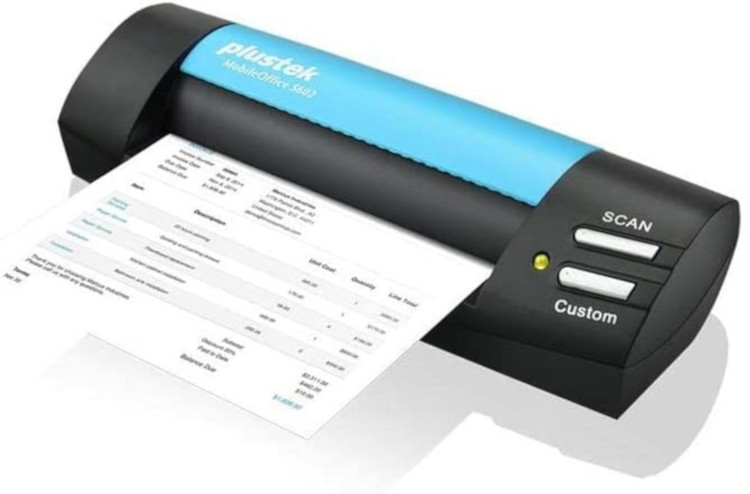
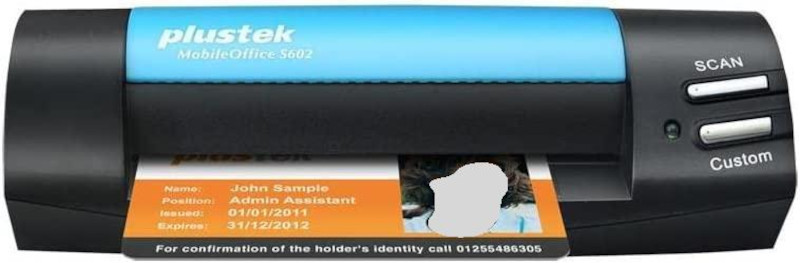

Product Details
Specifications
Accessories
Reviews
Product Details
Main Features
- Portable mobile scanner
- 1200 x 1200 dpi scan resolution
- USB powered system
- Ideal for scanning business cards, passports and ID cards
- TWAIN and WIA support
- Scans with a one button touch
- Scans images in as fast as 5.5 seconds
- Sheet size: A6
- Daily duty cycle up to 800 scans
Specifications
General Specifications
| Image Sensor | CIS |
|---|---|
| Light Source | LED |
| Optical Resolution | 1200 dpi |
| Hardware Resolution | 1200 x 1200 dpi |
| Scan Modes | Color: 48-bit input, 24-bit output Grayscale: 16-bit input, 8-bit output B/W: 1-bit output |
| Scanning Speed | 5.5 sec (Color Mode, 300 dpi, A6) |
| Scanning Area (W x L) | Maximum: 104.9 x 500 mm (4.13" x 19.69") Minimum: 33 x 43 mm (1.3" x 1.7") TWAIN support 104.9 x 500 mm (4.13” x 19.69”) |
| Acceptable Paper Weight (Thickness) | Paper: 50 g/㎡ to 120 g/㎡ Plastic card: Non-Embossed up to 0.76 mm |
| Power Requirement | USB Power: 5V DC |
| Daily Duty Scan ( Sheets ) | 800 |
| Action Button | Scan, Custom |
| Interface | USB 2.0 |
| Net Weight | 0.19 Kgs (0.42 Lbs) |
| Dimensions (W x D x H) | 174.5 x 60.5 x 38.5 mm (6.87" x 2.38” x 1.52”) |
| Protocol | TWAIN Compliant |
| Operating System | Windows 7 / 8 / 10 / 11 Linux compatibility is only available for system integrators. |
| Hardware Requirements | 2.0 GHz CPU processor or higher[1] [1]Windows Recommended: 2.8 GHz Intel® Core™ i5 Processor with 4 CPU Cores or higher 4 GB RAM minimum (Recommended: 8 GB or more) 6 GB of hard-disk space for program installation BUS Powered Display dimensions of 1024x768 or greater |
| Bundled Software | Plustek DocAction Plustek DocTWAIN ABBYY FineReader 12 Sprint NewSoft Presto! BizCard 6 |
 Download Manufacturer Specifications
Accessories
*** ALL TONERS AND SUPPLIES ARE IN STOCK AT DISCOUNTED PRICING , CALL +18882983095
Reviews


If your scanner doesn't provide a good quality dust removal feature, removing the dust from your photos with canned air before scanning will take less time than manually removing dust marks with a photo editing program afterwards.
If you'll be happy with photo scans that can be viewed onscreen or reprinted at the same size, but with noticeable color shifts and loss of resolution, consider using an inexpensive sheet fed scanner.
Almost anything that speeds up scanning photos (other than buying a faster scanner) lowers the scan quality, so decide the level of quality you want, and then accept the amount of work that comes with it.
MY ACCOUNT
INFO & POLICIES
SHOP EASY
PAYMENT OPTIONS



