



 Shopping Cart
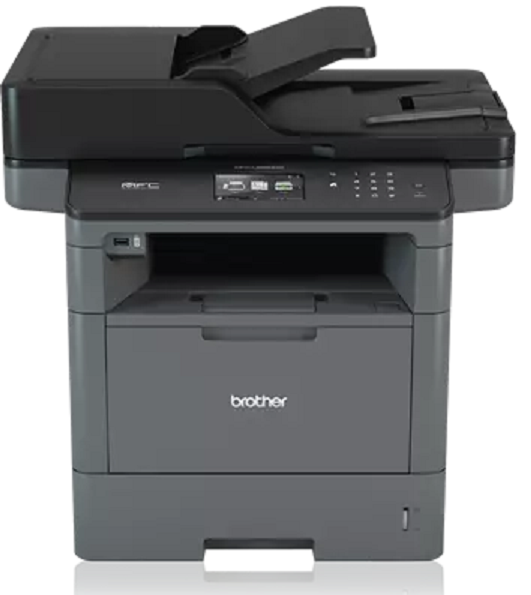
 Brother MFCL5900DW All-in-One Printer

Product Details
Specifications
Accessories
Reviews
Product Details
Main Features
- Print, Copy, Scan Fax
- 42 ppm print speed
- 300 Sheet standard paper capacity
- 1,340 sheet maximum paper capacity
- Wireless Networking
- Automatic Duplex Print
- 70 page ADF
- Mobile print and scan options
- Front USB Host
- Advanced security features
- 3.7 inch color touchscreen display
Specifications
 Download Manufacturer Specifications
Accessories
*** ALL TONERS AND SUPPLIES ARE IN STOCK AT DISCOUNTED PRICING , CALL +18882983095
Reviews


Set your printer to maximum dpi setting to obtain the best image quality.
Printer not working? The printer memory could be full and not getting prints or the prints may be stuck in the print queue. Turn-off the printer, wait a few seconds and turn it back on.
Most printers have a built-in diagnostics program which can be very useful for troubleshooting problems and test-printing without a computer. They are usually initiated by pressing a button or two while turning on the printer.
MY ACCOUNT
INFO & POLICIES
SHOP EASY
PAYMENT OPTIONS



* Images are for illustration purposes only.