



 Shopping Cart
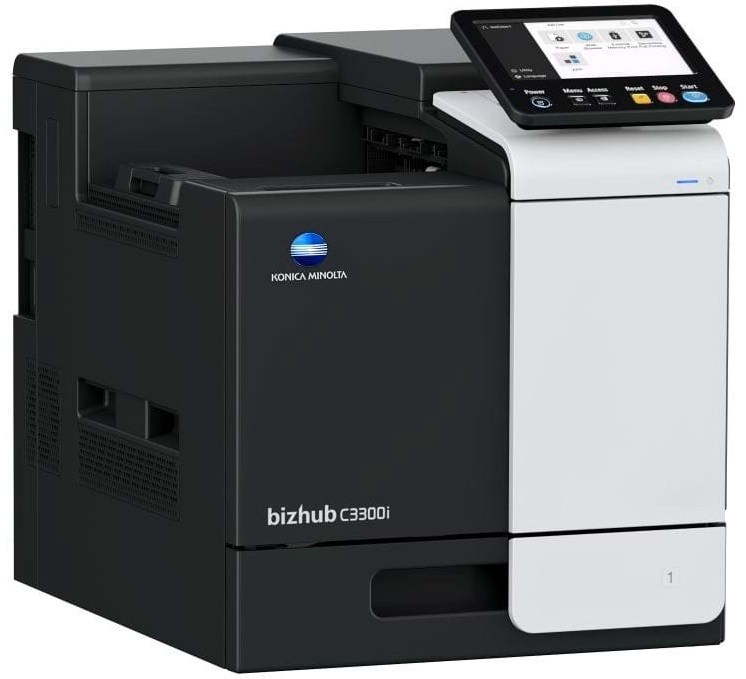
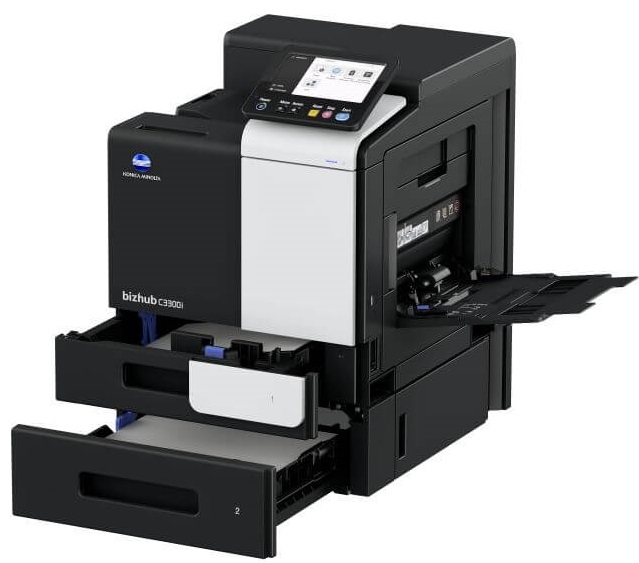
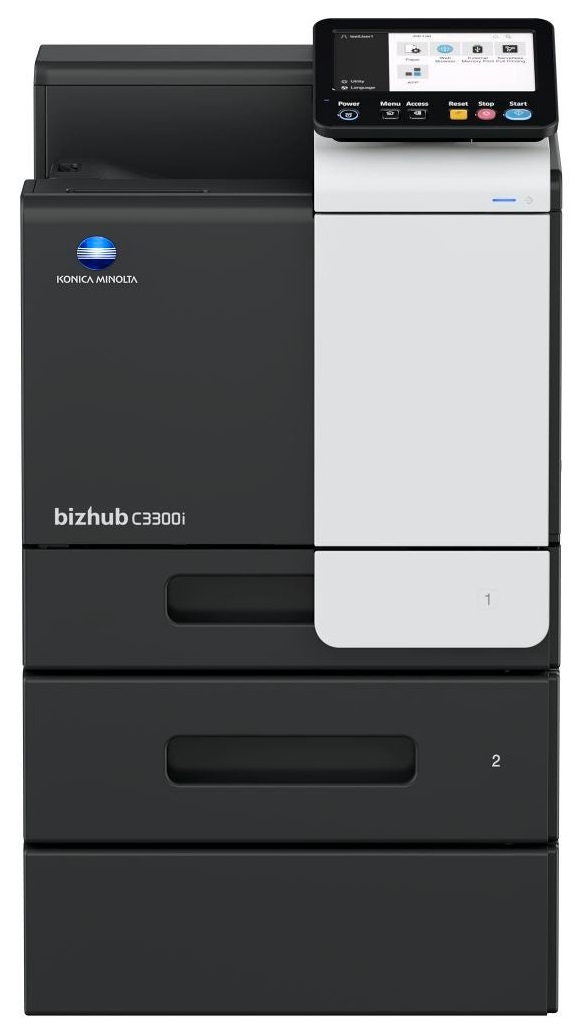
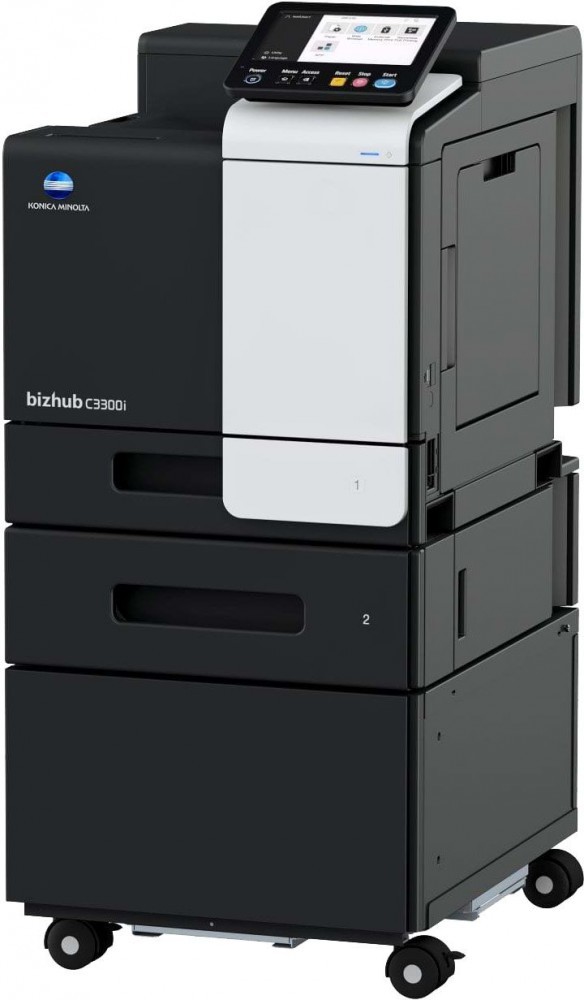
 Konica Minolta Bizhub C3300i Laser Printer



Product Details
Specifications
Accessories
Reviews
Product Details
Main Features
- Color and black and white prints
- Print Speed: 33 pages per minute
- Media Size: A6-A4
- 7 inch color touch screen
- Low power consumption
- Tiltable screen
- Wi-Fi
- USB port
Specifications
General Specifications
- Panel size/resolution 7” / 800 x 480
- System memory (standard/max) 3,072 MB
- System hard drive 8 GB (standard)
- Interface 10/100/1,000-Base-T Ethernet; USB 2.0;
Wi-Fi 802.11 b/g/n (optional) - Network protocols TCP/IP (IPv4/IPv6); SMB; LPD; IPP; SNMP;
HTTP(S); AppleTalk; Bonjour - Paper input capacity (standard/max) 600 sheets / 1,100 sheets
- Paper tray input (standard) 1x 500 sheets; A6-A4; custom sizes; 60-210 g/m²
- Paper tray input (optional) 1x 500 sheets; A4; 60-90 g/m²
- Manual bypass 100 sheets; A6-A4; Custom sizes; 60-210 g/m²
- Automatic duplexing A4; 60-210 g/m²
- Finishing modes Group; Sort; Staple (offline)
- Output capacity (standard) Max. 250 sheets
- Copy/print volume (monthly) Rec. 6,500 pages; Max.¹ 96,000 pages
- Toner lifetime Black up to 13,000 pages
CMY up to 9,000 pages - Imaging unit lifetime Black up to 154,000 pages (imaging unit)
CMY up to 55,000 pages (imaging unit) - Power consumption 110-120V; Less than 1.45 kW
- System dimension (WxDxH) 420 x 528 x 473 mm (without options)
- System weight Approx. 33.2 kg (without options)
Accessories

Reviews


Printer not working? Be sure the paper is installed correctly and there is enough of it.
Use a lightly dampened cloth to clean the outside of your laser printer. To clean the inside, use a dry, lint-free cloth to make sure that no liquid enters the inner parts of the printer.
If you are printing on photo paper, make sure you have set the printer to this setting and have not left it on the regular printer setting.
MY ACCOUNT
INFO & POLICIES
SHOP EASY
PAYMENT OPTIONS



* Images are for illustration purposes only.