



 Shopping Cart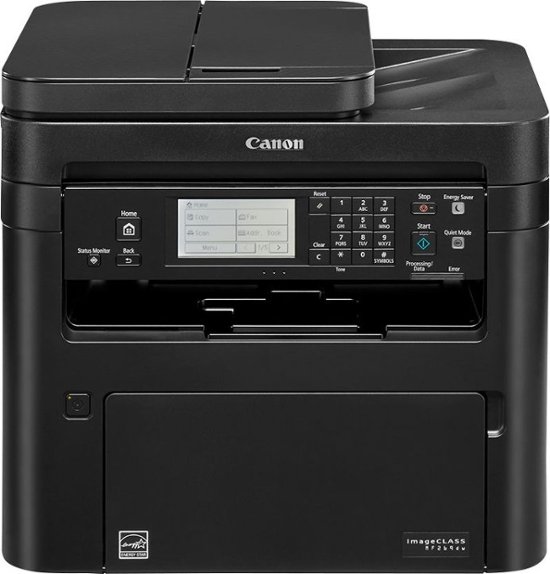



*** ALL TONERS AND SUPPLIES ARE IN STOCK AT DISCOUNTED PRICING , CALL +18882983095.
Printers do not include supplies - toners , drums (Imaging Units) (where applicable) , printer cables , manuals , consumables , trays (where applicable). Power cables are included. Drivers can be downloaded from the manufacturers website. Please verify that drivers available are compatible with your software on the manufacturers site.
Product Details
Specifications
Accessories
Reviews
Product Details
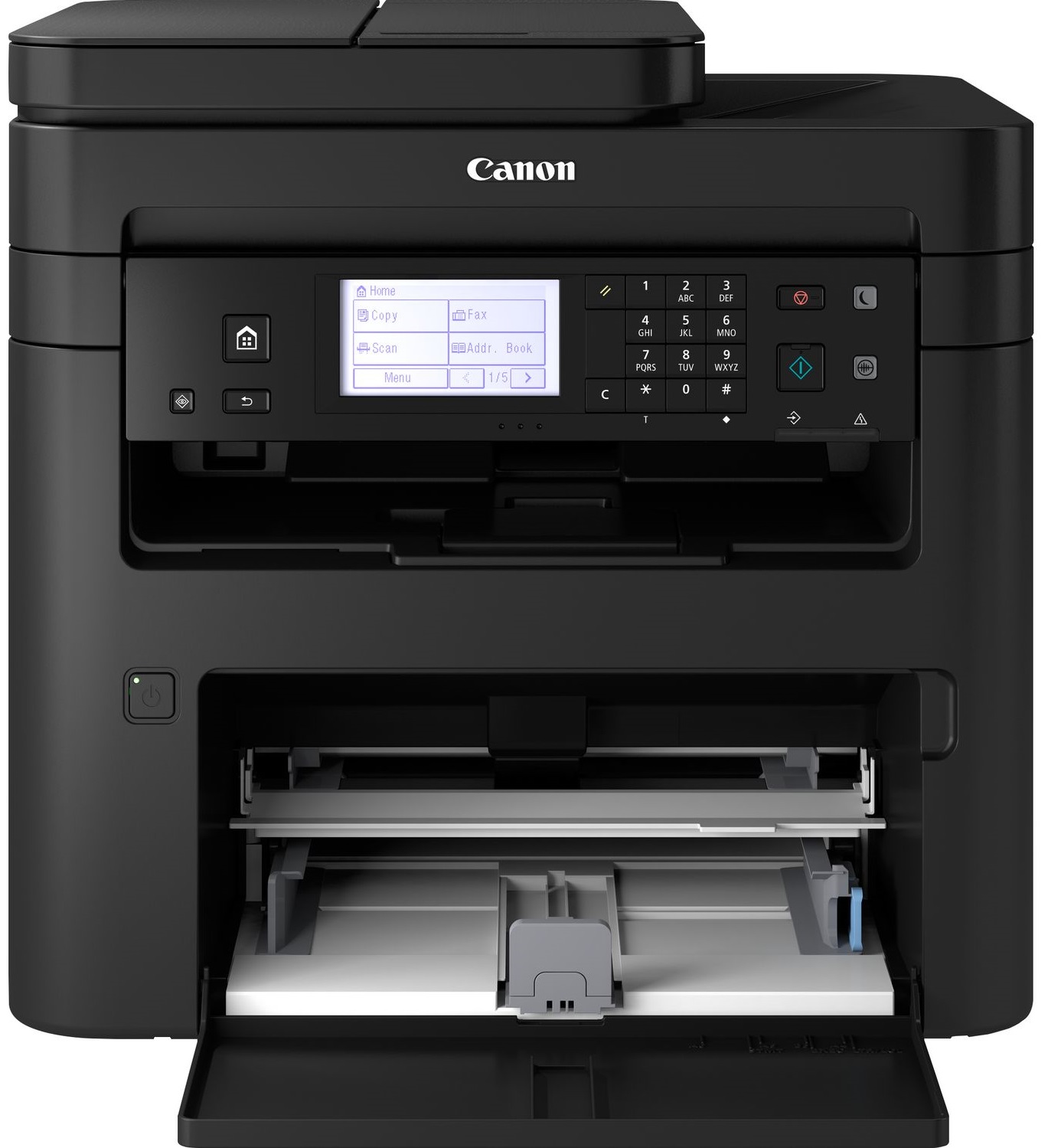
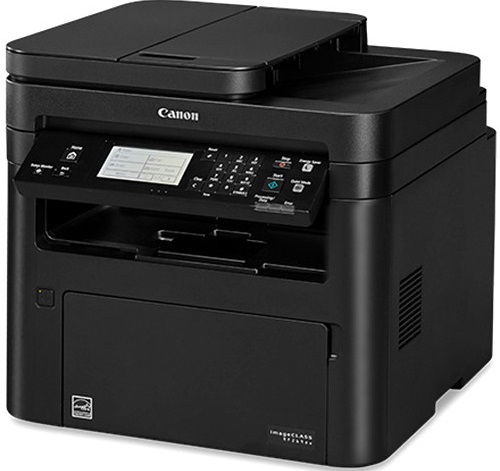
Main Features
- Copy, print, scan and fax
- Print Speed: 30 pages per minute
- Black and white printouts
- Duplex automatic doucmnet feeder
- Max Paper Capacity: 251 sheets
- Network enabled
- Large LCD panel
- Scan and convert documents to digital files
Specifications
General Specifications
| Product Dimensions | 15.4"D x 16"W x 14.8"H |
|---|---|
| Controller Type | Vera, Amazon Alexa |
| Printer Media Size Maximum | 8.5 x 14 inch |
| Included Components | Starter Guide, MF269dw Product, Power Cord, User Software DVD-ROM, Warranty Card, Canon GENUINE Toner 051 Black, Standard (1,700 Yield, ISO / IEC Standard), Drum 051 - 23,000 Yield, Telephone Cable |
| Print media | Paper (plain) |
| Scanner Type | Sheetfed |
| Max Input Sheet Capacity | 250 |
| Display Type | LCD |
| Compatible Devices | Smartphones, PC, Laptops |
| Sheet Size | 8.5" x 11" |
| Wattage | 1180 watts |
| Initial page print time | 5 seconds |
| Duplex | Automatic |
| Hardware Interface | USB, Ethernet |
| Ink Color | Black |
| Additional Printer functions | Scan, Fax |
| Control Method | Voice |
| Model Series | MF269dw |
| Item Weight | 27.3 pounds |
 Download Manufacturer Specifications
Accessories

Reviews


Most printers will beep once or twice during or after initialization. If it beeps more than that or beeps constantly, it is telling you that something is wrong. Most printers beep when out of paper or out of ink.
Printing photos? Make sure that they are of print quality - meaning 300dpi. Anything lower than this will appear pixelated and lower than photo quality.
Is your printer feeding in the whole paper stack rather than just one piece at a time? Fan the paper before putting it in the tray to help separate the sheets. Also, store your paper in a cool, dry place as humidity can contribute to this problem.
MY ACCOUNT
INFO & POLICIES
SHOP EASY
PAYMENT OPTIONS



