



 Shopping Cart
 Canon ImageClass MF269DW MultiFunction Printer
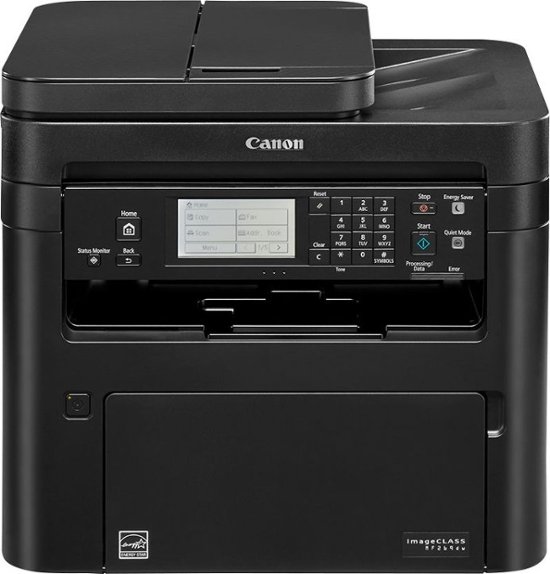


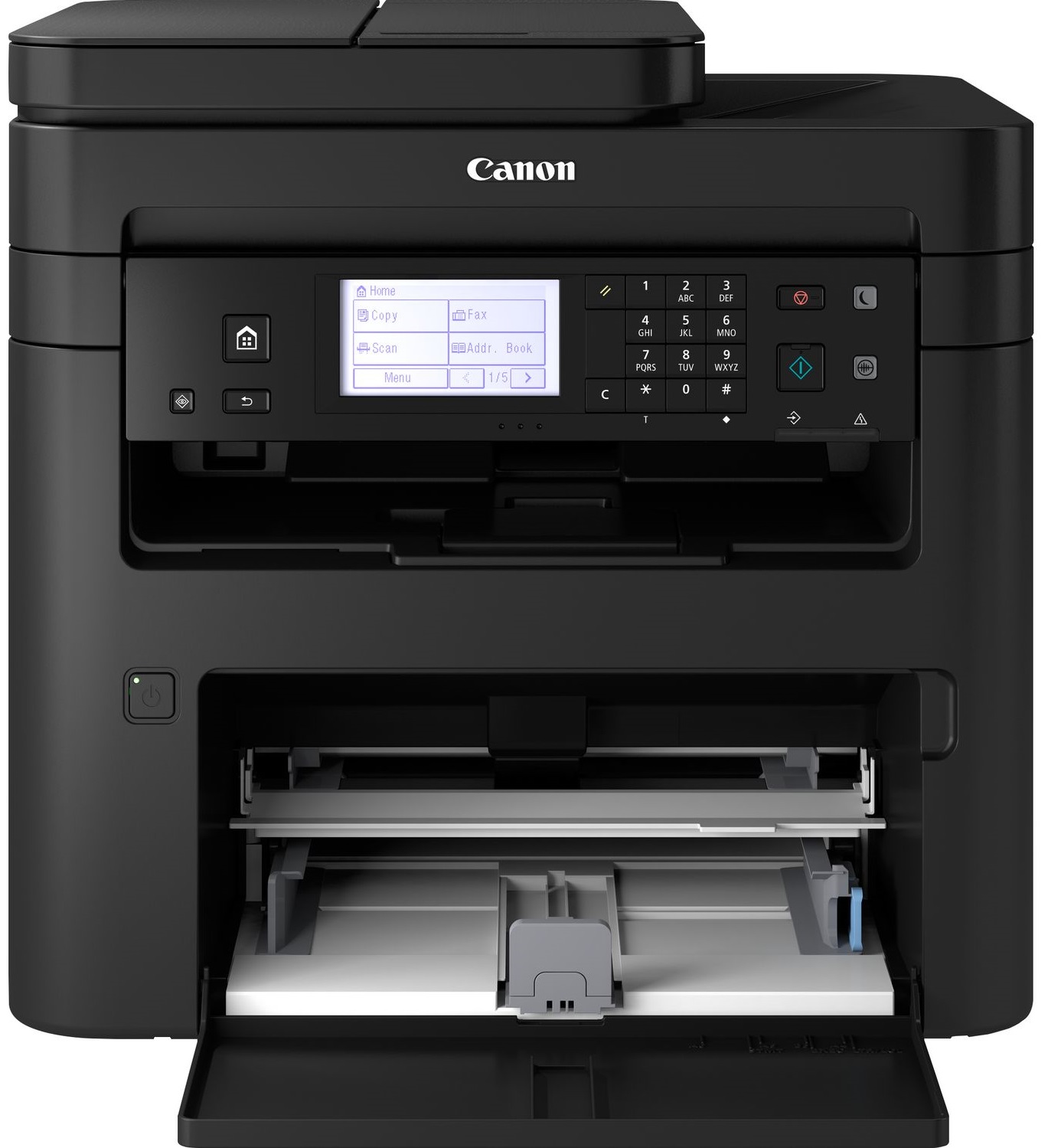
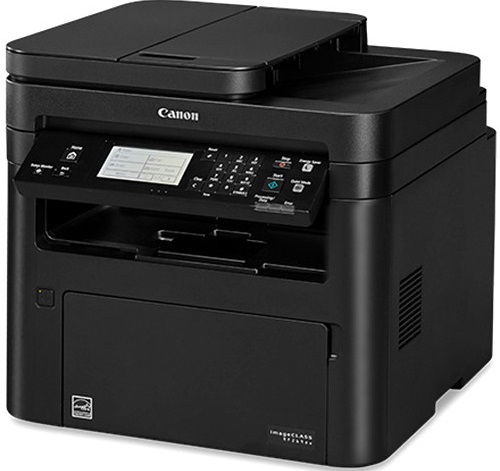

Images are for illustration purposes only and do not necessarily reflect the actual product.
Product Details
Specifications
Accessories
Reviews
Product Details
Main Features
- Copy, print, scan and fax
- Print Speed: 30 pages per minute
- Black and white printouts
- Duplex automatic doucmnet feeder
- Max Paper Capacity: 251 sheets
- Network enabled
- Large LCD panel
- Scan and convert documents to digital files
Specifications
General Specifications
| Product Dimensions | 15.4"D x 16"W x 14.8"H |
|---|---|
| Controller Type | Vera, Amazon Alexa |
| Printer Media Size Maximum | 8.5 x 14 inch |
| Included Components | Starter Guide, MF269dw Product, Power Cord, User Software DVD-ROM, Warranty Card, Canon GENUINE Toner 051 Black, Standard (1,700 Yield, ISO / IEC Standard), Drum 051 - 23,000 Yield, Telephone Cable |
| Print media | Paper (plain) |
| Scanner Type | Sheetfed |
| Max Input Sheet Capacity | 250 |
| Display Type | LCD |
| Compatible Devices | Smartphones, PC, Laptops |
| Sheet Size | 8.5" x 11" |
| Wattage | 1180 watts |
| Initial page print time | 5 seconds |
| Duplex | Automatic |
| Hardware Interface | USB, Ethernet |
| Ink Color | Black |
| Additional Printer functions | Scan, Fax |
| Control Method | Voice |
| Model Series | MF269dw |
| Item Weight | 27.3 pounds |
 Download Manufacturer Specifications
Accessories

Reviews


Flashing light on your printer? Each printer has a different reason for a blinking or orange light but in general it is due to a paper jam, an empty paper tray, a printer cartridge problem or a problem with the printer hardware.
All other things being equal, whiter, brighter paper makes text and line graphics crisper and colors more vibrant.
Are your printer nozzles getting clogged? Try adding a humidifier to the room where you keep your printer.
MY ACCOUNT
INFO & POLICIES
SHOP EASY
PAYMENT OPTIONS



* Images are for illustration purposes only.