



 Shopping Cart
 Epson WorkForce DS-530 II Color Duplex Document Scanner
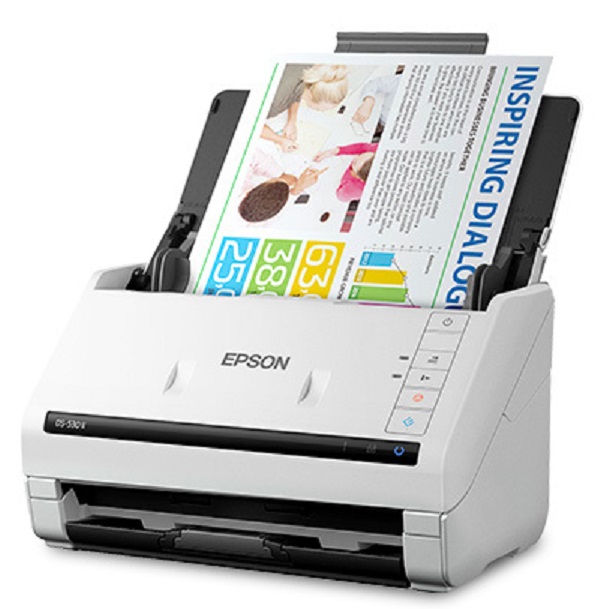


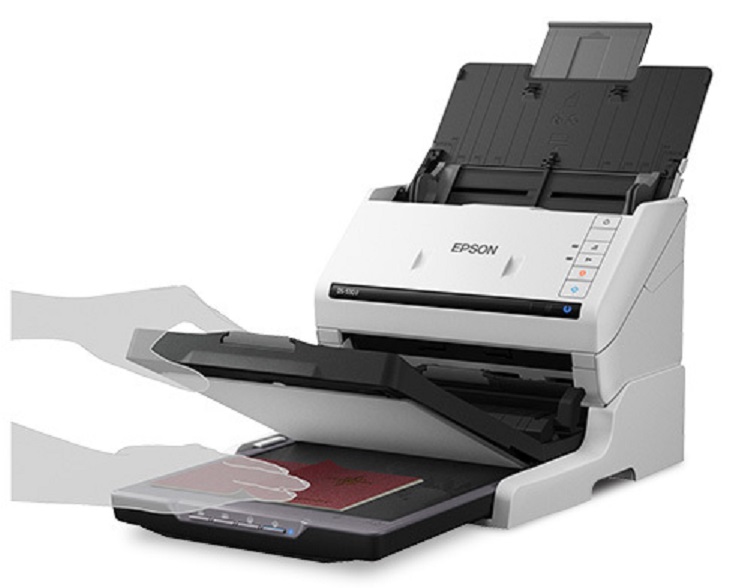
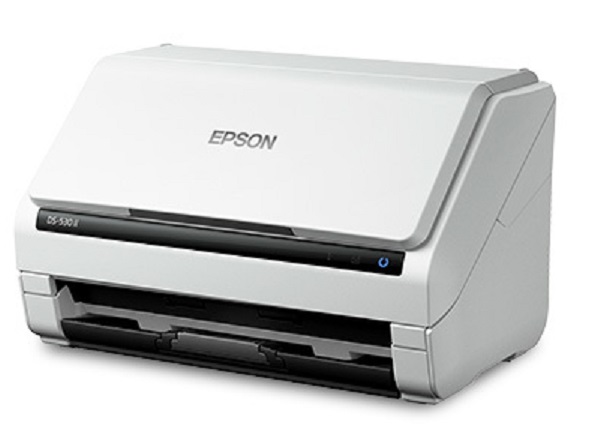
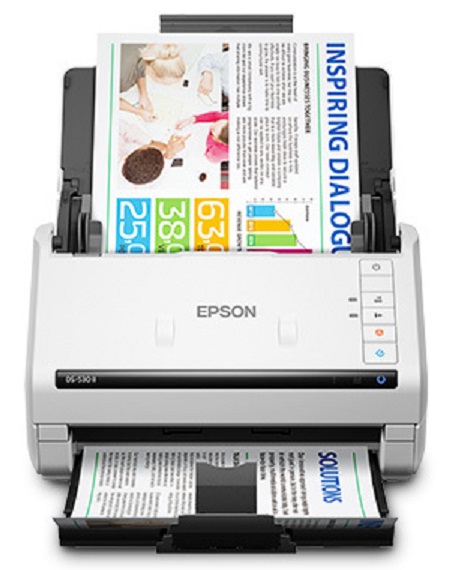

Images are for illustration purposes only and do not necessarily reflect the actual product.
Scanner Type:Sheet-fed, one-pass duplex color scannerPhotoelectric Device:Color Contact Image Sensor (CIS)Optical Resolution:300 dpiColor Bit Depth:30-bit inputGrayscale Bit Depth:24-bit outputLight Source:3-color RGB LEDScanning Speed:35 ppm/70 ipm: 300 dpi Black & White, Color, Gray1
Capacity:50 sheets
Temperature:41° to 95° F (5° to 35° C)Humidity:10 – 80% (no condensation)Dimensions:6.6" x 11.6" x 6.9" (W x D x H)Weight:8.1 lb
Buttons:4 push buttons: Double Feed Detect Skip, Slow Scan Mode, Scan, Stop
Standard Connectivity:
Power Consumption:
Product Details
Specifications
Accessories
Reviews
Product Details
Main Features
- Duplex scanner
- Speed: 35 ppm/70 ipm
- 50-page Auto Document Feeder
- Double Feed Detection Skip
- Slow Speed Mode
- Programmable jobs
- Resolution: 600 dpi
- Document Size: Min: 2" x 2" Max: 8.5" x 240
- Daily Duty Cycle: 4,000 sheets
Specifications
General Specifications
Specifications Scanner:
Scanner Type:Sheet-fed, one-pass duplex color scannerPhotoelectric Device:Color Contact Image Sensor (CIS)Optical Resolution:300 dpiColor Bit Depth:30-bit inputGrayscale Bit Depth:24-bit outputLight Source:3-color RGB LEDScanning Speed:35 ppm/70 ipm: 300 dpi Black & White, Color, Gray1
Automatic Document Feeder:
Capacity:50 sheets
Document Sizes:
- Paper size Minimum: 2" x 2"
- Paper size Maximum: 8.5" x 240
General:
Temperature:41° to 95° F (5° to 35° C)Humidity:10 – 80% (no condensation)Dimensions:6.6" x 11.6" x 6.9" (W x D x H)Weight:8.1 lb
Scan Features:
Buttons:4 push buttons: Double Feed Detect Skip, Slow Scan Mode, Scan, Stop
Connectivity:
Standard Connectivity:
- SuperSpeed USB 3.0
- Optional Network Interface Unit (RJ-45, 10BaseT/100Base TX)
- Windows® 7, 8/8.1, 10
- Mac OS® X 10.6.8 – 10.11.x
- Software requires Internet connection for download and installation.
Power Consumption:
- Operation: 17 W
- Ready: 9.2 W
- Sleep: 1.2 W
- Off: 0.1 W
 Download Manufacturer Specifications
Accessories

Reviews


Almost anything that speeds up scanning photos (other than buying a faster scanner) lowers the scan quality, so decide the level of quality you want, and then accept the amount of work that comes with it.
Most MFPs are designed for scanning documents and so are best to avoid if you're looking for photo scanning. The few exceptions can be recognized if they feature scanning options that are clearly meant for photos, such as a color restore feature.
Slide scanners are designed for scanning transparencies rather than opaque originals.
MY ACCOUNT
INFO & POLICIES
SHOP EASY
PAYMENT OPTIONS



* Images are for illustration purposes only.