



 Shopping Cart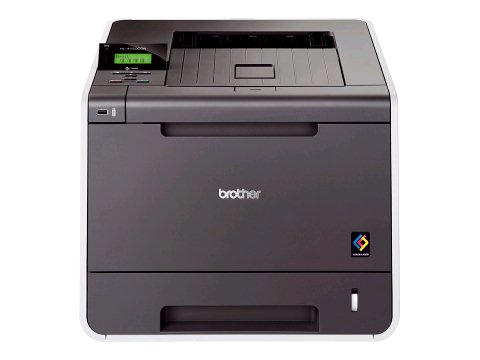


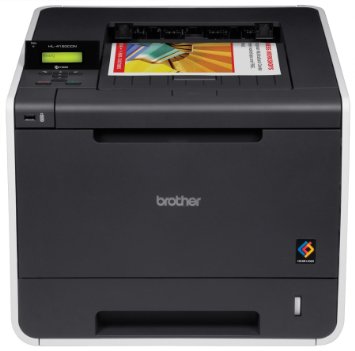
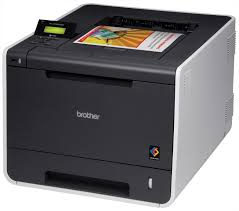


*** ALL TONERS AND SUPPLIES ARE IN STOCK AT DISCOUNTED PRICING , CALL +18882983095.
All reconditioned printers do not include supplies - toners , drums (Imaging Units) (where applicable) , printer cables , manuals , consumables, trays (where applicable). Power cables are included. Drivers can be downloaded from the manufacturers website. Please verify that drivers available are compatible with your software on the manufacturers site.
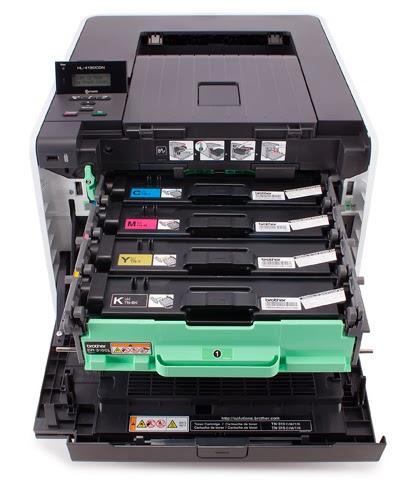
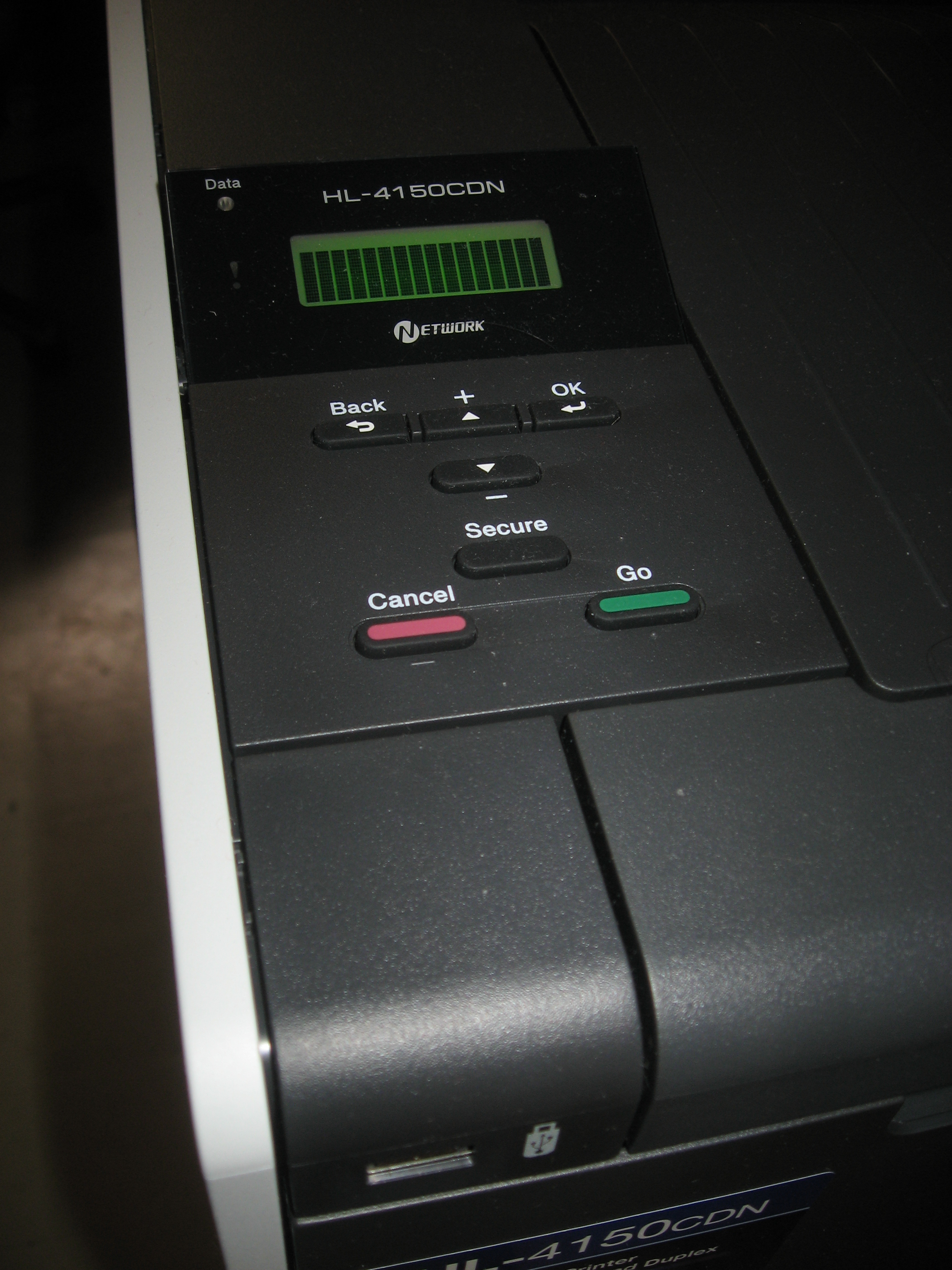
Images are for illustration purposes only and do not necessarily reflect the actual product.Product Details
Specifications
Accessories
Reviews
Product Details
Main Features
- Print speed up to 25ppm
- Color and black
- Print two-sided documents
- USB Direct Interface
- Built-in Networking
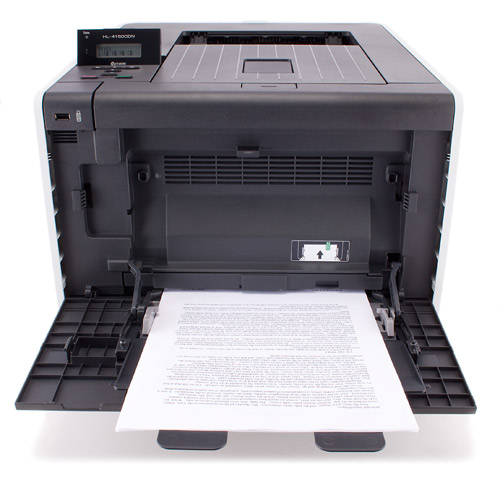
- Flexible paper handling
- Expandable paper capacity
- Convenient mobile device printing
Specifications
| Print Technology | Color Laser Technology |
| Consumable Type | 4 Toner Cartridges & Drum |
| Max. Black Print Speed (ppm) | 25ppm Black |
| Max. Color Print Speed (ppm) | 25ppm Color |
| Print Resolution (maximum dpi) | Up to 2400 x 600 dpi |
| Duplex Printing Standard | Yes |
| Standard Paper Capacity (sheets)‡ | 250-Sheet Input Capacity |
| Optional Paper Capacity (sheets) | LT-300CL (500 sheets)‡ |
| Multi-purpose Tray Capacity‡ | 50-Sheet Multi-purpose Tray |
| Standard Interface(s) | 10/100 Base-TX Ethernet and Hi-Speed USB 2.0 |
| USB Direct Interface / PictBridge‡ | Yes/No |
| Printer Driver Compatibility† | Windows® & Mac OS® |
| Mobile Device Compatibility‡ | Brother™ iPrint&Scan free app download for wireless printing (JPEG, PDF, web page, e-mail, Word®, Excel®, PowerPoint® & Text files) from your Apple®, Android™, Kindle Fire™ or Windows® Phone 7 or 8 mobile device |
| Emulation(s) | PCL6, BR-Script3‡ |
| Secure Printing | Yes |
| Max. Monthly Duty Cycle‡ | 40,000 pages |
| Recommended Monthly Print Volume‡ | 500 to 3,000 pages |
| First Time to Print | Less than 16 sec (color and black) |
| Standard Memory (MB) | 128MB Memory |
| Optional Memory (MB) | Up to 256 MB (DDR2 16bit, 144pin)‡ |
| Network-Ready | Yes |
Accessories

Reviews


If debris is the primary cause of failures, toner is the primary cause of debris. All toner cartridges release a small amount of toner powder into the machine. This is why it's important to clean the machine when you change the cartridge.
Don't move a print head unless the instructions direct it. You can damage the belt or other parts.
Media settings on your printer determine how much ink will be used. Thinly coated glossy films require less ink, while plain paper soaks in more.
MY ACCOUNT
INFO & POLICIES
SHOP EASY
PAYMENT OPTIONS



