



 Shopping Cart
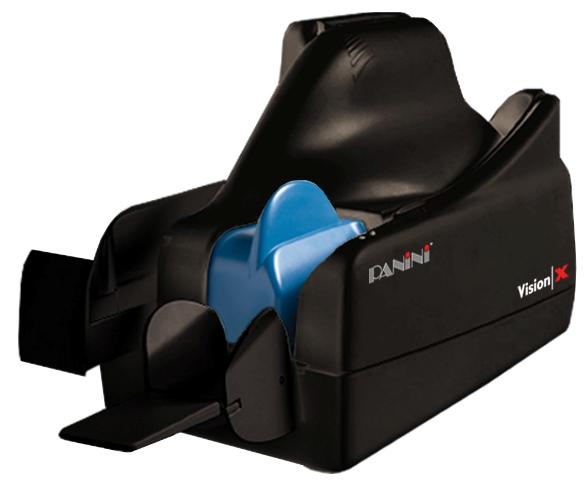
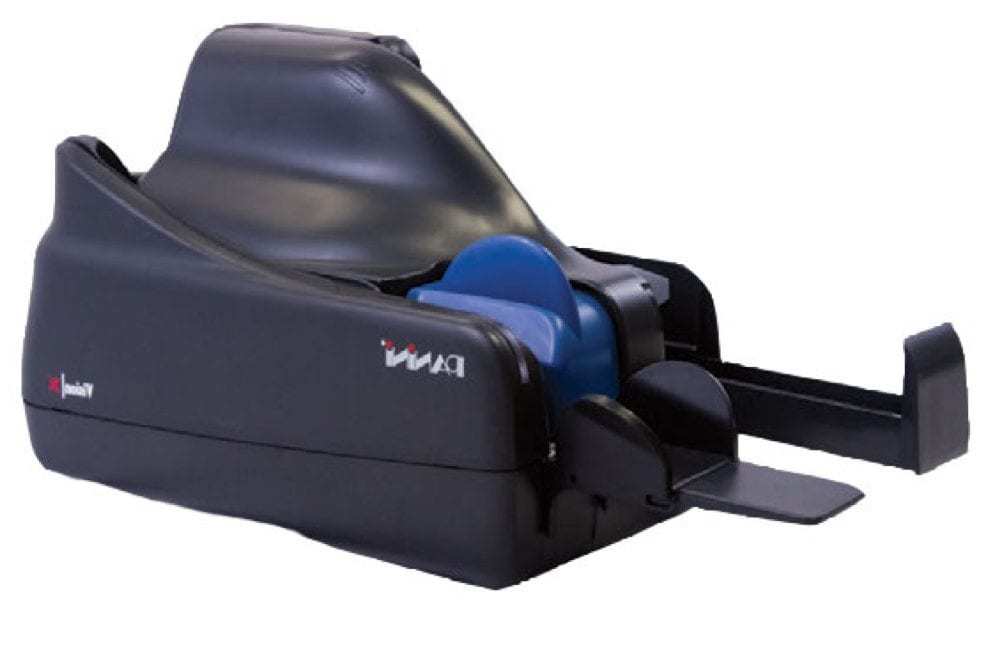
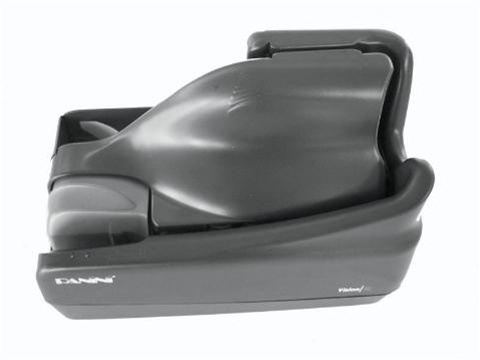
 Panini VX100-1-FF-NJ Check Scanner



Product Details
Specifications
Accessories
Reviews
Product Details
Main Features
- Single Document Feed
- Scans 100 documents per minute
- Document Feeder Capacity: 100
- High speed image cameras
- Interface: USB 2.0
- Advanced MICR Reading
- Quiet performance
- No Ink Jet
Specifications
 Download Manufacturer Specifications
Accessories

Reviews


If your scanner doesn't provide a good quality dust removal feature, removing the dust from your photos with canned air before scanning will take less time than manually removing dust marks with a photo editing program afterwards.
If your scanner gives a ‘Scanner Access failed’ or a ‘Scanner not found’ message it may be because your scanner wasn't switched on before you started your computer.
Only scan the part of the image you want - crop any unnecessary parts using the scanner’s built in software features. This saves you time and disk space.
MY ACCOUNT
INFO & POLICIES
SHOP EASY
PAYMENT OPTIONS



* Images are for illustration purposes only.