



 Shopping Cart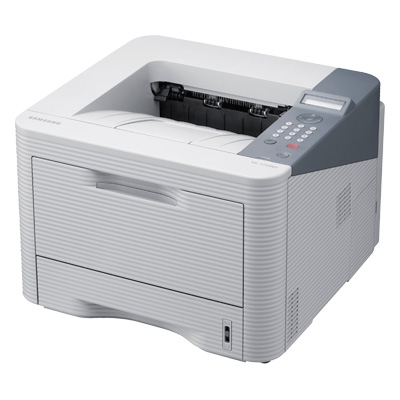



*** ALL TONERS AND SUPPLIES ARE IN STOCK AT DISCOUNTED PRICING , CALL +18882983095..
Printers do not include supplies - toners , drums (Imaging Units) (where applicable) , printer cables , manuals , consumables , trays (where applicable). Power cables are included. Drivers can be downloaded at www.hp.com. Please verify that drivers available are compatible with your software on HP’s site.
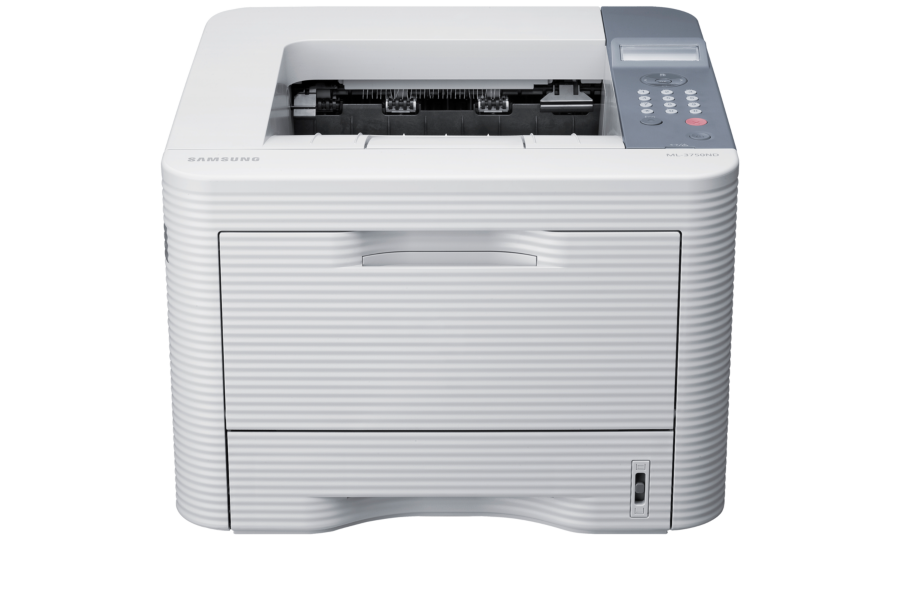
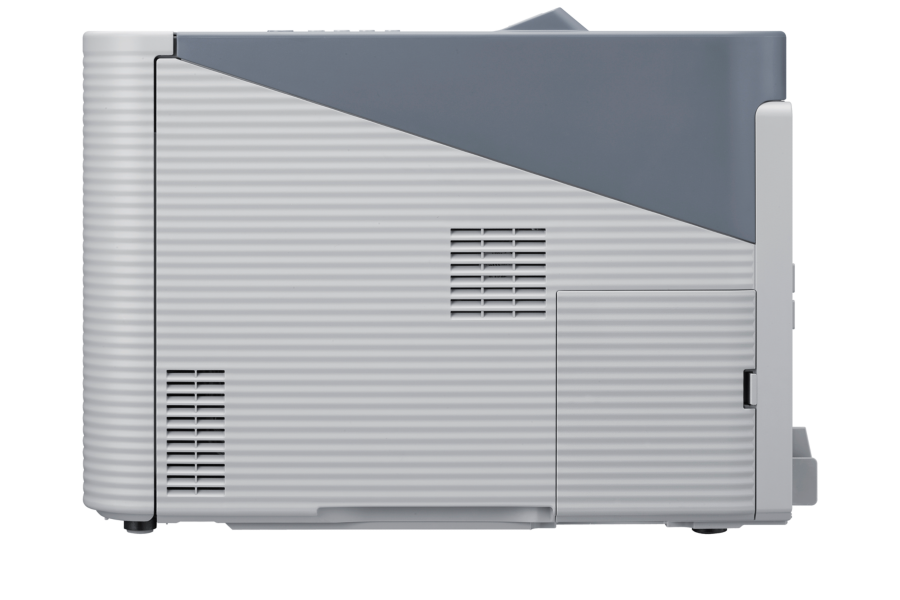
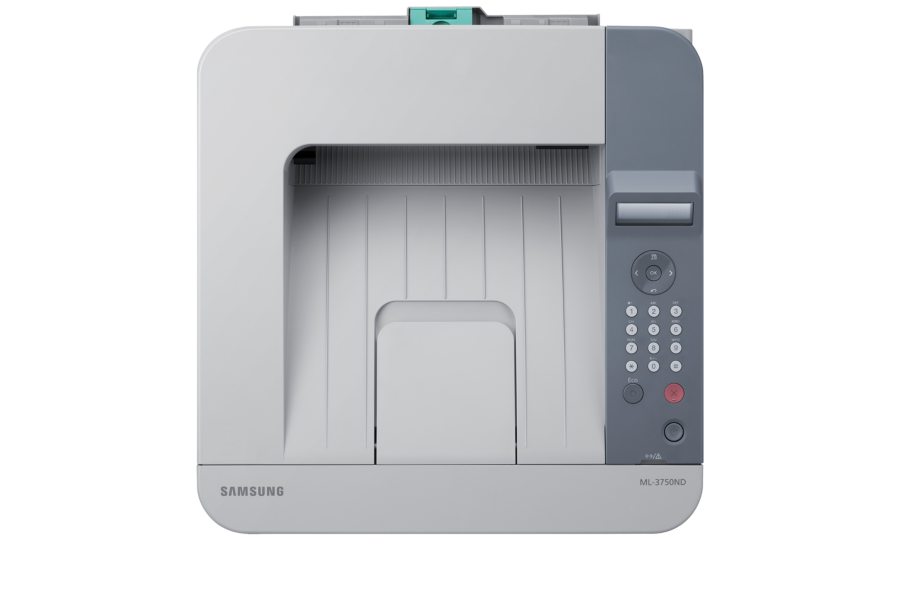
Images are for illustration purposes only and do not necessarily reflect the actual product.Product Details
Specifications
Accessories
Reviews
Product Details
Main Features
- Boost Productivity and Lower Costs with Longer Lasting Toner - With ML-3750ND high yield toner cartridges, which can print up to 15,000 pages, handling large documents with ease. High yield toner offers a lower cost per page. The Samsung ML-3750ND printer will deliver thousands of high quality prints affordably.
- Save with just One Touch - Optimize your printing with Samsung’s One-touch Eco Button. The button defaults the printer to forced duplex, toner save mode, printing multiple pages to a side, and skipping blank pages. Set this as the default modes to save on costs for your entire workgroup.
- Use Half the Paper with Duplex Printing - Duplex printing is an economical feature for both business and personal printing. Double-sided printing capabilities reduce costs and ensure that your paper supplies last longer. This reduces waste, and minimizes your impact on the environment.
- Hassle-Free Printing - This Samsung printer offers anti-jam technology that use a roller with unique backward friction action used during the paper pickup process. With a max monthly duty cycle of 80,000 pages per month you can depend on the ML-3750ND to print efficiently and reliably.
- Protect Office Documents with Secure Printing - With Secure Printing you can now keep your documents safe using a user assignable pin code, which prevents your documents from being printed until it has been entered at the machine. (Optional 512 MB memory and 80 GB hard disk drive are recommended).
- Work Faster with High-Speed Printing Performance - Print documents quickly, at up to 37 pages per minute, with the Samsung 533MHz processor and the Gigabit Ethernet port. Perfect for printing graphics at high resolution with zero fuss, this faster printer helps boost office productivity and enhance workflows.
- Gigabit Connectivity Increases Productivity - Boost your print job throughput by using Samsung's powerful Gigabit network connection. This enhanced connectivity will ensure that large print jobs sent from multiple users can be completed quickly, without any compromise in quality.
- Improved Paper Handling for all your Business Needs - From everyday documents to important presentations, you can rely on the ML-3750ND to get the job done. The printer allows for a wide range of paper types and weights, including specialty paper such as thick stock, envelopes, card stock and more!
- Easy Printer Manager - Run a smooth print operation with Samsung’s Easy Printer Manager. Every detail, from toner levels and job accounting to device settings and online ordering, is channeled into one easy-to-use program.
Specifications
General Specifications
PRINTING | |
|---|---|
|
Print Speed (Black) Print Resolution (dpi) |
Up to 37ppm Up to 1200 x 1200 dpi |
| First Print Out Time (Black) | < 6.5 seconds |
|
Duplex Printing Emulation |
Automatic PCL5e/6, PostScript 3, IBM ProPrinter, EPSON, SPL (Samsung Print Language) |
PAPER HANDLING | |
|---|---|
| Paper Input Capacity (Standard) | 250 Sheets |
| Paper Input Capacity (Multi-purpose/bypass) | 50 Sheets |
| Output Capacity | 150 Sheets |
| Media Sizes | 3" - 5" ~ 8.5" - 14" |
| Media Type | Plain, Thin, Thick, Thicker, Cotton, Colored, Envelope, Transparency, Pre-Printed, Recycled, Labels, Bond, Card stock, Archive |
DISPLAY | |
|---|---|
| LCD |
2-line LCD Display |
GENERAL | |
|---|---|
|
Interface Processor |
Hi-Speed USB 2.0, Gigabit Ethernet 533MHz |
| System Memory | 128MB (Up to 512MB) with 16MB Flash Memory |
| Noise Level | < 52 dBA While Printing |
| Monthly Duty Cycle | 80,000 Pages per Month |
| OS Compatibility | Windows (32/64 bit) XP/2003/Vista/2008/7/2008 R2, Mac OS X 10.4~10.7, Various Linux, Various Unix, CiTRIX Server |
| ENERGY STAR® Compliant | Yes |
| Power Consumption (W) | 550 W (Printing), 60 W (Standby), 1.4 W (Sleep) |
Accessories
*** ALL TONERS AND SUPPLIES ARE IN STOCK AT DISCOUNTED PRICING , CALL +18882983095
Reviews


After installing a printer, go to the Windows dialog box and check the settings, so you won't be surprised by what happens the first time you print.
Flashing light on your printer? Each printer has a different reason for a blinking or orange light but in general it is due to a paper jam, an empty paper tray, a printer cartridge problem or a problem with the printer hardware.
If you are not getting the results you expect, don't give up on your printer until you manually set the driver for the paper that you are using.
MY ACCOUNT
INFO & POLICIES
SHOP EASY
PAYMENT OPTIONS



