



 Shopping Cart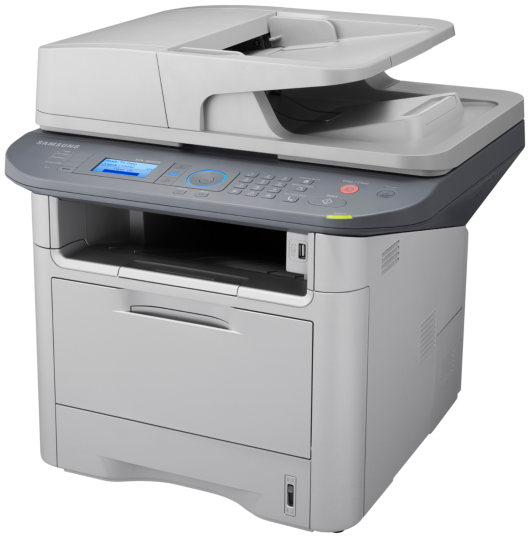



*** ALL TONERS AND SUPPLIES ARE IN STOCK AT DISCOUNTED PRICING , CALL +18882983095..
Printers do not include supplies - toners , drums (Imaging Units) (where applicable) , printer cables , manuals , consumables , trays (where applicable). Power cables are included. Drivers can be downloaded at www.hp.com. Please verify that drivers available are compatible with your software on HP’s site.
Images are for illustration purposes only and do not necessarily reflect the actual product.Product Details
Specifications
Accessories
Reviews
Product Details
Overview:
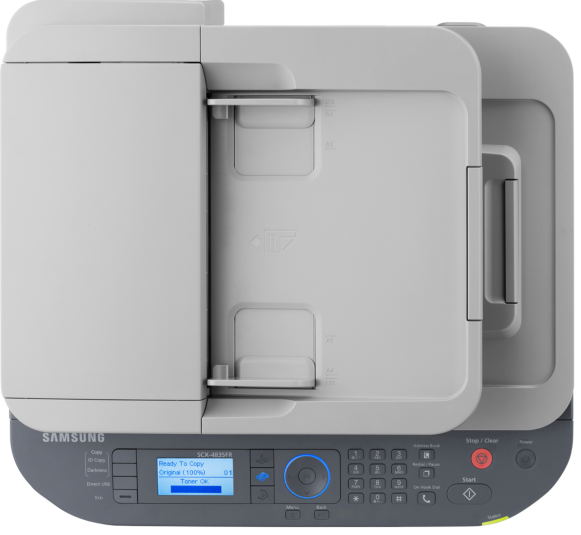
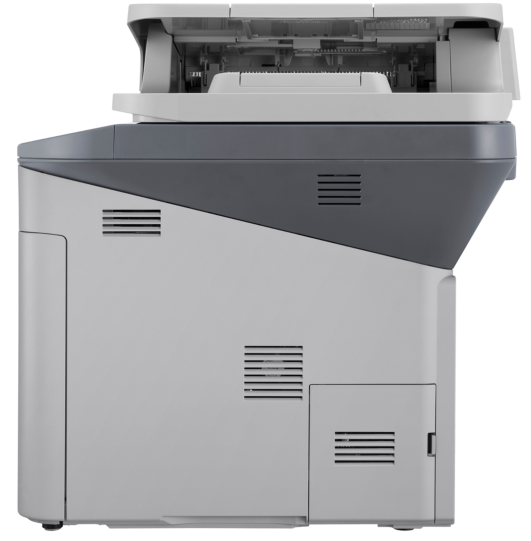
The Samsung SCX-4835FR increases your productivity with a print speed of 33 ppm in Letter. If its breathtakingly fast printing speed isn't enough, when you factor in the processing power that comes with an 600 MHz Dual Core processor, fast network and memory expandable up to 768 MB, there's no doubting the high-octane performance the SCX4835FR can bring to any office.
Specifications
General Specifications
| Copy | |
| Copy Speed | Up to 31 cpm in A4 (33 ppm in Letter) |
| Copy Resolution | Up to 1,200 x 1,200 dpi effective output |
| First Copy Out Time (Mono) | 12 sec |
| Zoom Rate | 25 - 400% for Platen, 25 - 100% for ADF |
| Multi Copy | 1 - 99 pages |
| Standard Duplex Copy | (1 : 1, 1 : 2, 2 : 1, 2 : 2) |
| ID Copy | 2-up, 4-up, Poster Copy, Clone Copy, Collation Copy, Auto-fit |
|
|
|
| Speed (Mono) | Up to 31 ppm in A4 (33 ppm in Letter) |
| First Print Out Time (Mono) | As fast as 6.5 sec |
| Print Resolution | Up to 1,200 x 1,200 dpi Effective Output |
| Duplex Print | Yes |
|
Scan |
|
| Scan Function | Compatibility with TWAIN Standard, WIA Standard |
| Color | CIS Scanner |
| Resolution (Optical) | 1200 x 1200 dpi |
| Scan Resolution (Enhanced) | Up to 4,800 X 4,800 dpi |
Accessories

Reviews


Use a lightly dampened cloth to clean the outside of your laser printer. To clean the inside, use a dry, lint-free cloth to make sure that no liquid enters the inner parts of the printer.
Set your printer to maximum dpi setting to obtain the best image quality.
Printer not working? Check that the ink and toner are there and properly filled.
MY ACCOUNT
INFO & POLICIES
SHOP EASY
PAYMENT OPTIONS



